
How Momentum fits together
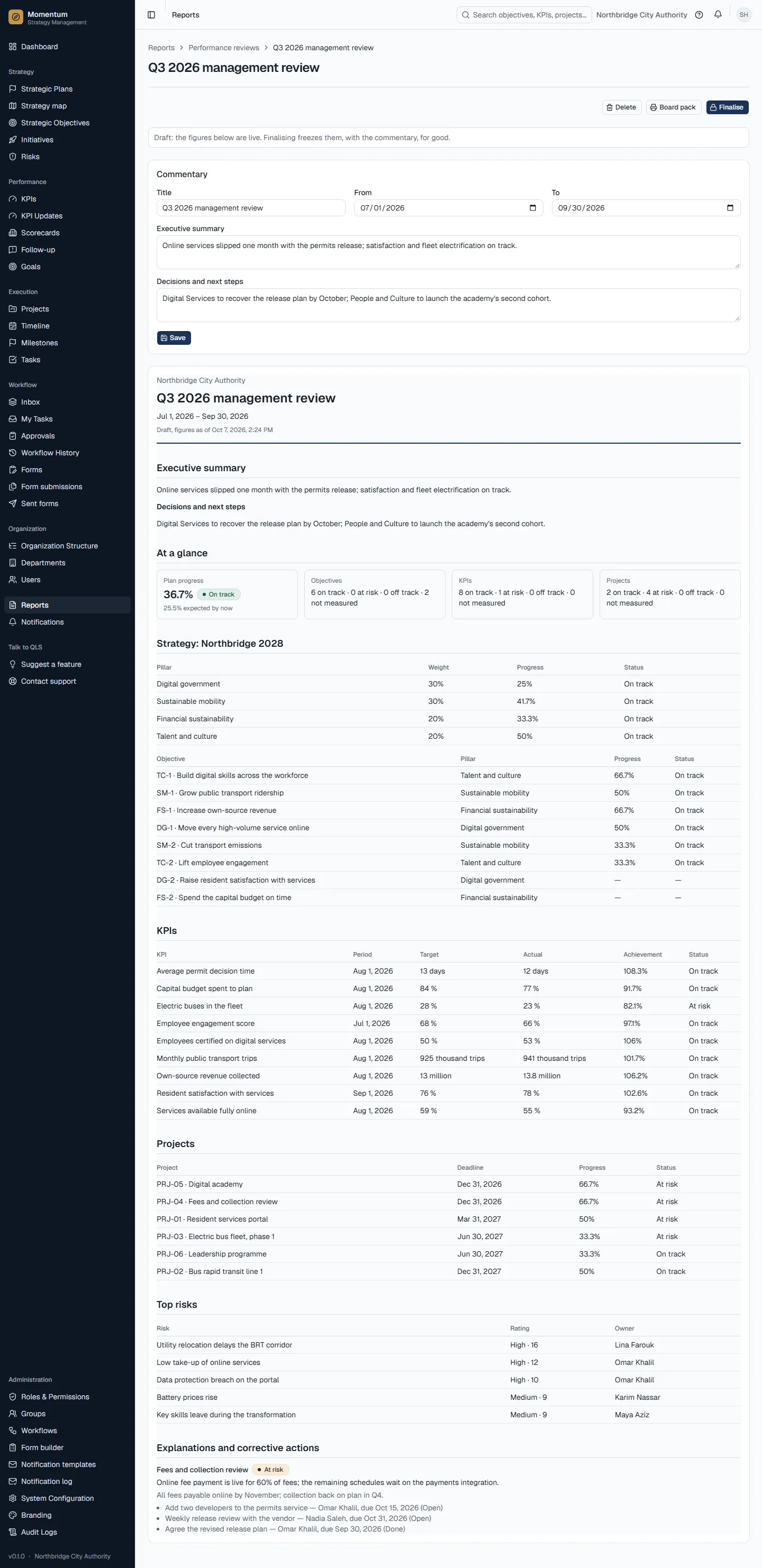
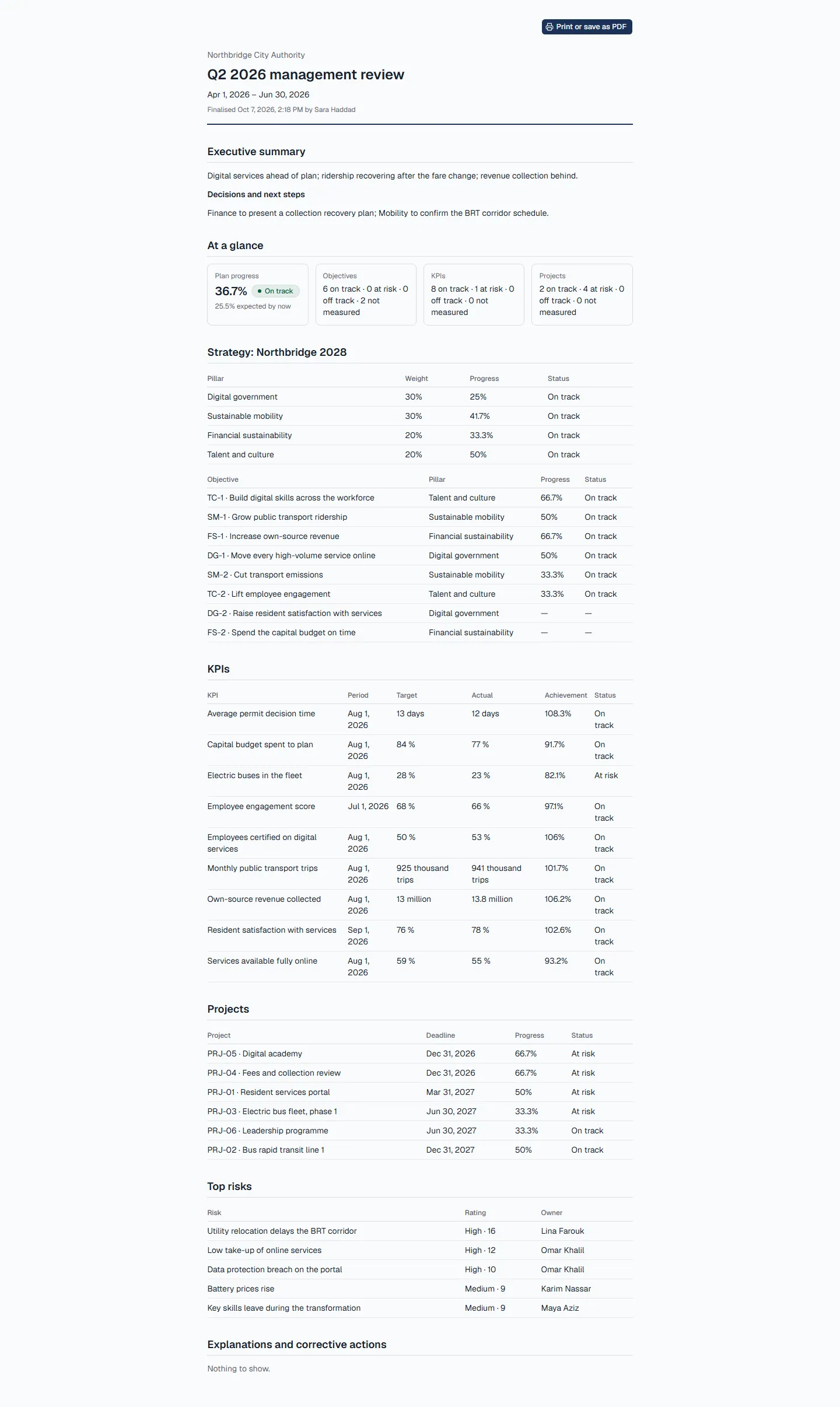
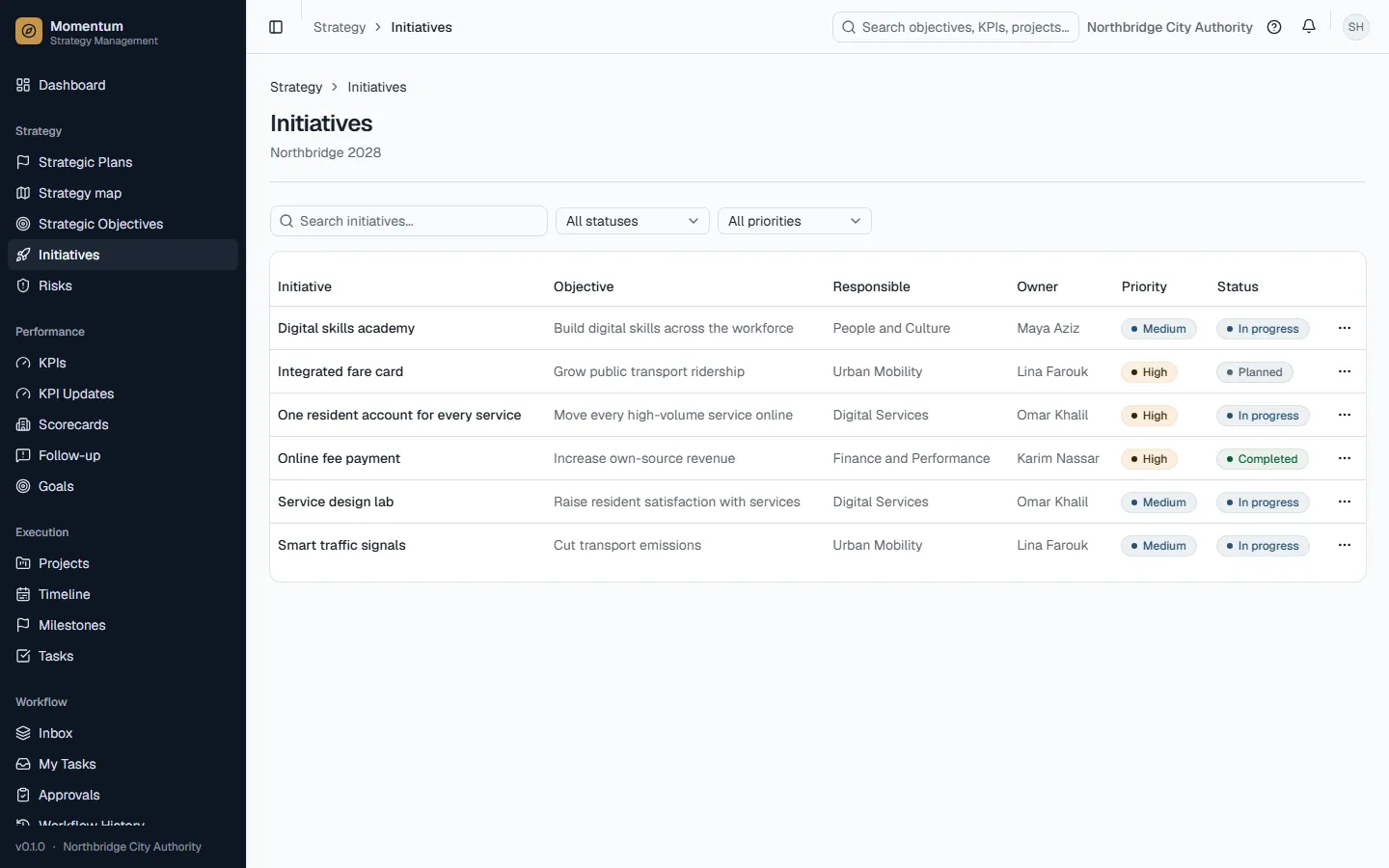
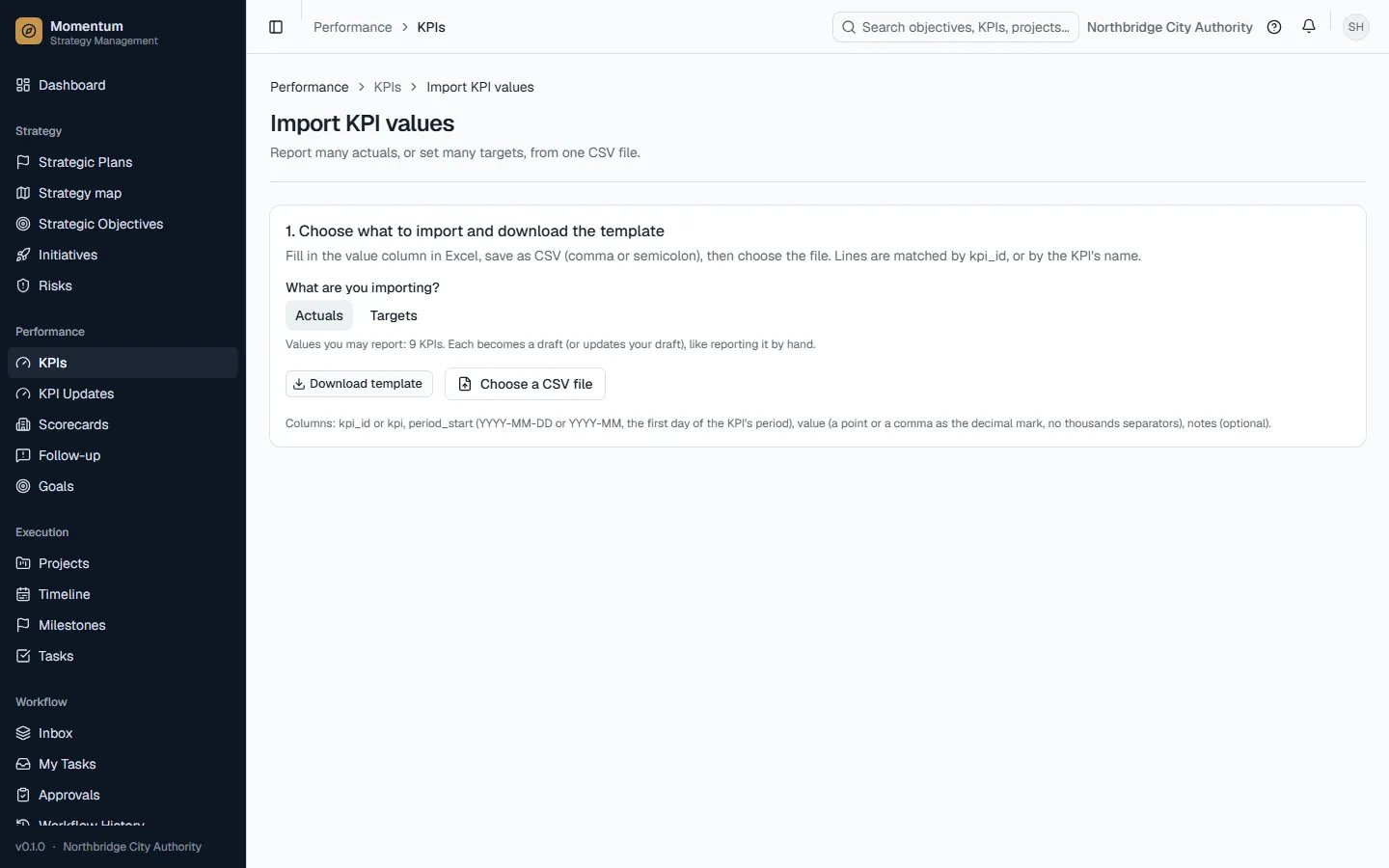
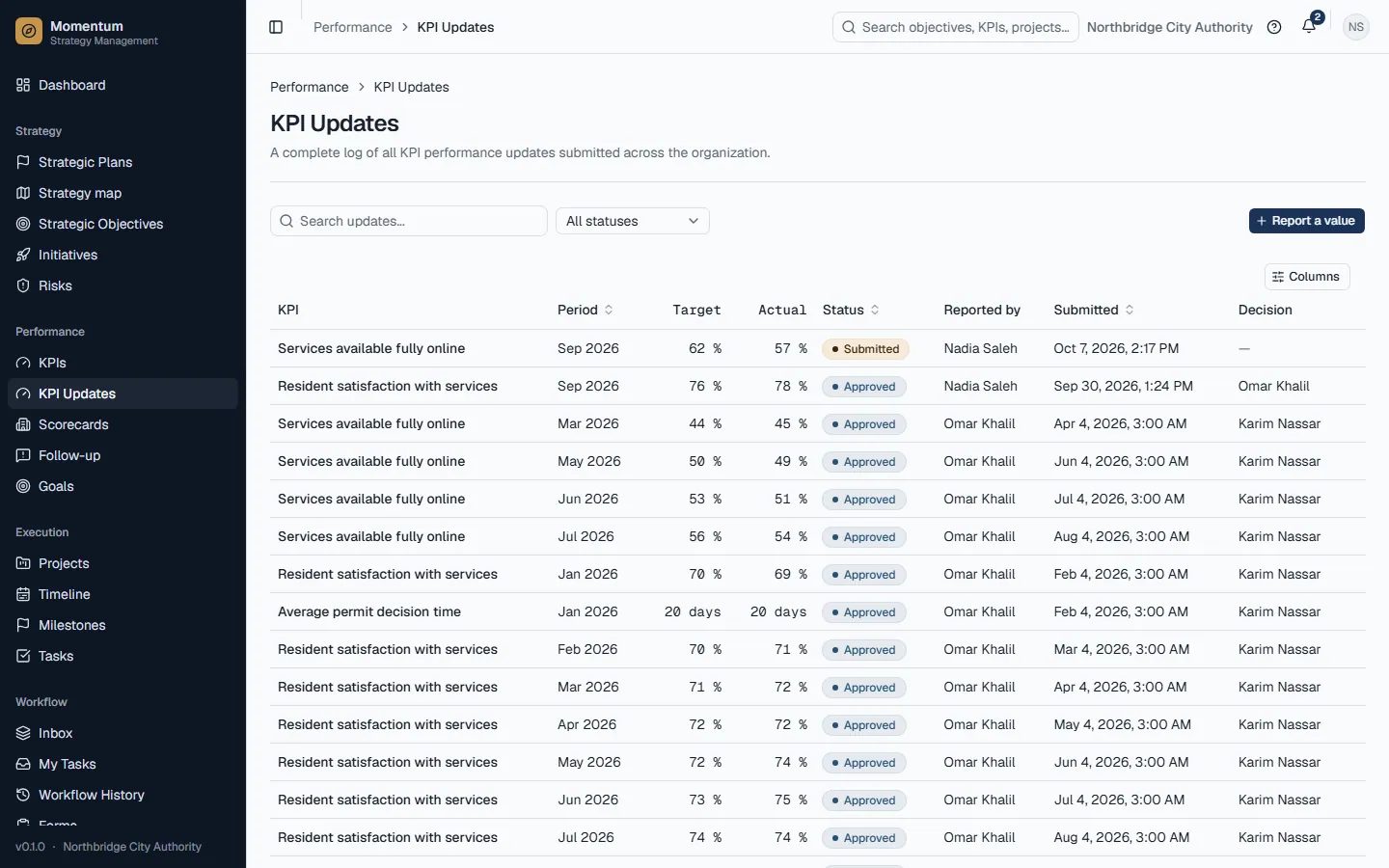
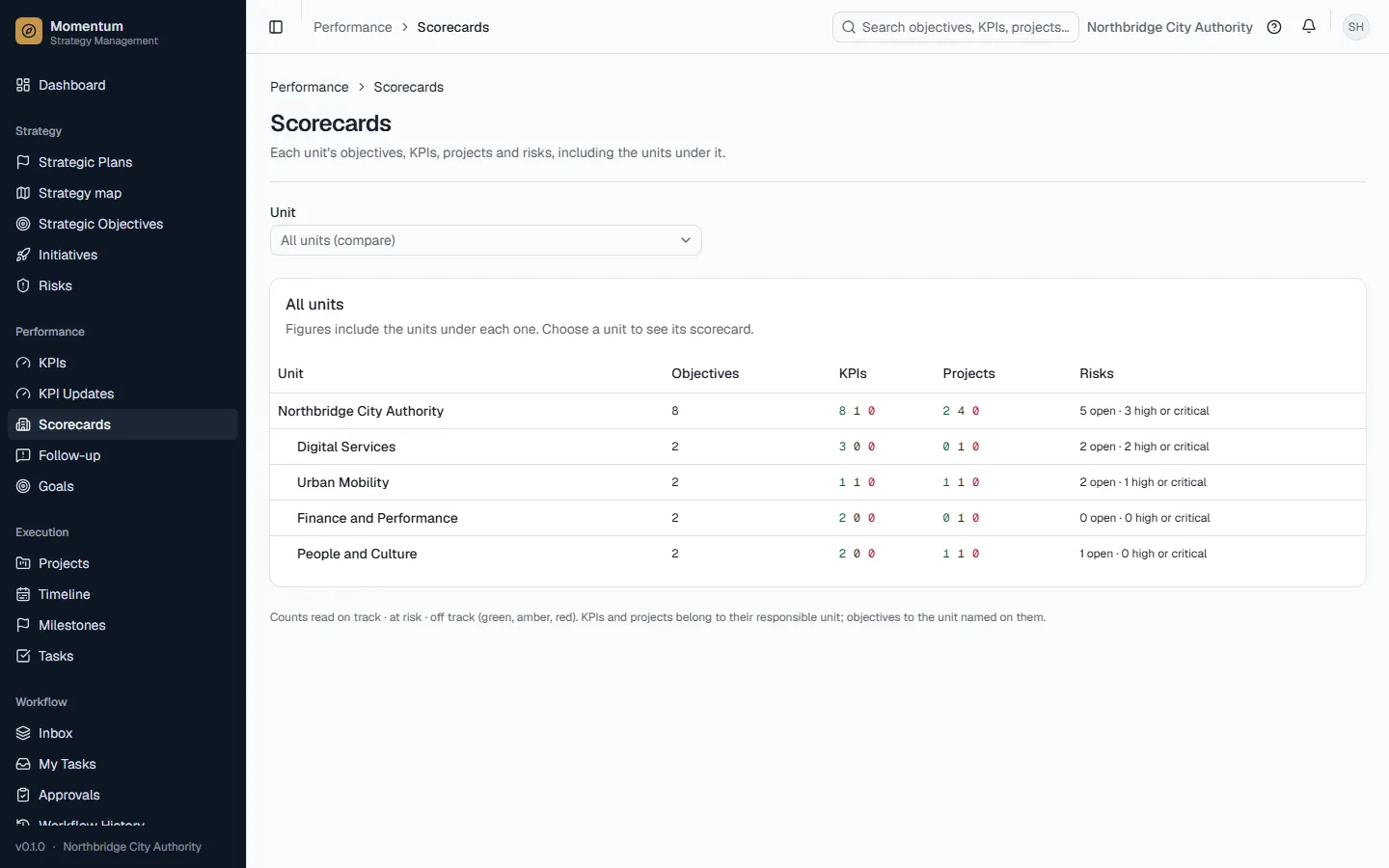
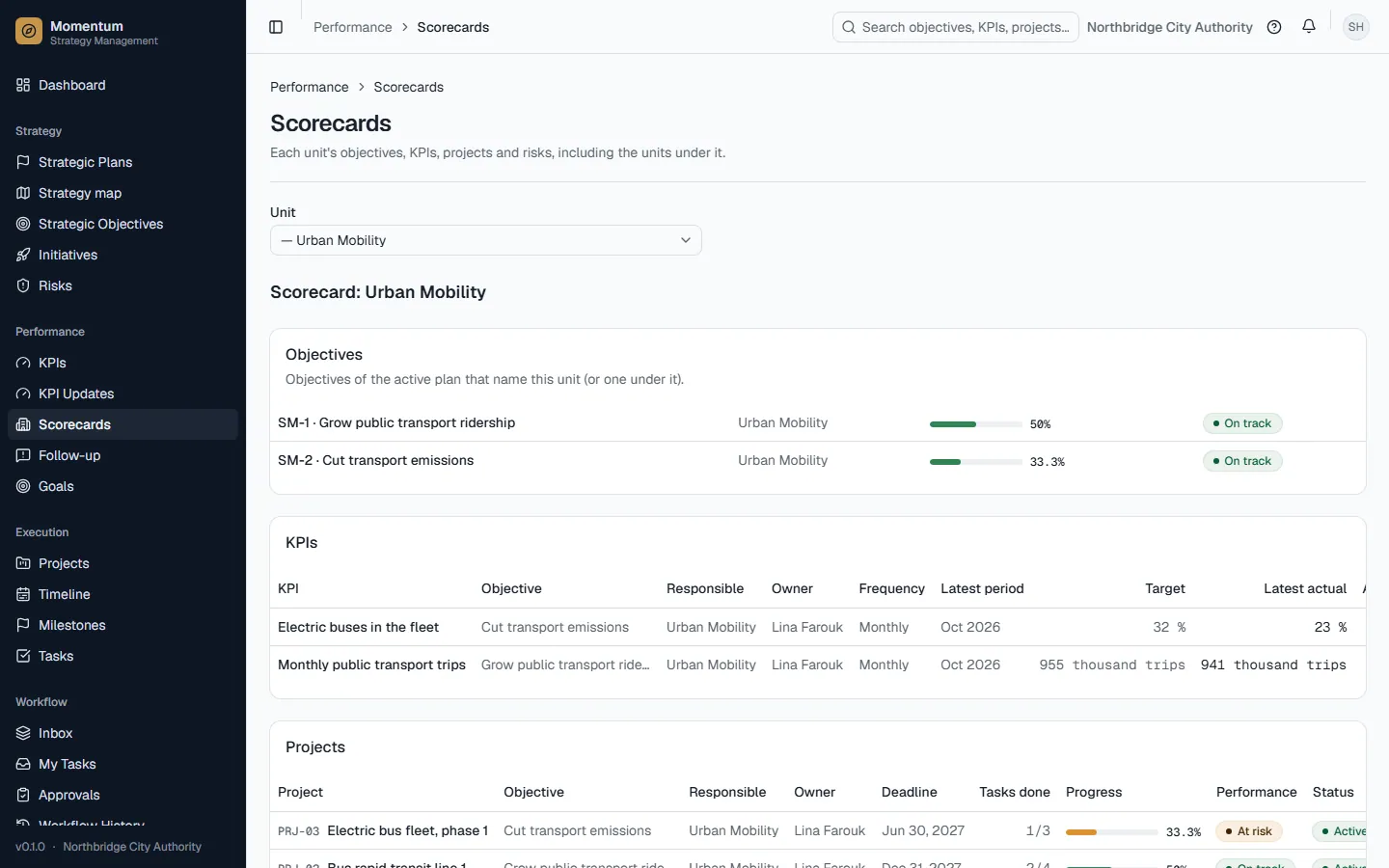
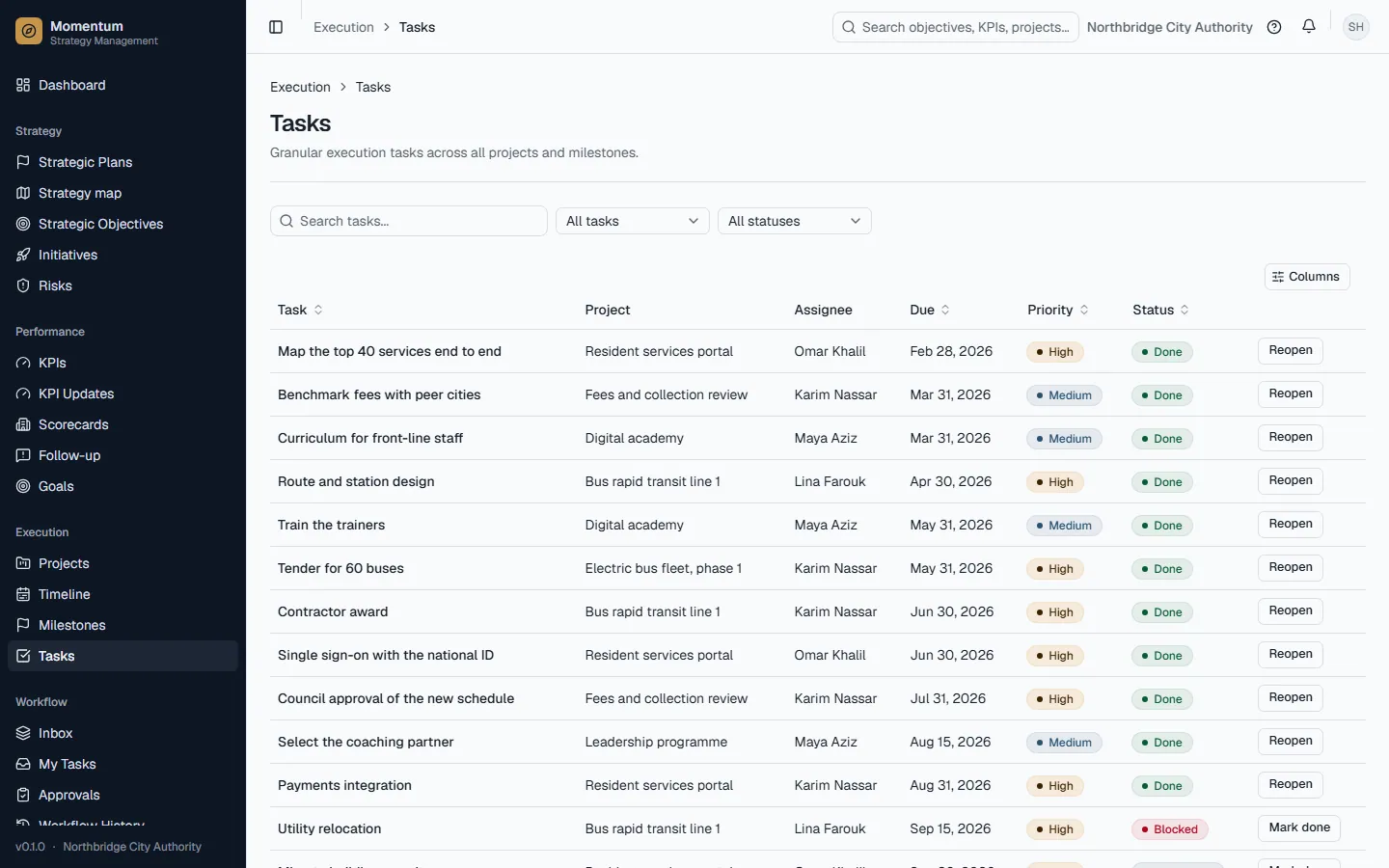
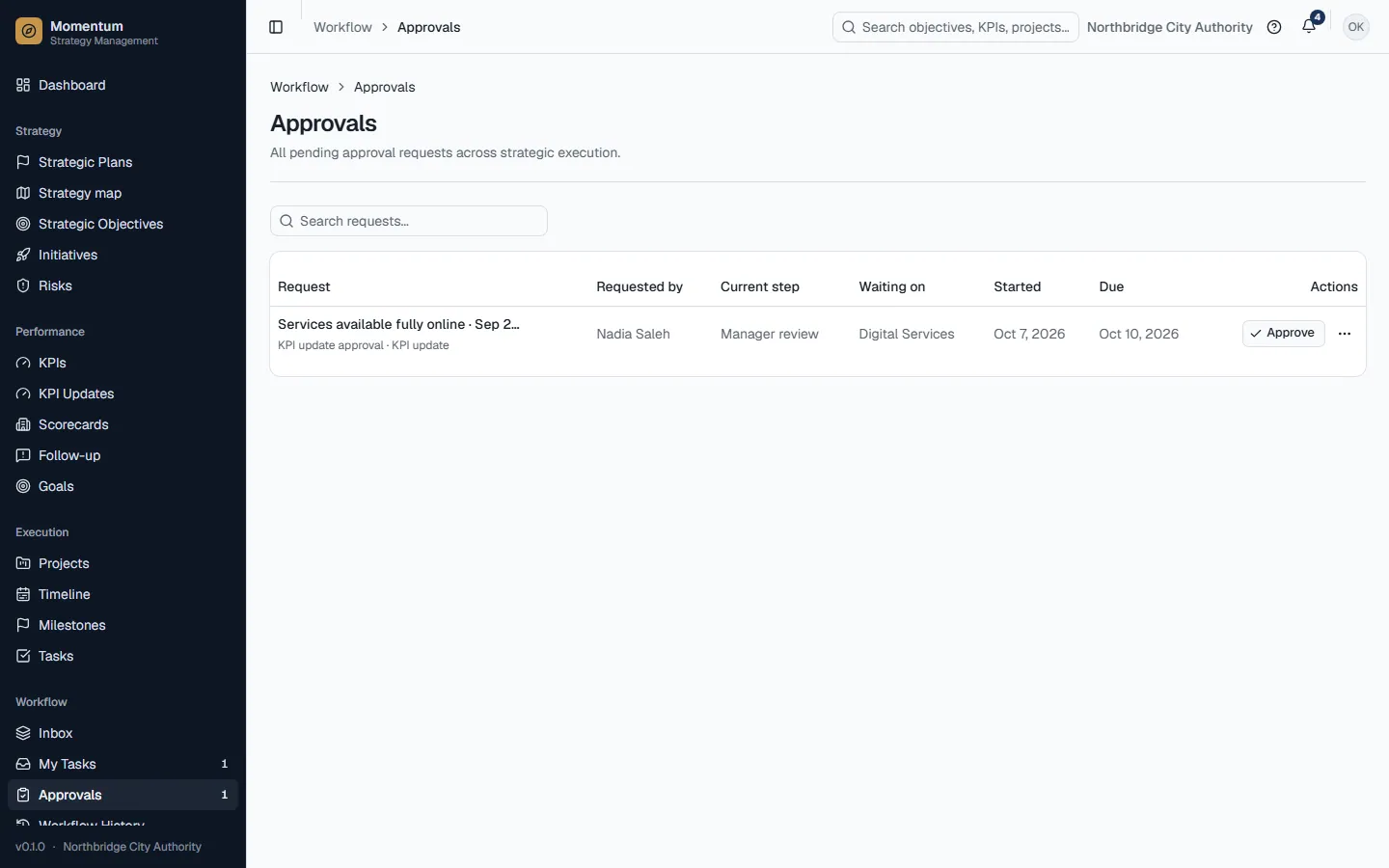
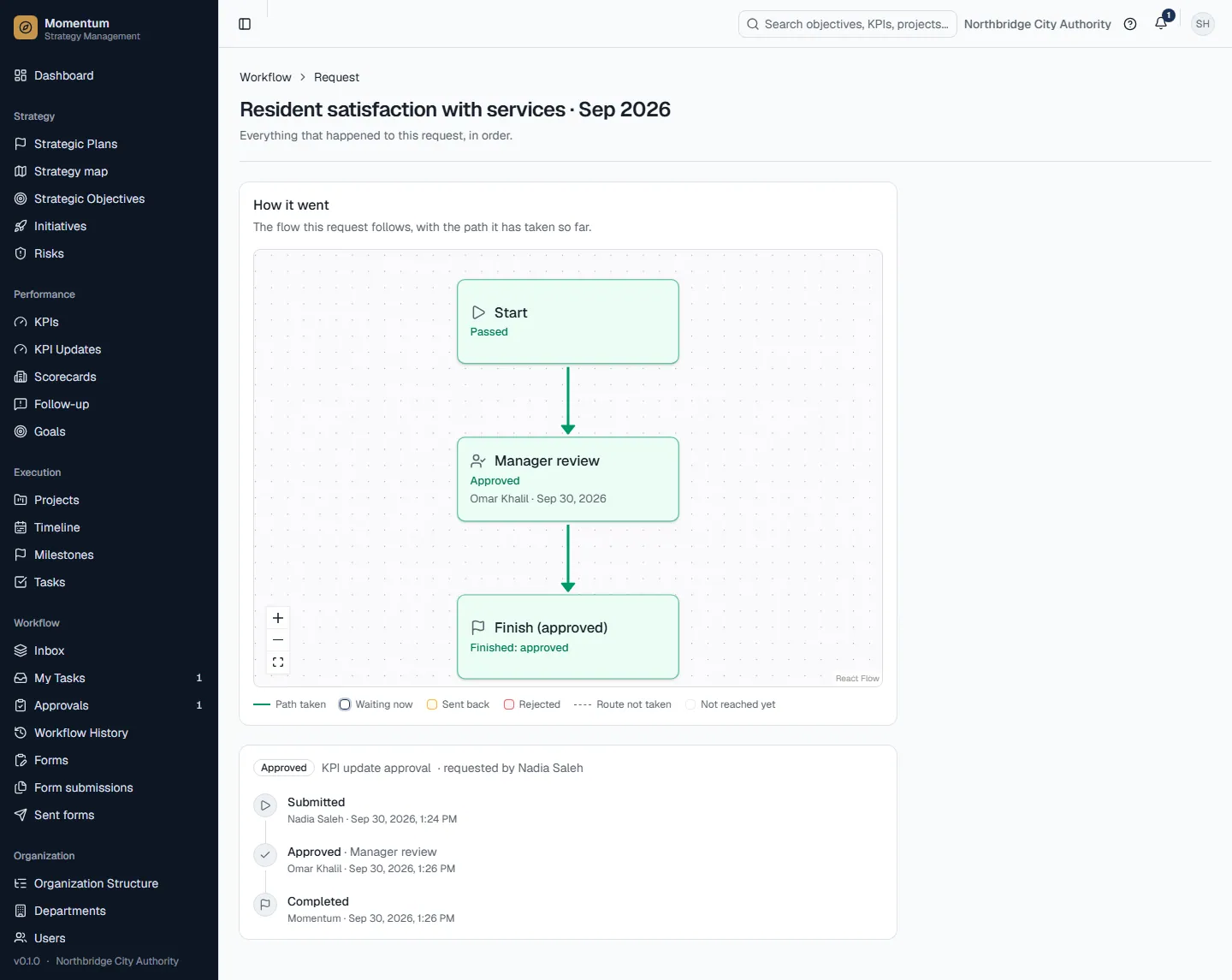
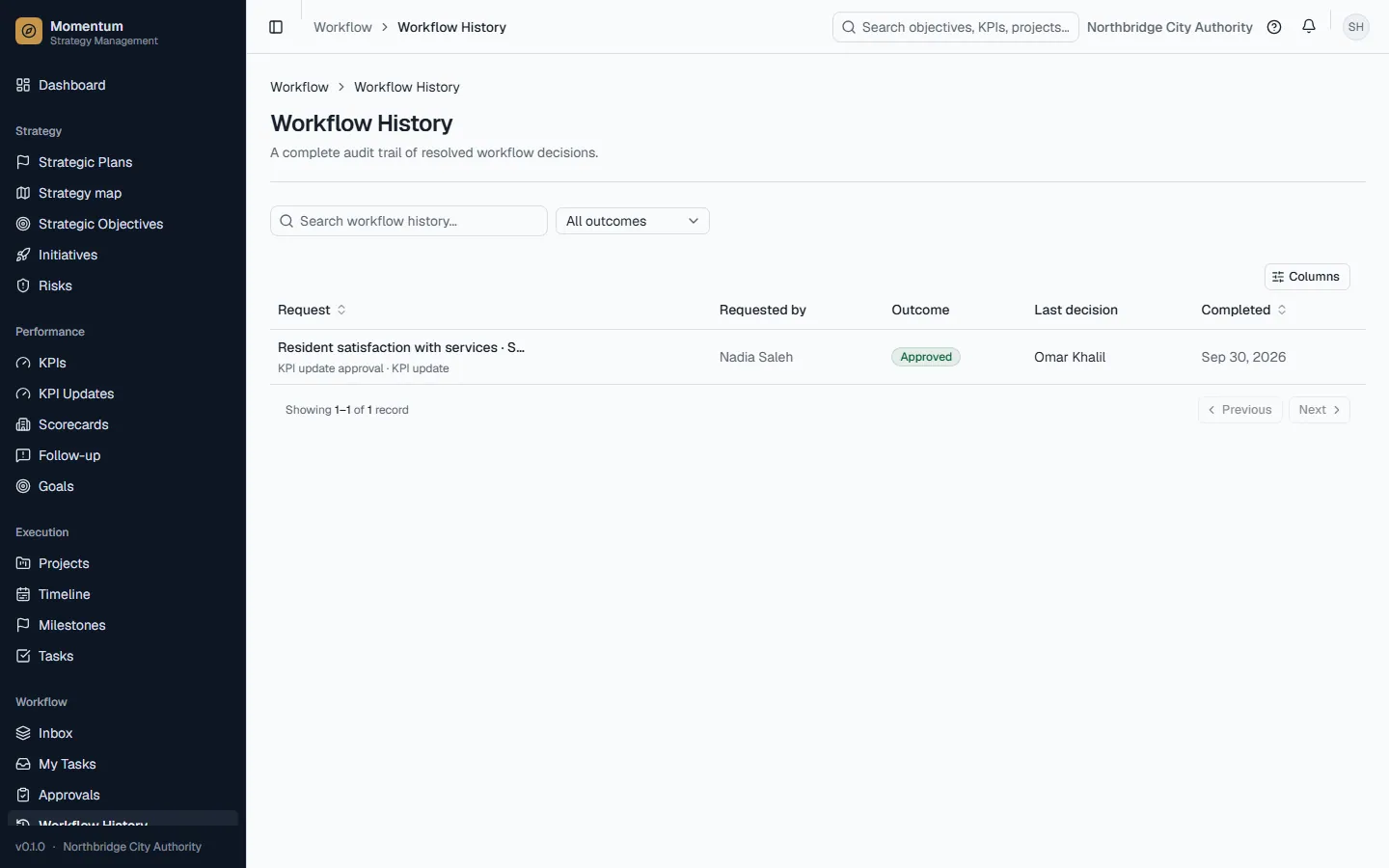
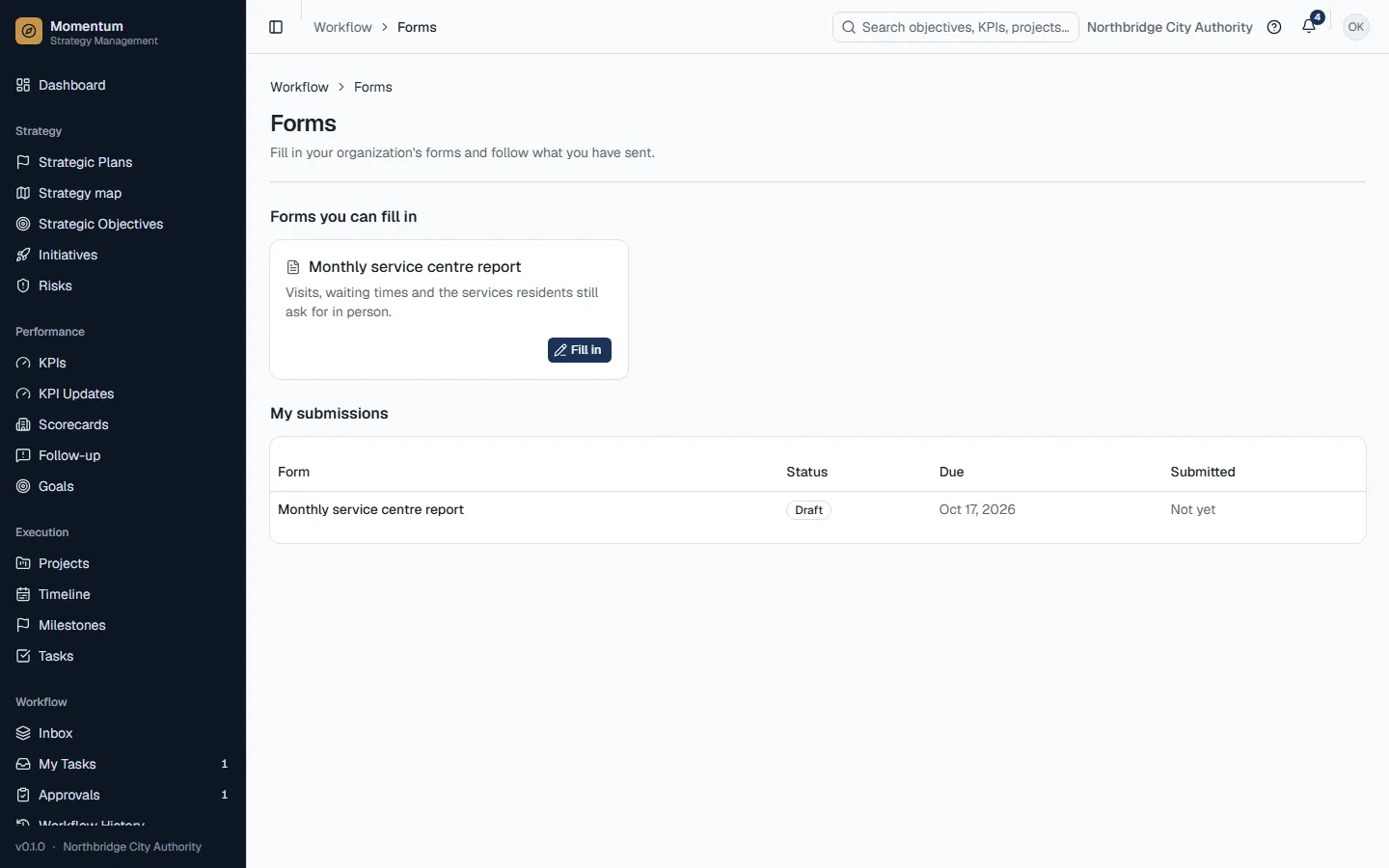
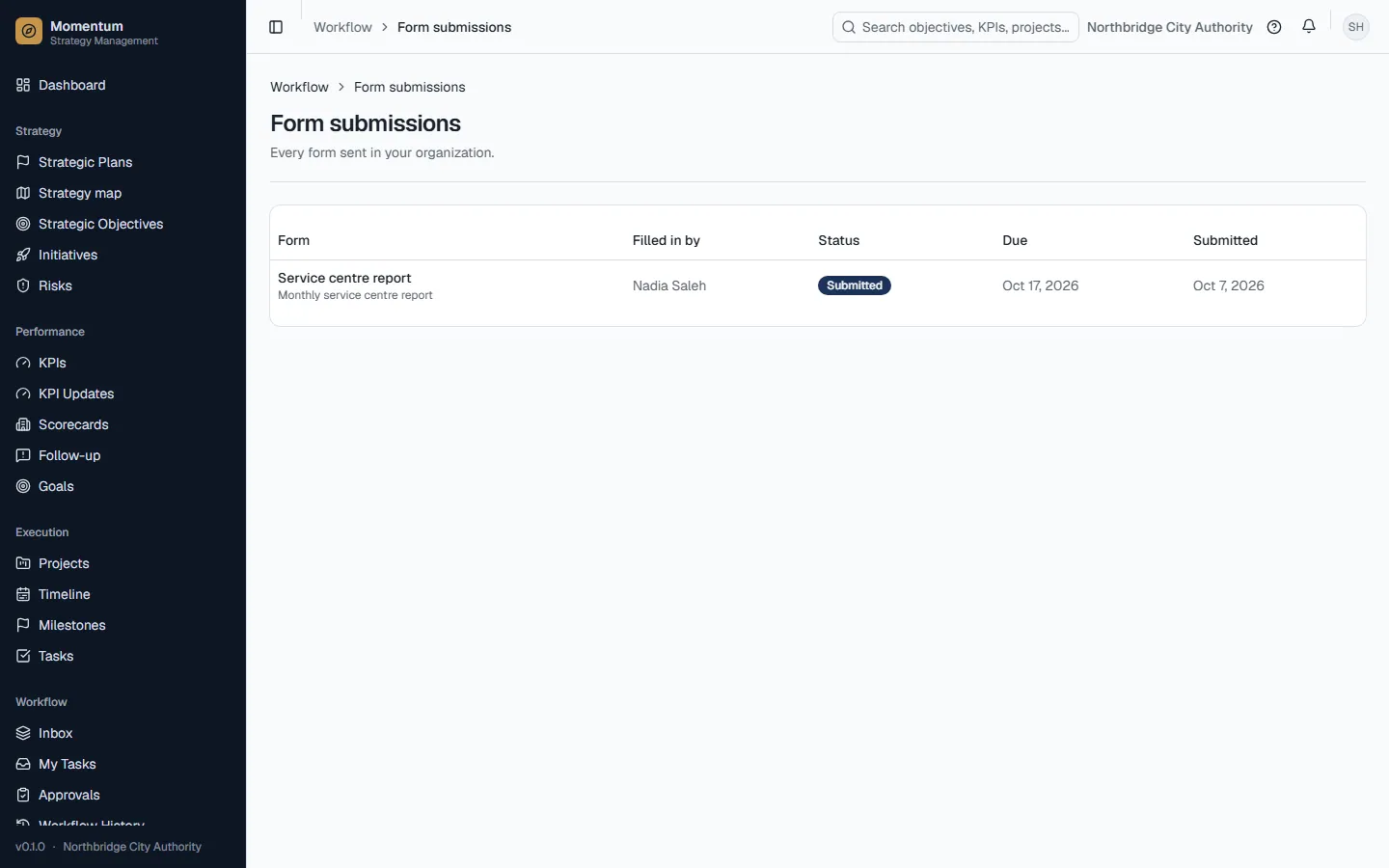
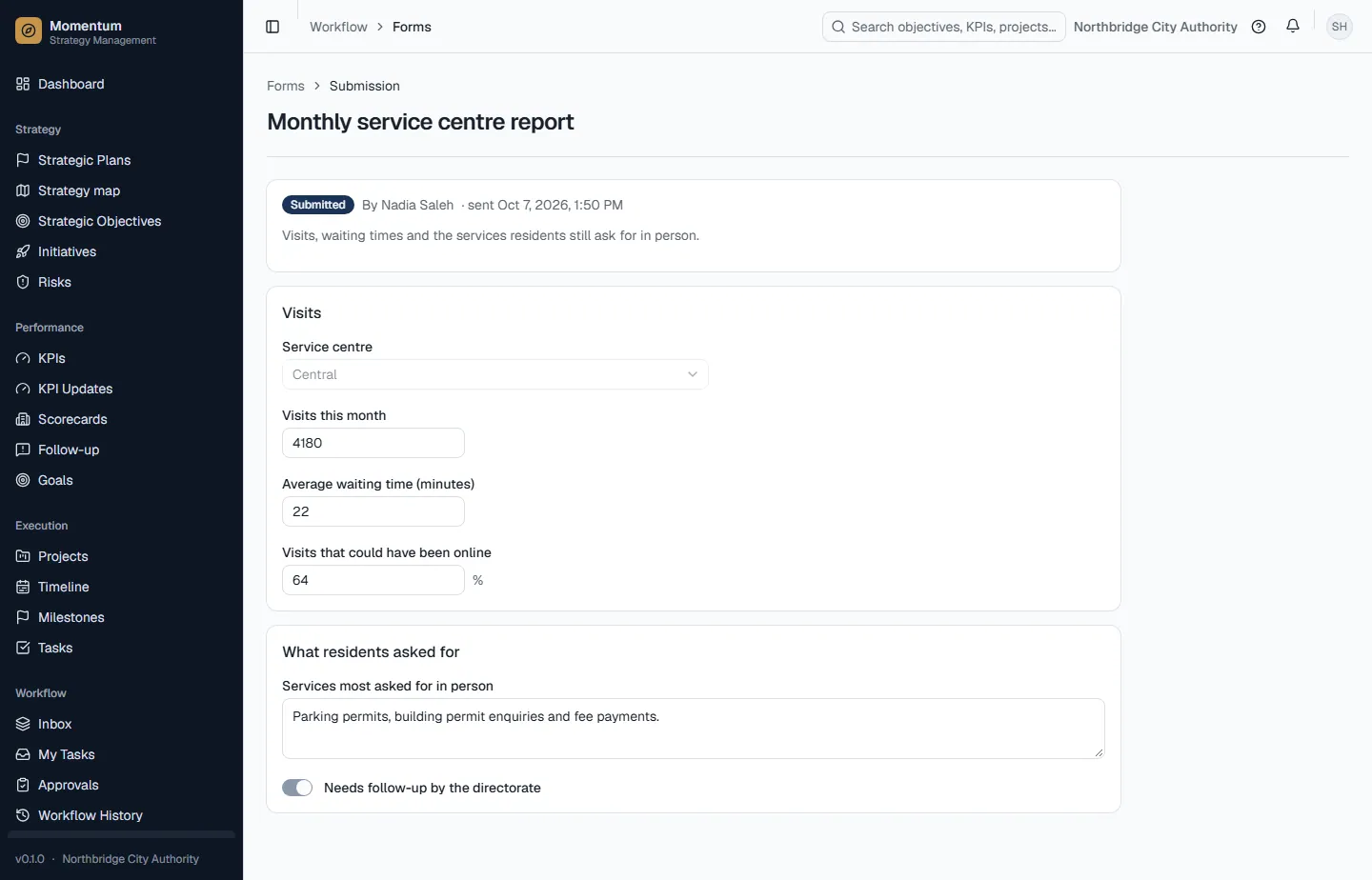
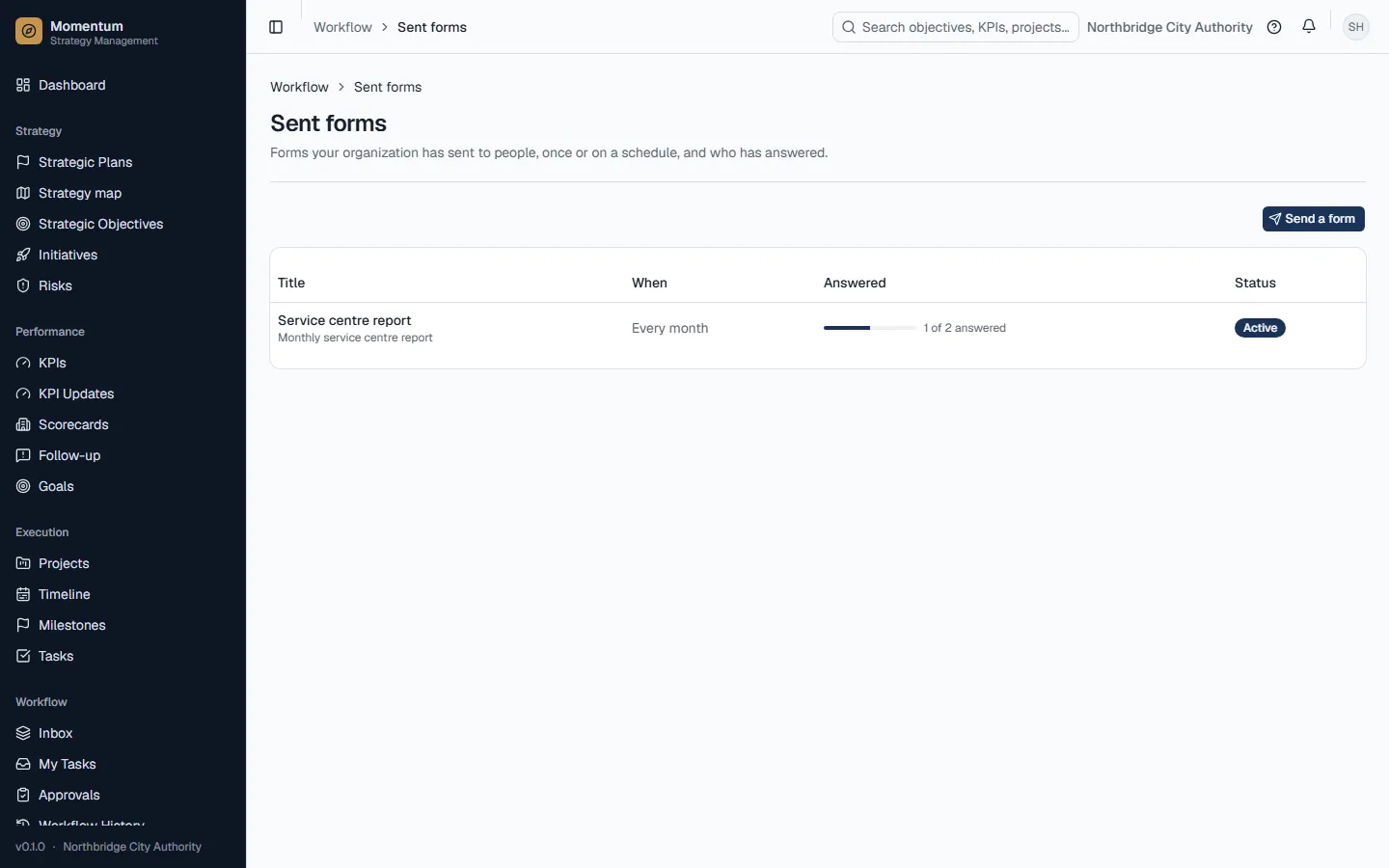
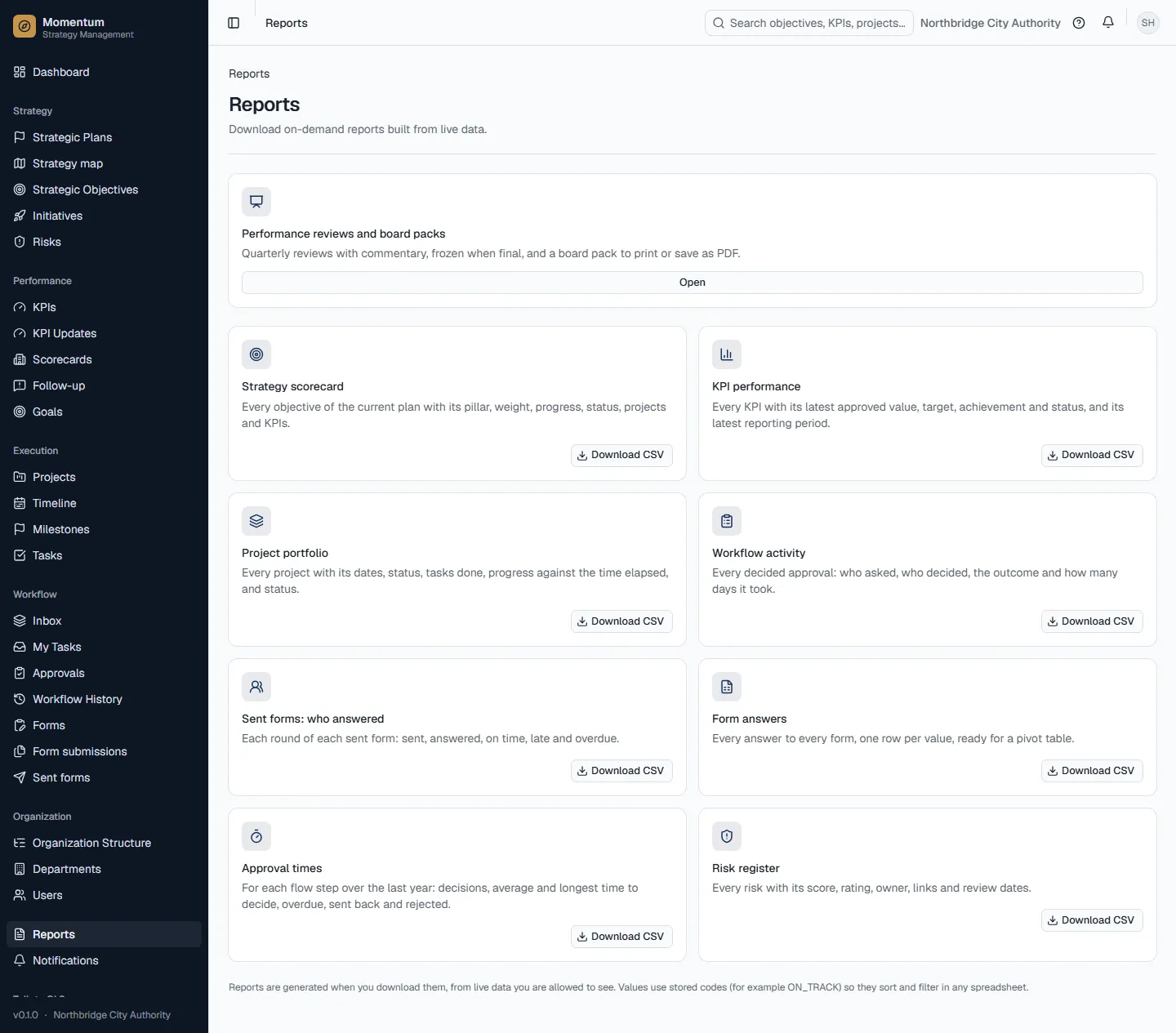
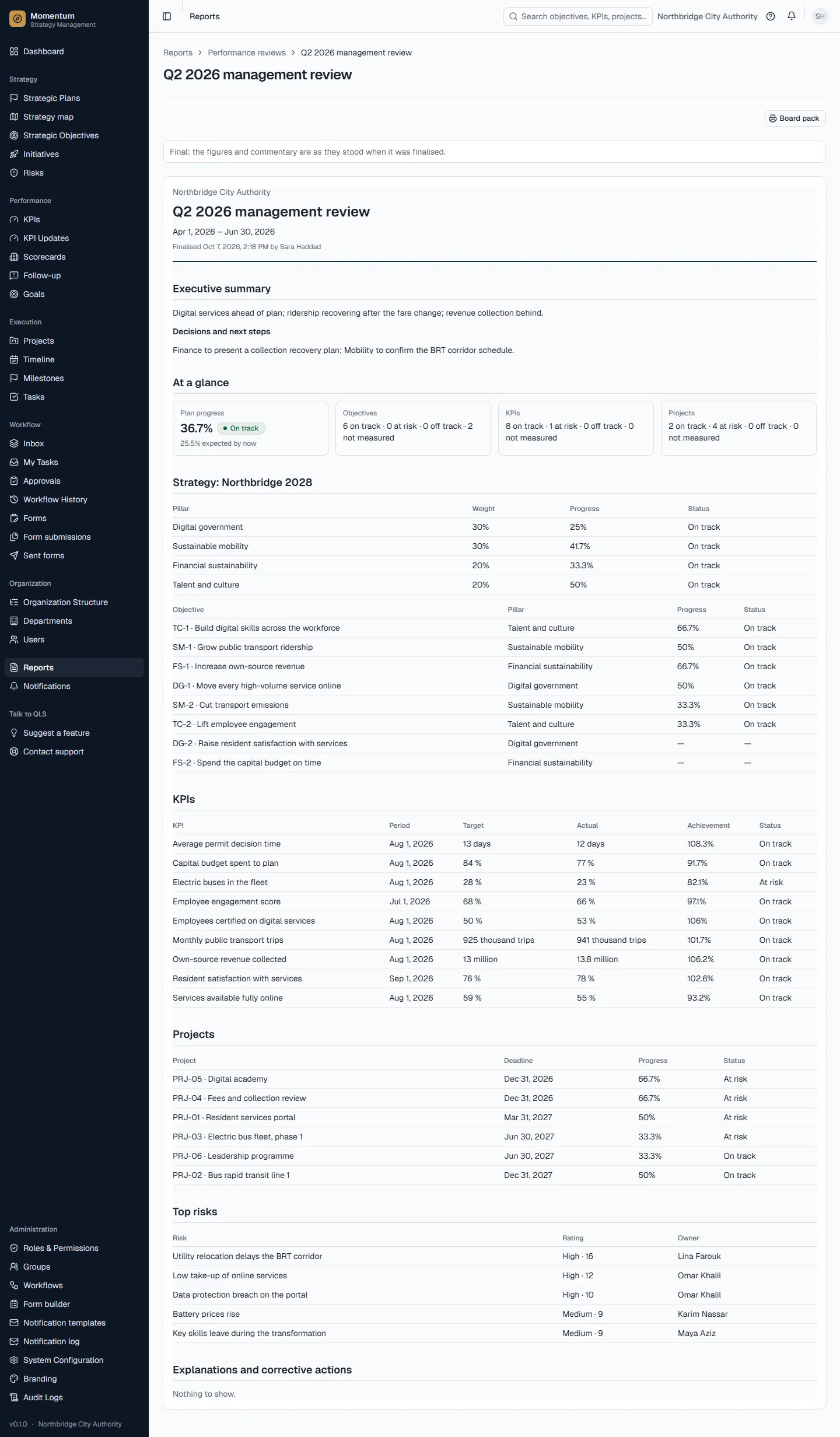
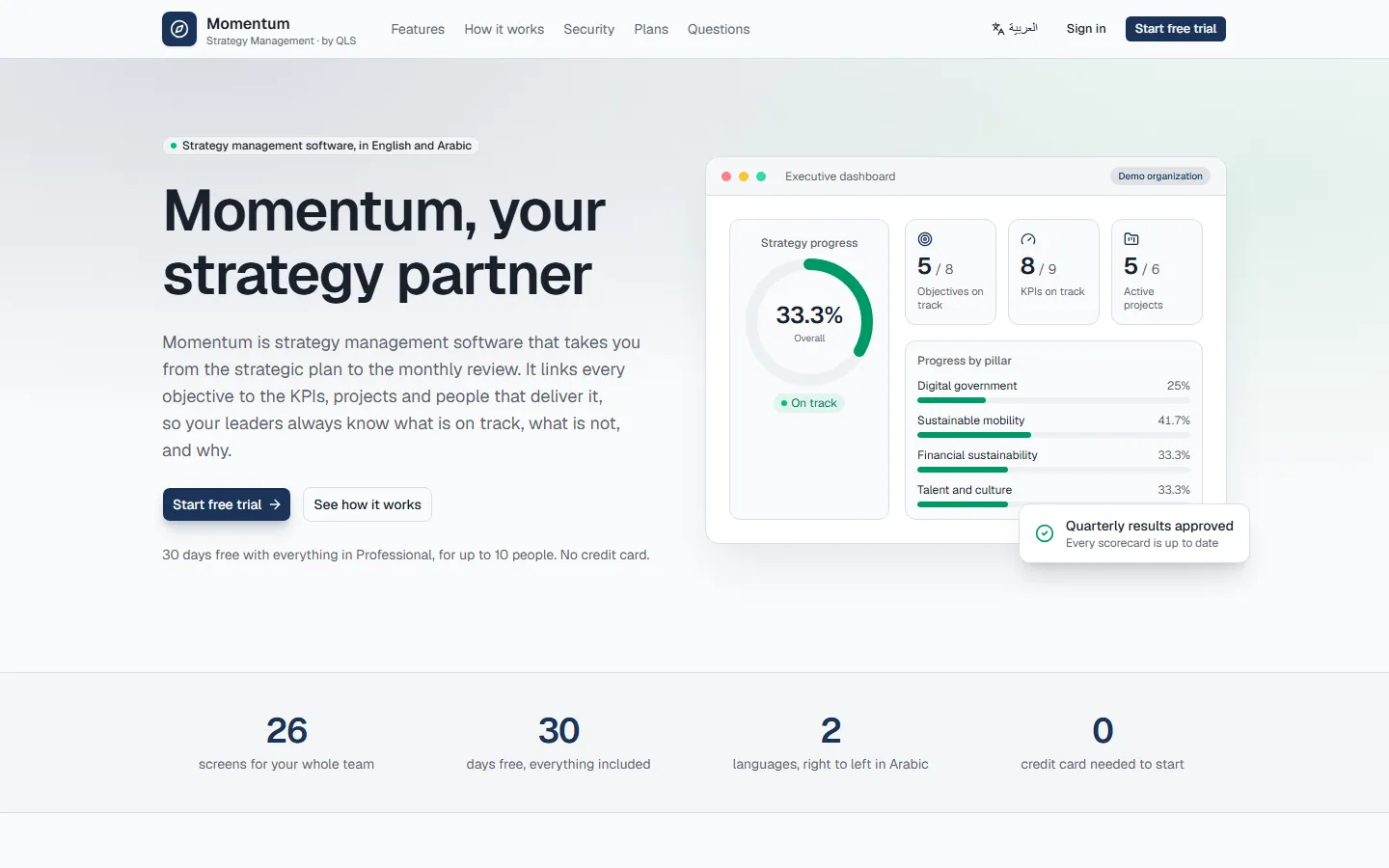
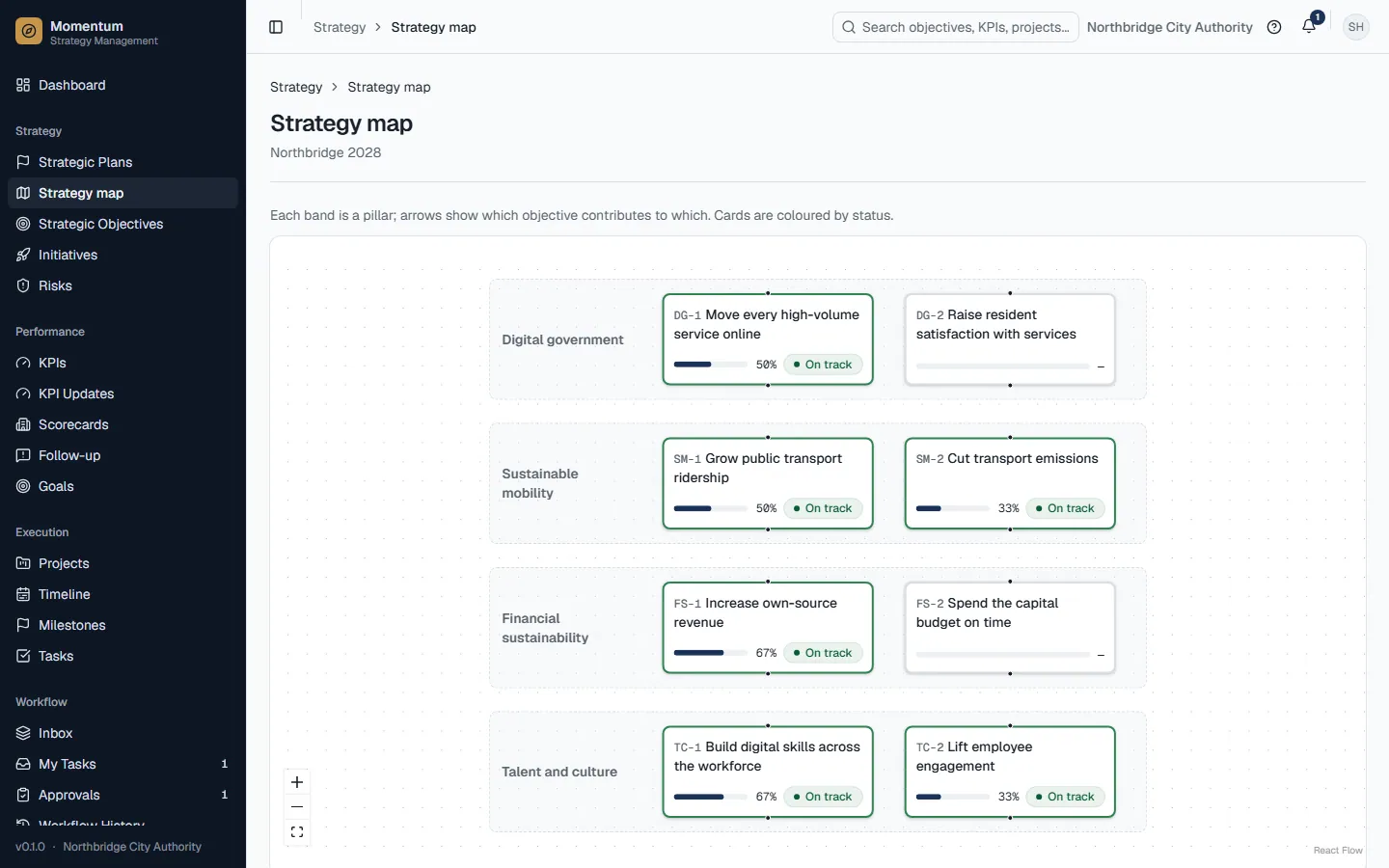
Momentum turns a strategic plan into measurable work. The plan sets pillars and objectives; KPIs measure results; projects and their tasks deliver the work; approvals, forms and reports keep everyone accountable.
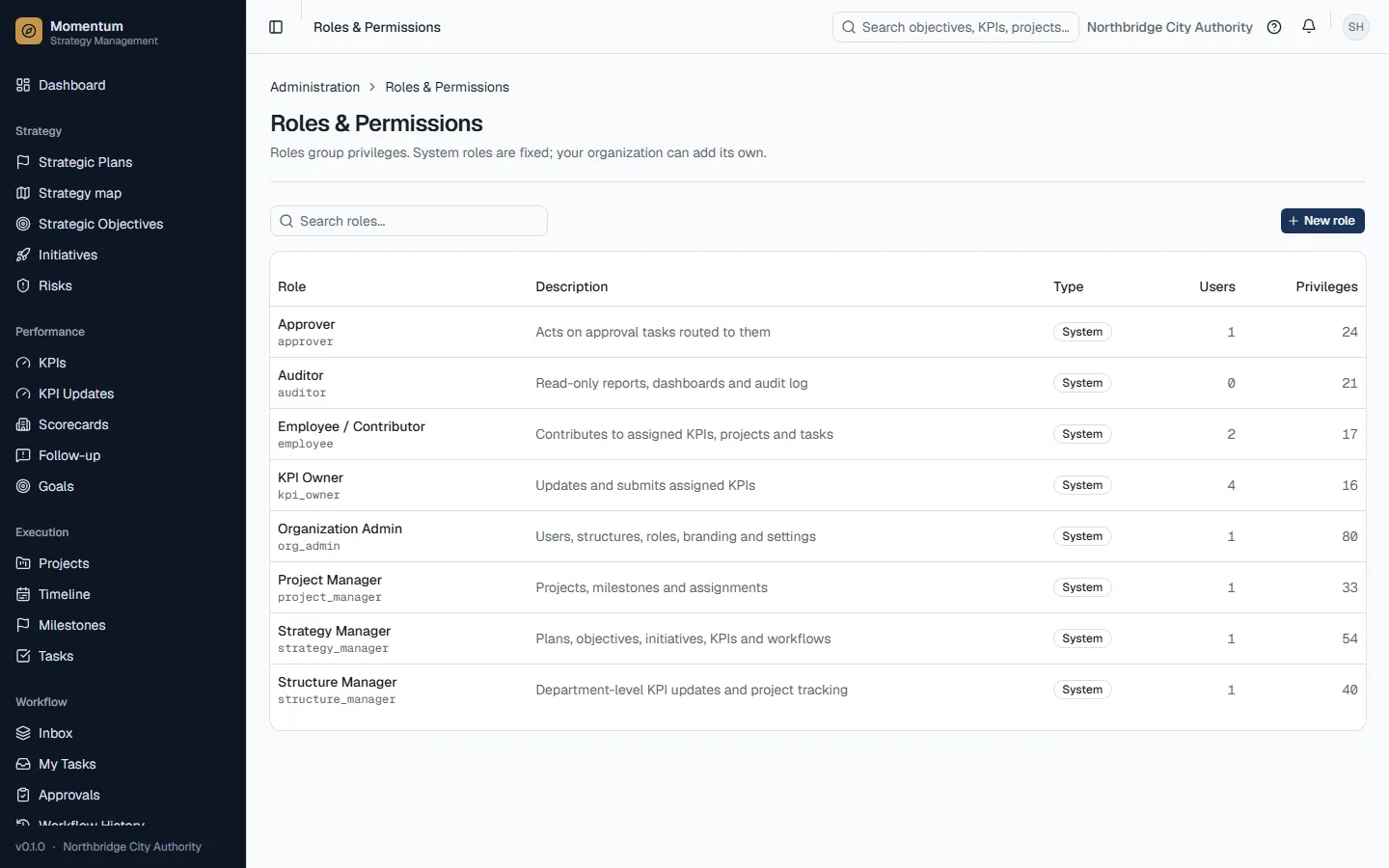
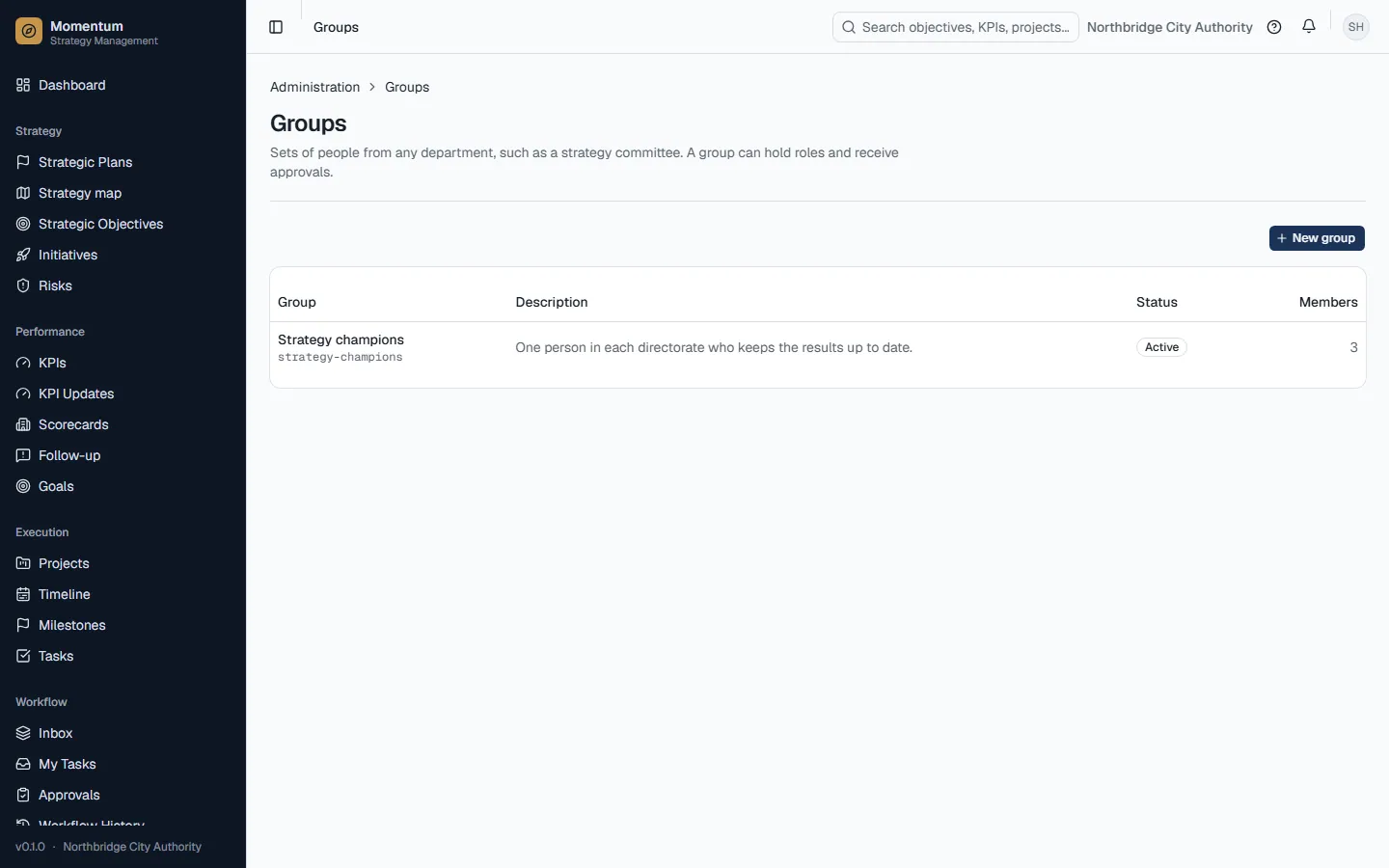
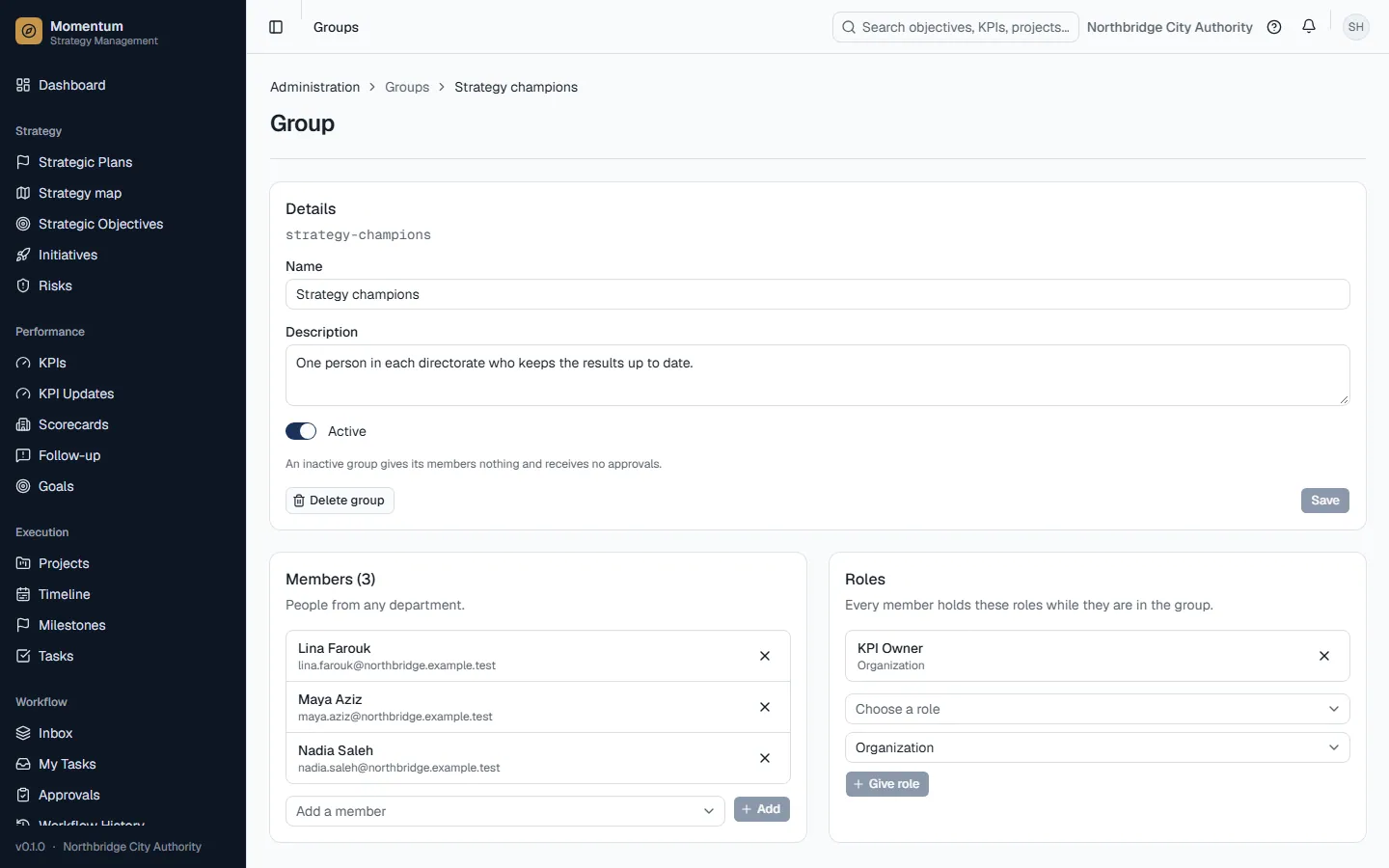
Who uses it: Everyone. What you see depends on your roles: the sidebar only lists the screens your roles open, and so does this guide.
How to use it
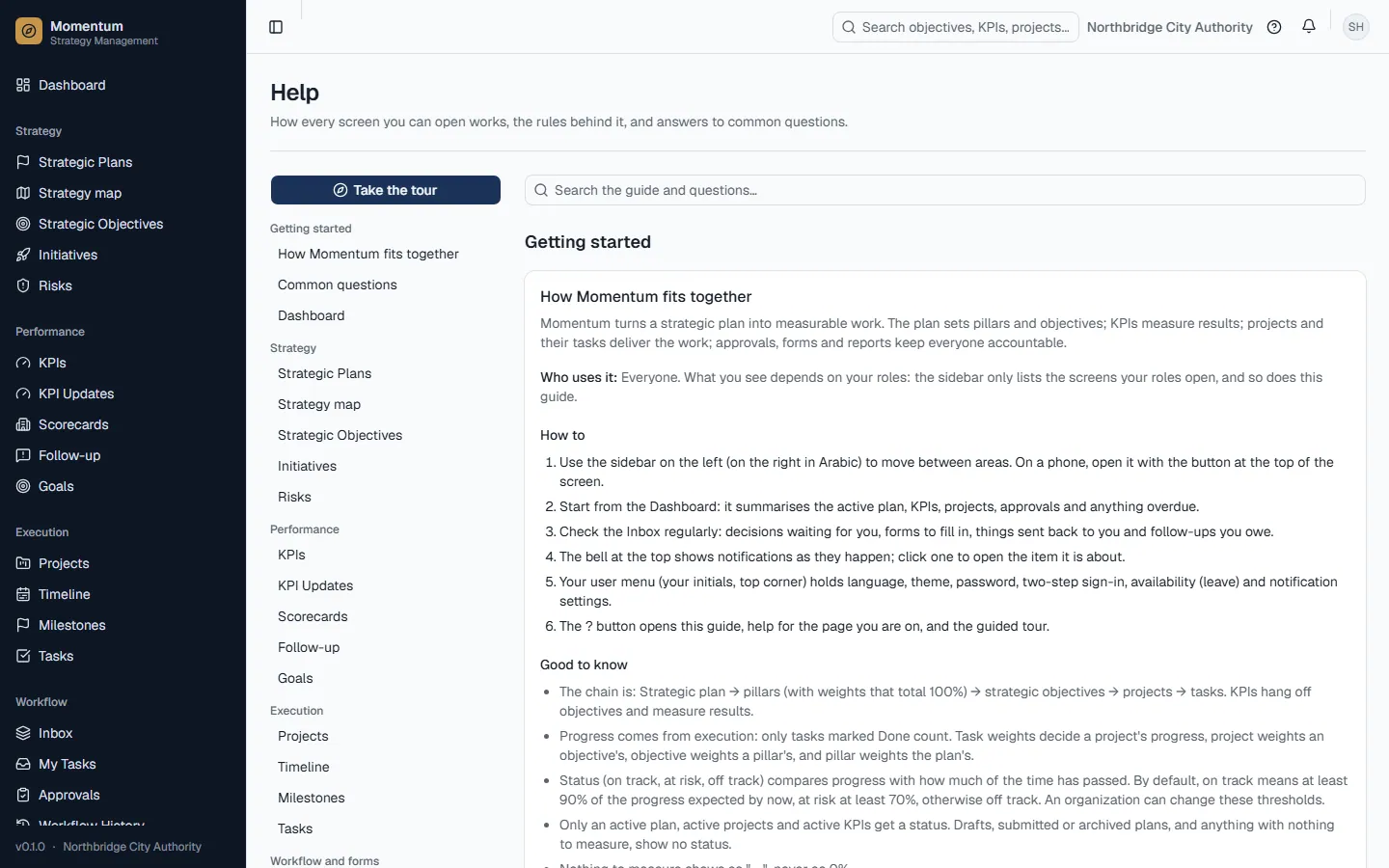
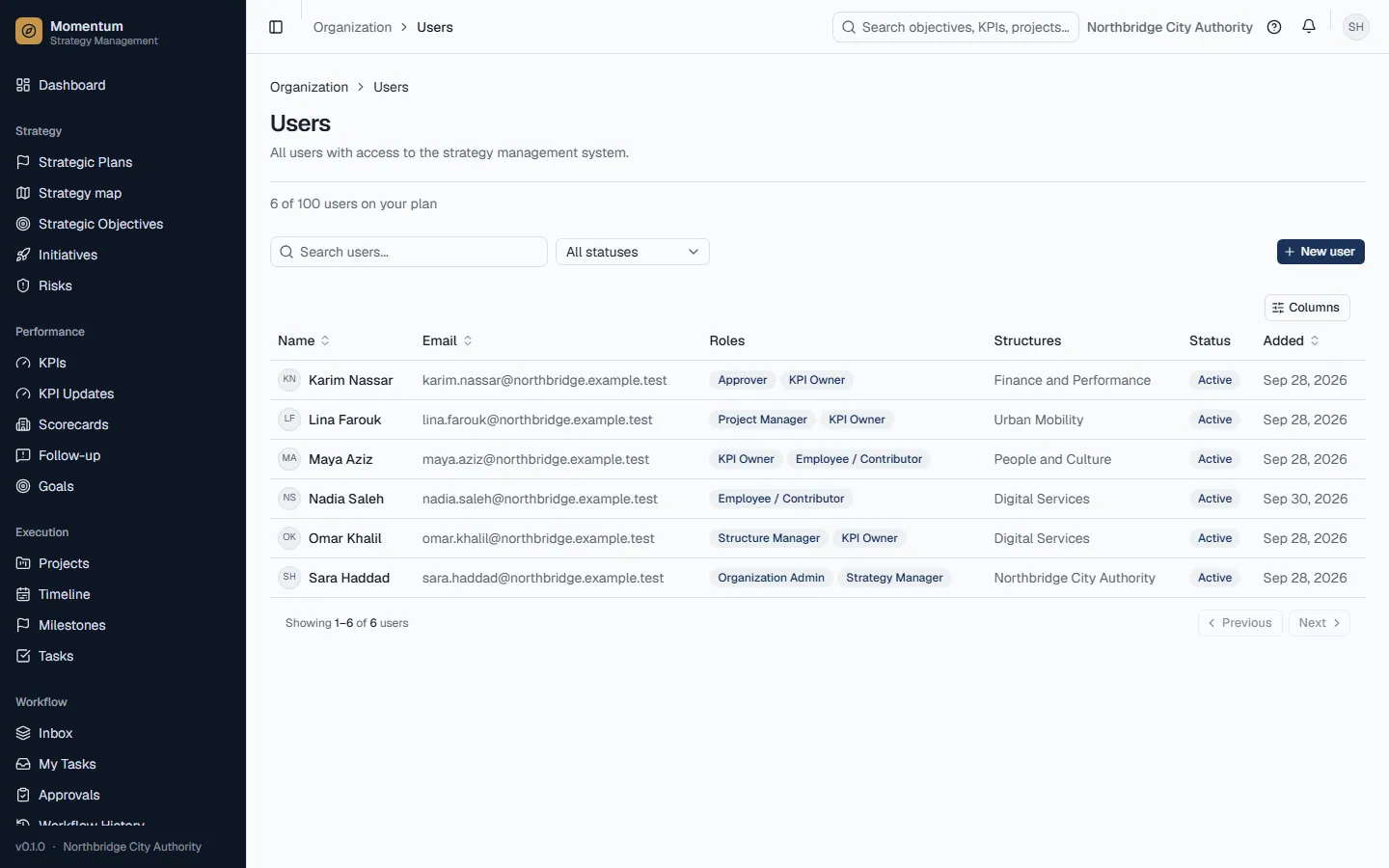
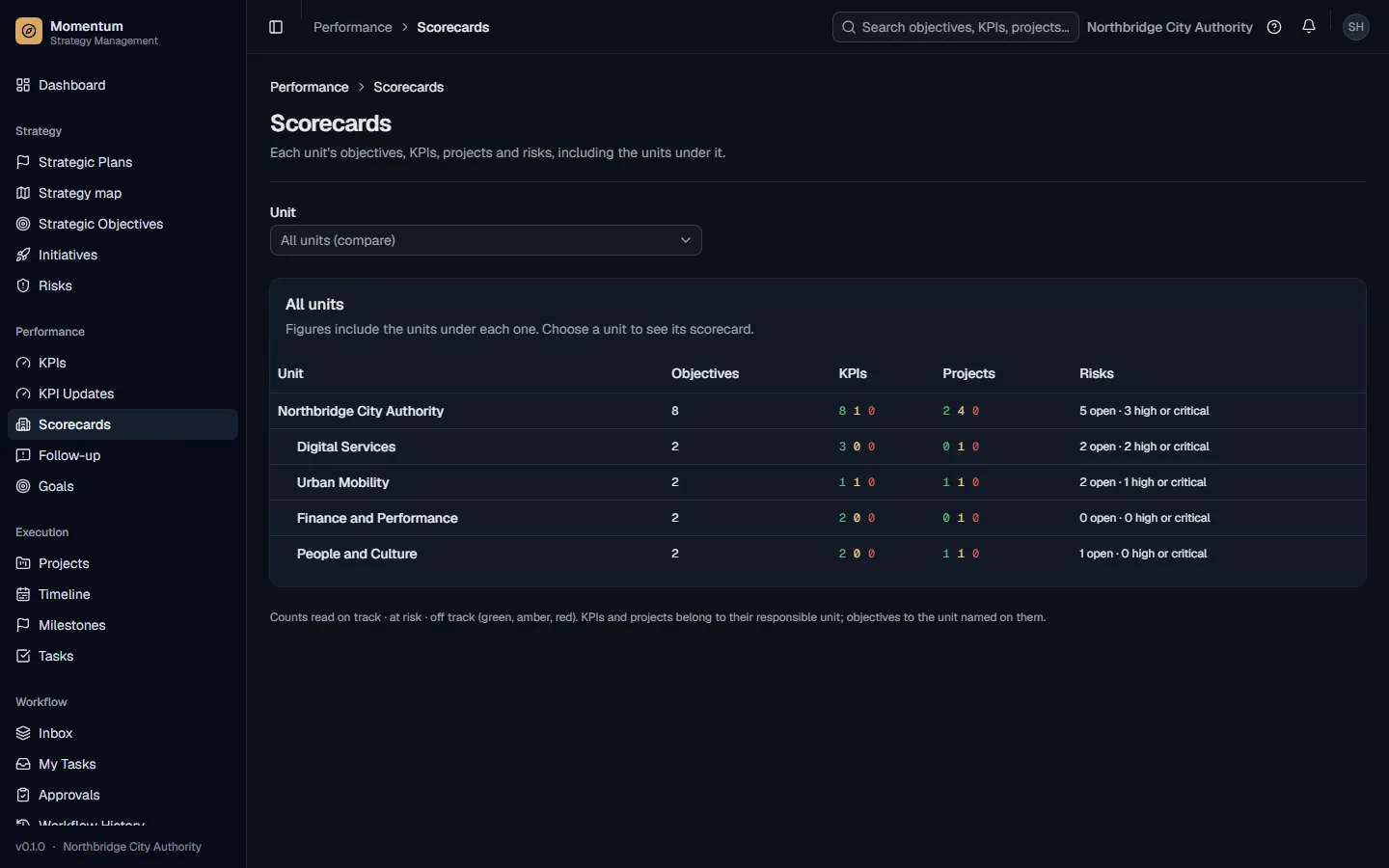
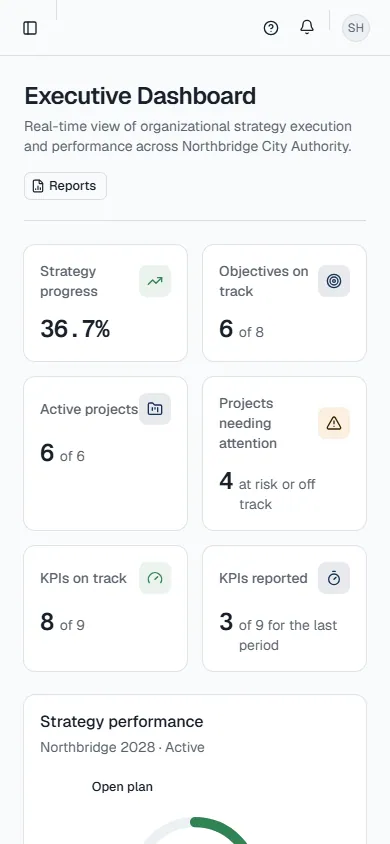
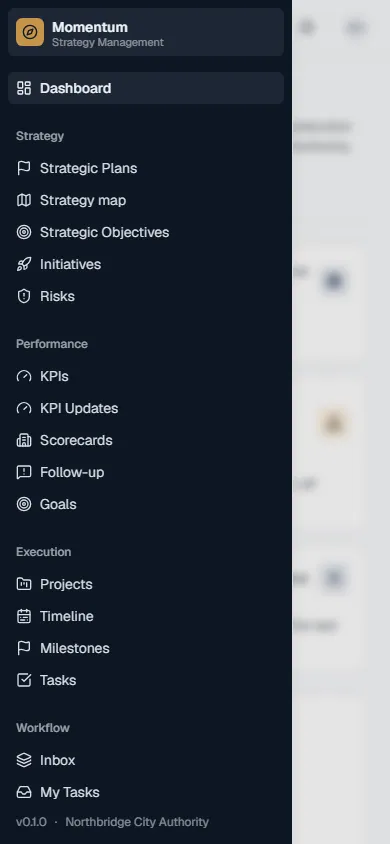
- 1Use the sidebar on the left (on the right in Arabic) to move between areas. On a phone, open it with the button at the top of the screen.
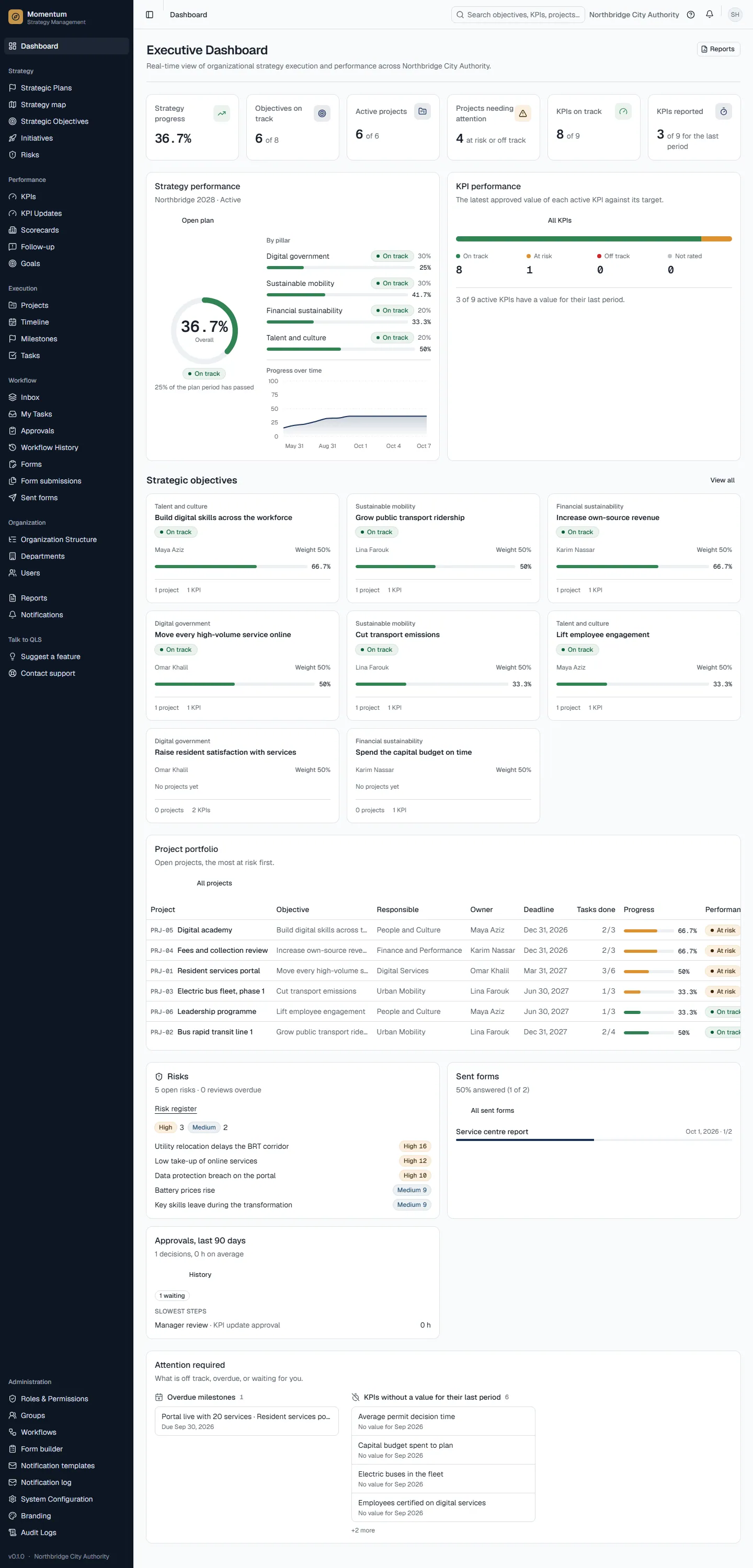
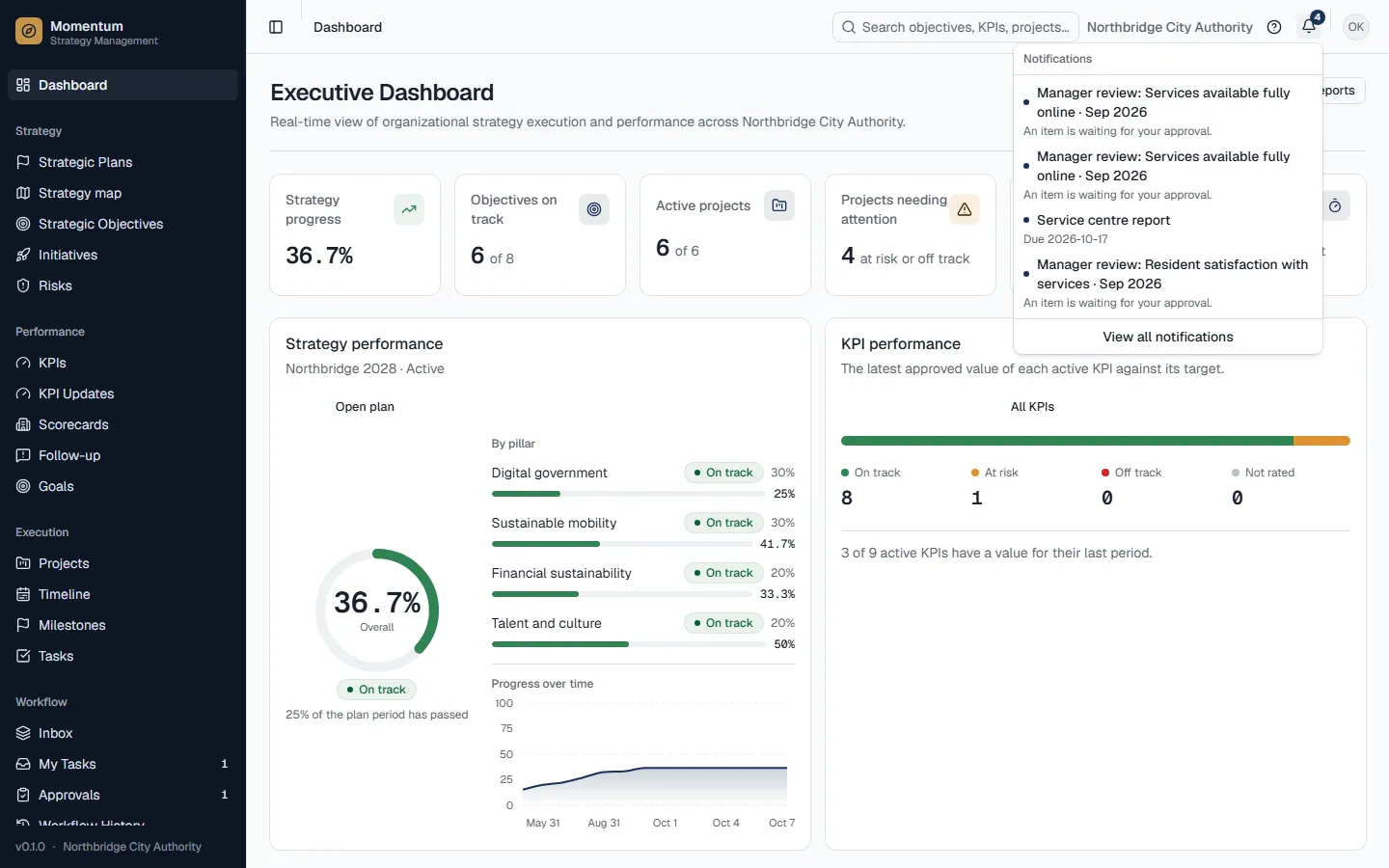
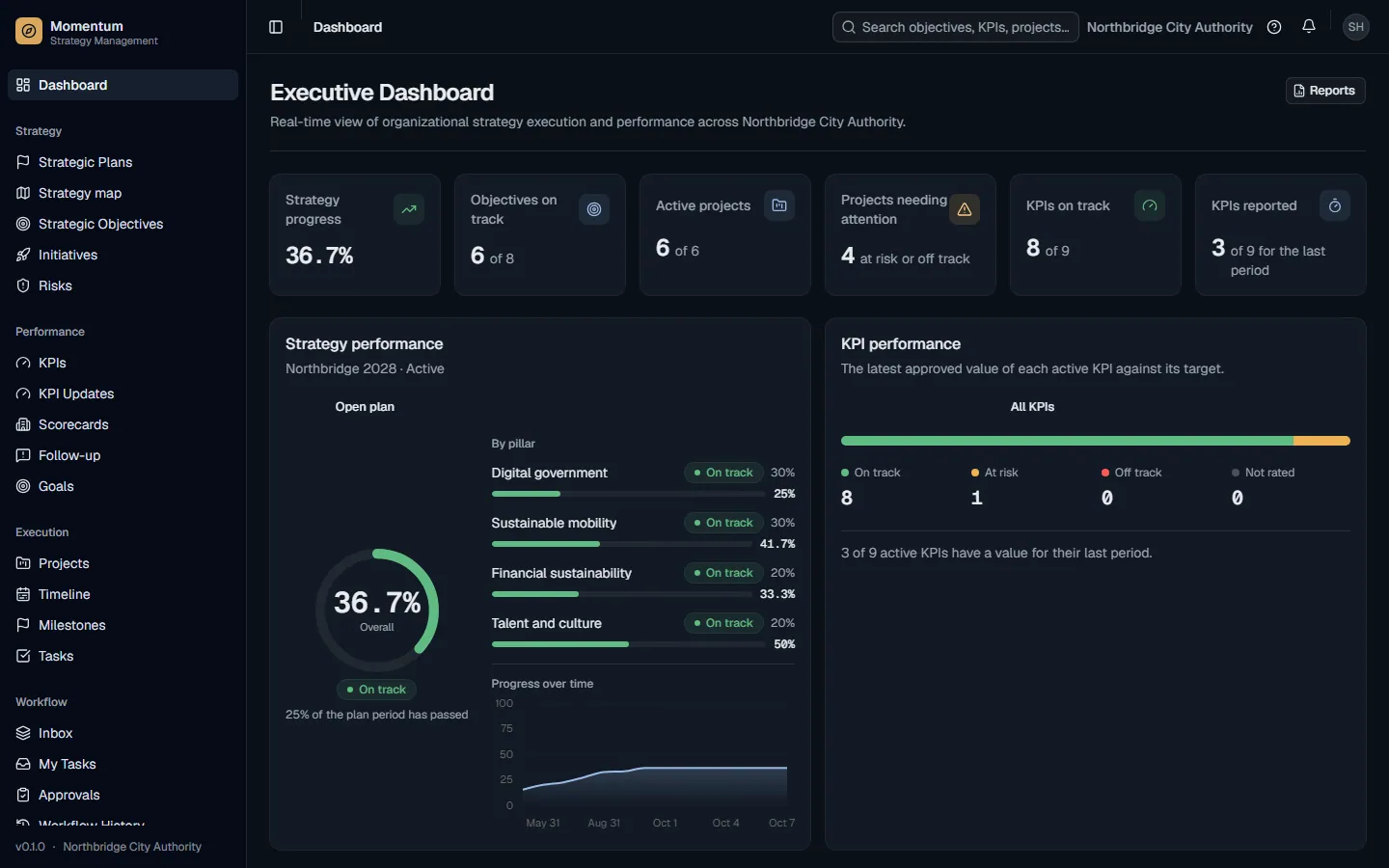
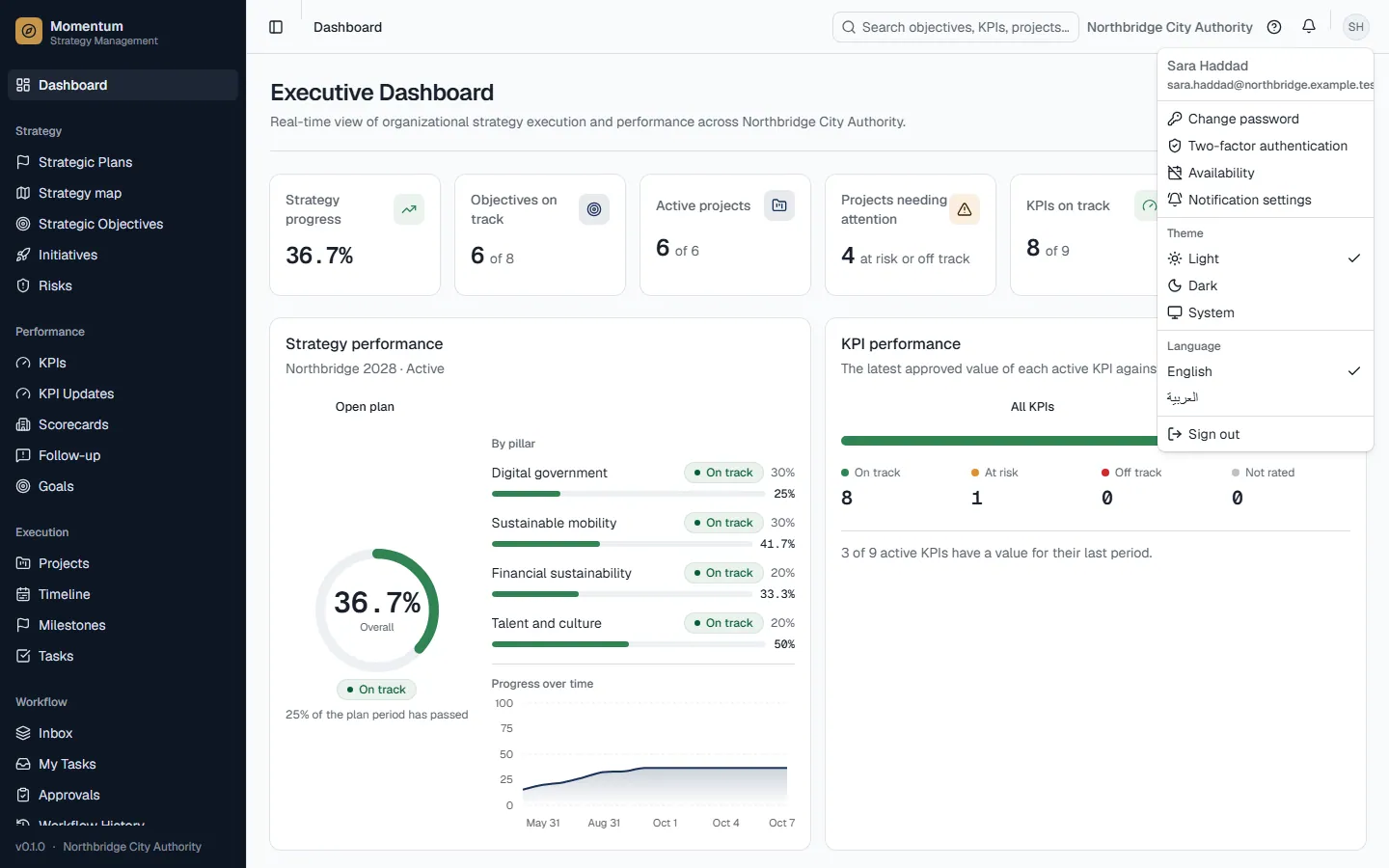
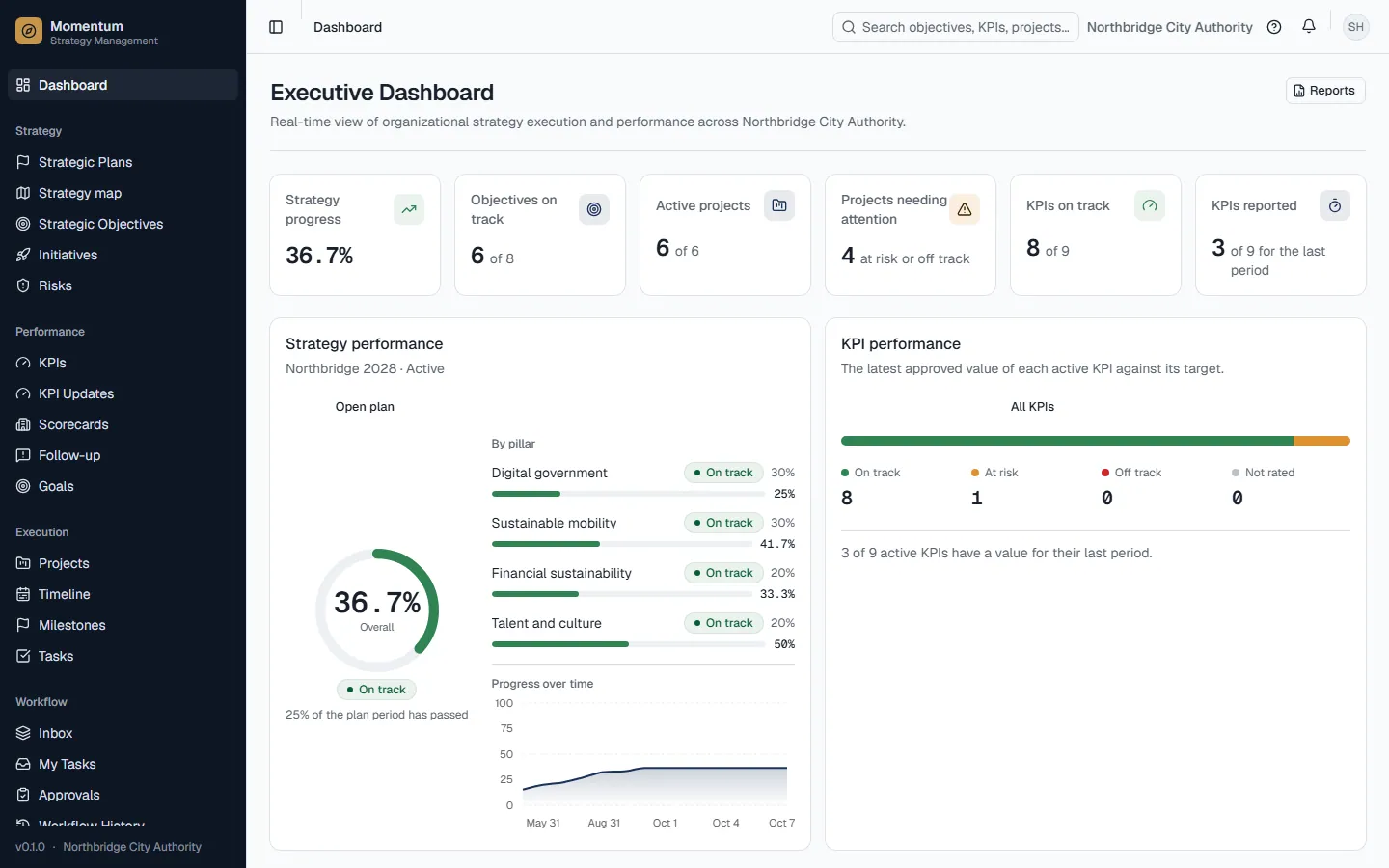
- 2Start from the Dashboard: it summarises the active plan, KPIs, projects, approvals and anything overdue.
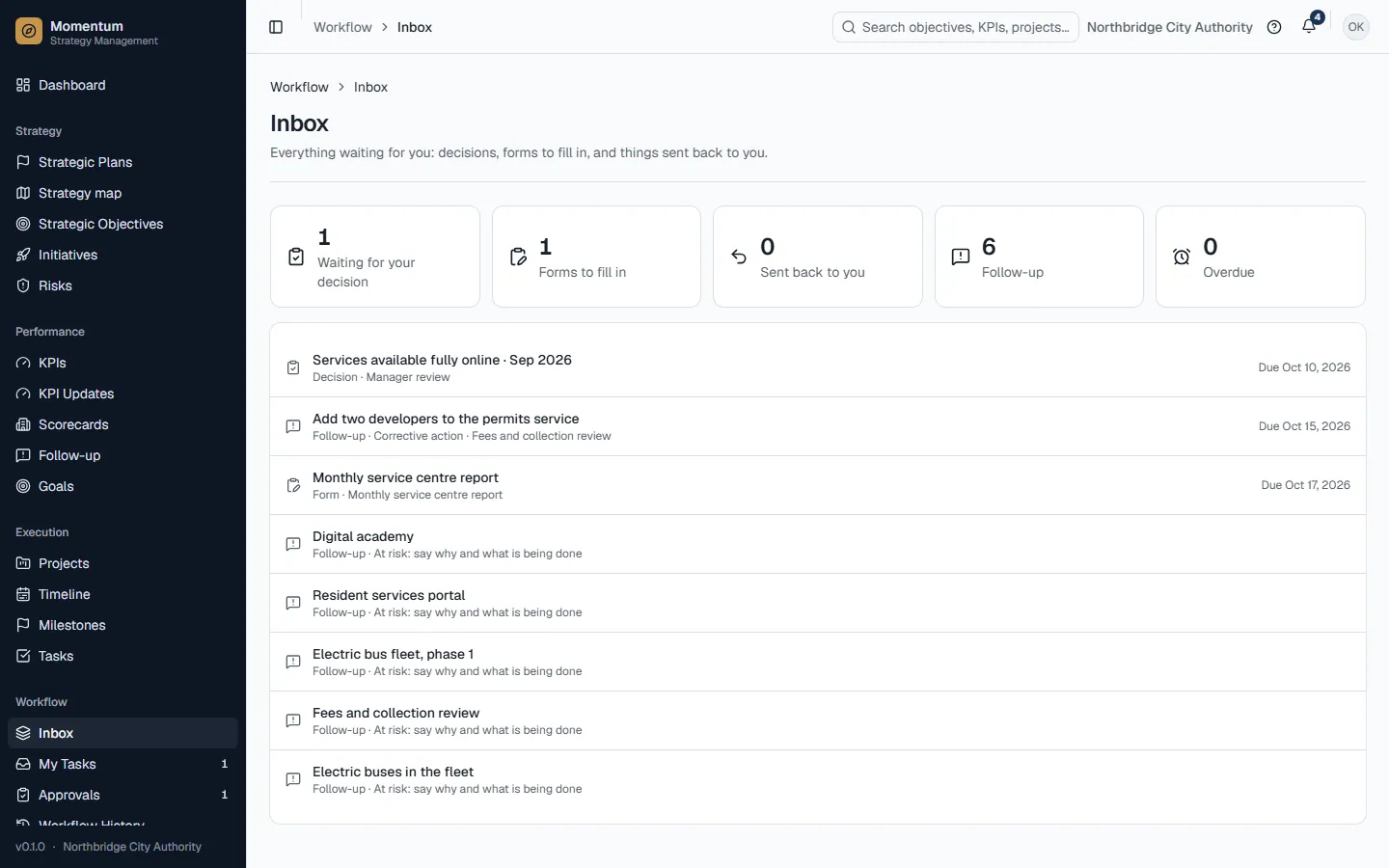
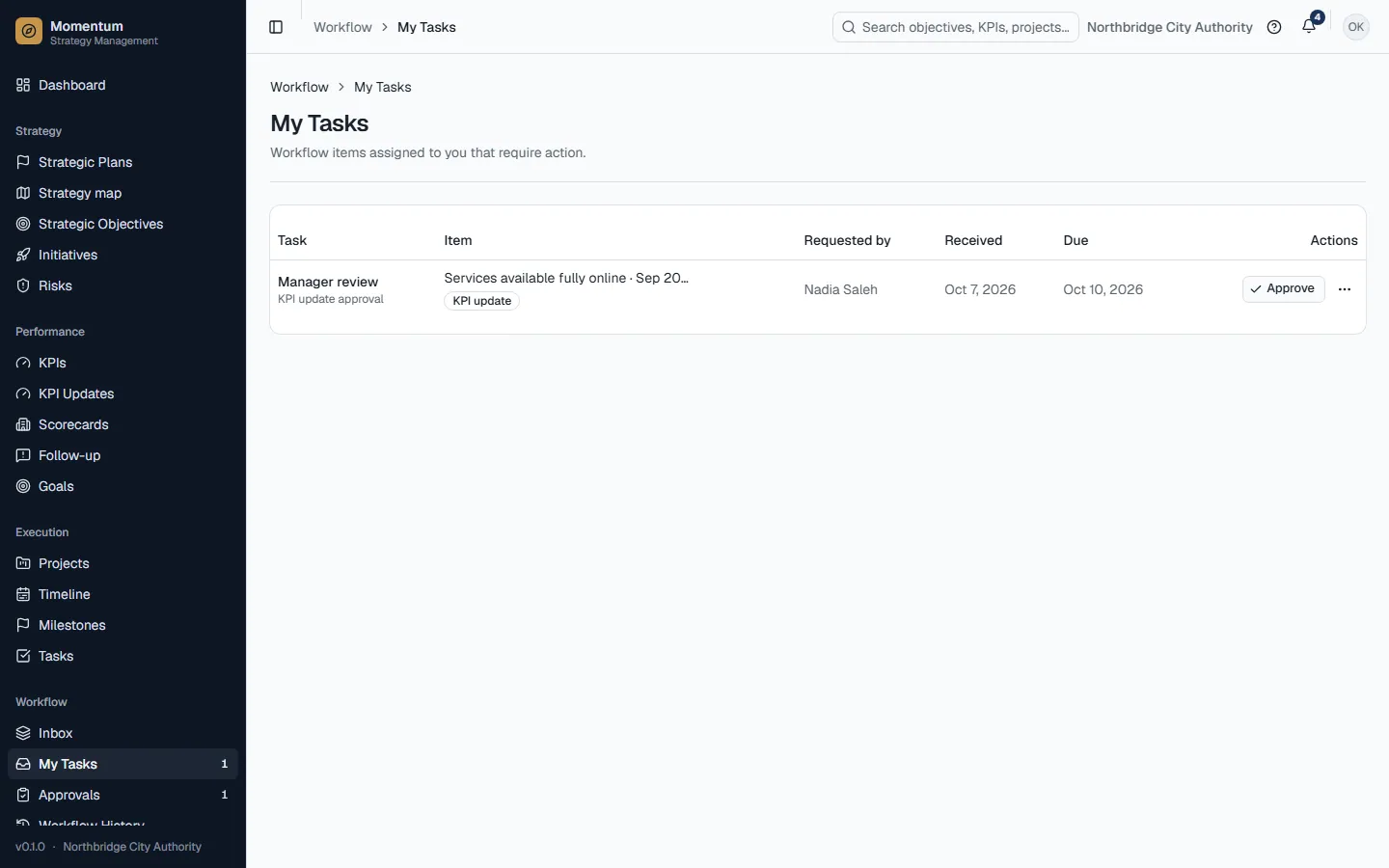
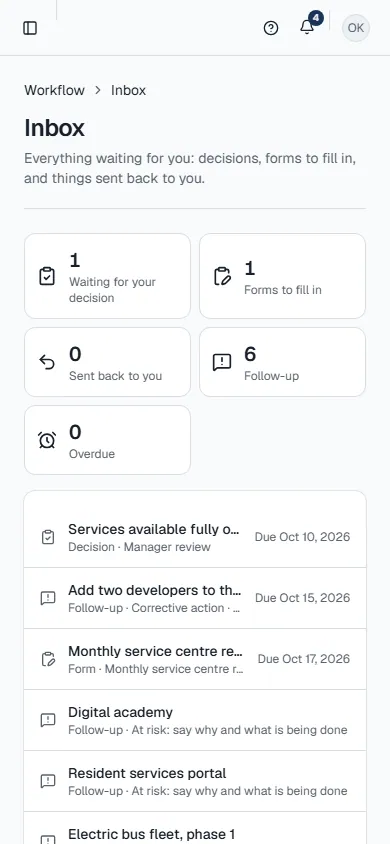
- 3Check the Inbox regularly: decisions waiting for you, forms to fill in, things sent back to you and follow-ups you owe.
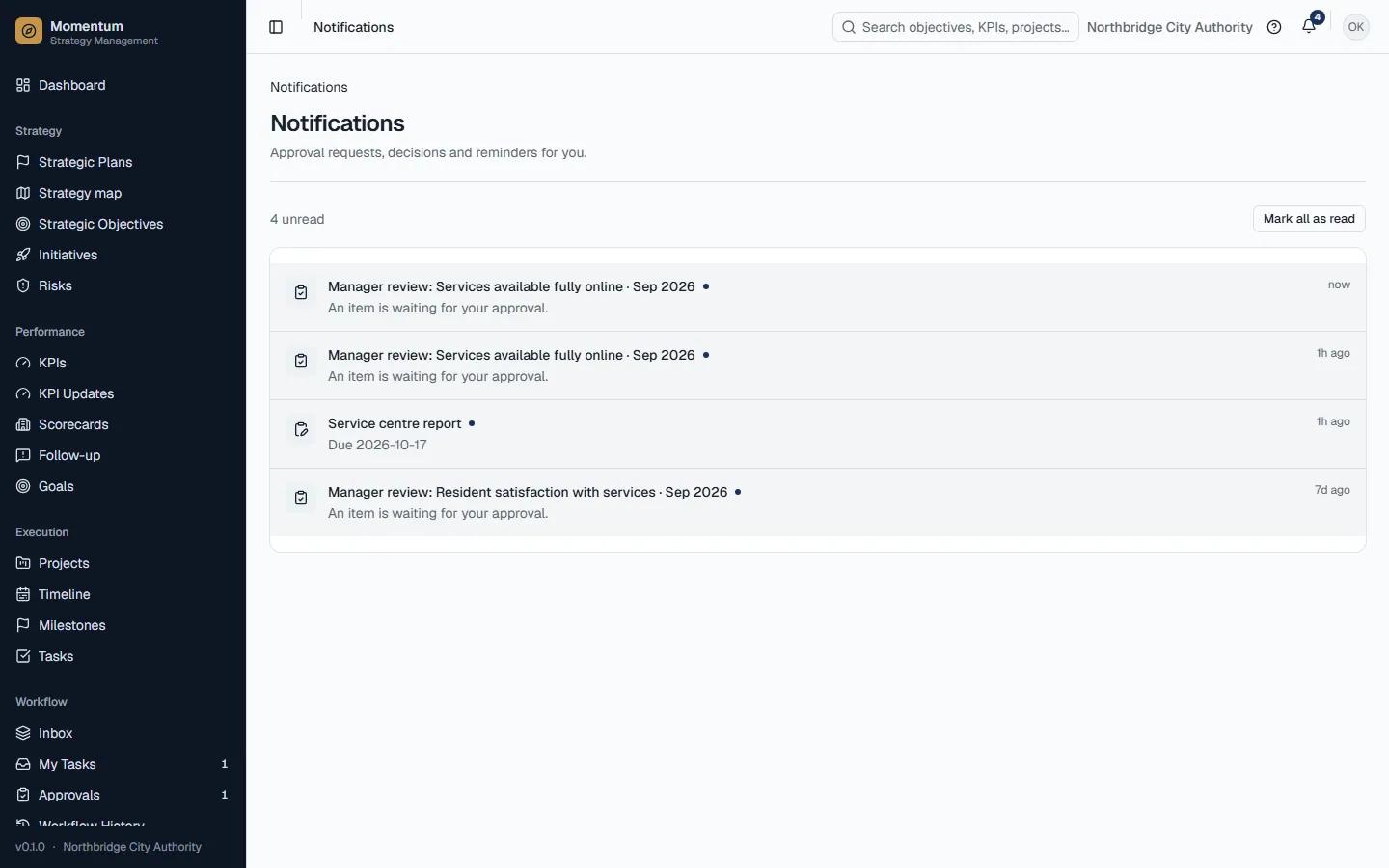
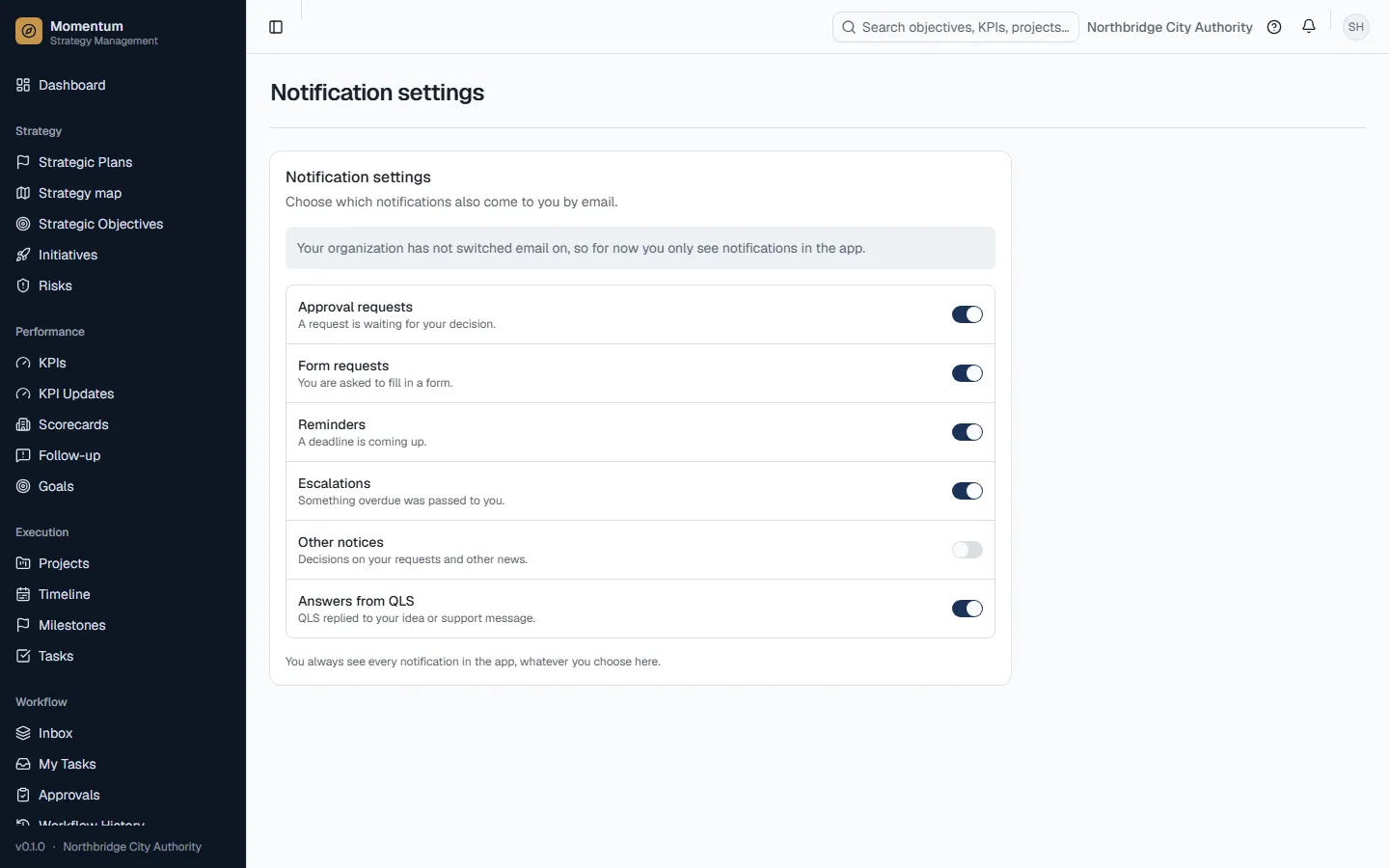
- 4The bell at the top shows notifications as they happen; click one to open the item it is about.
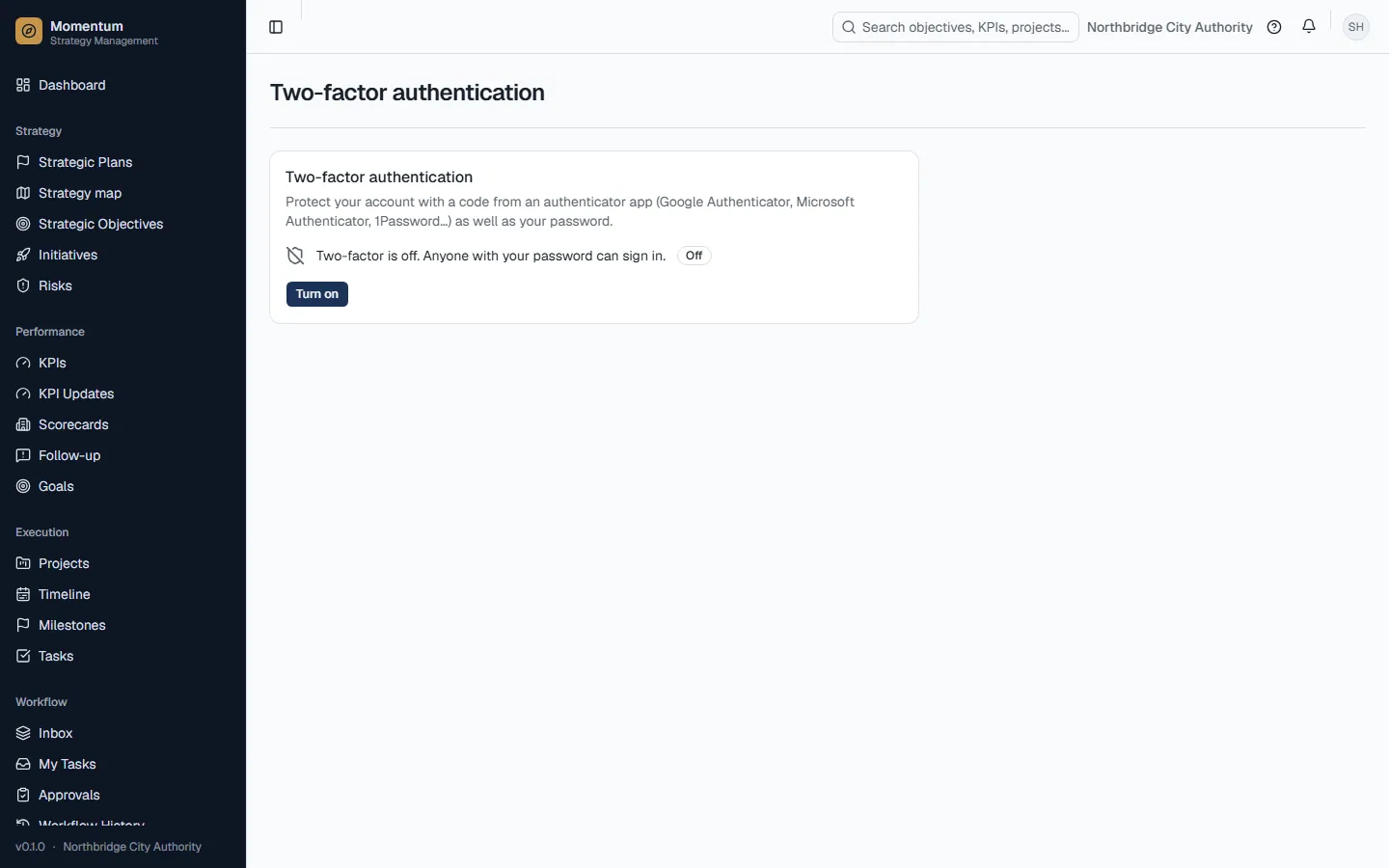
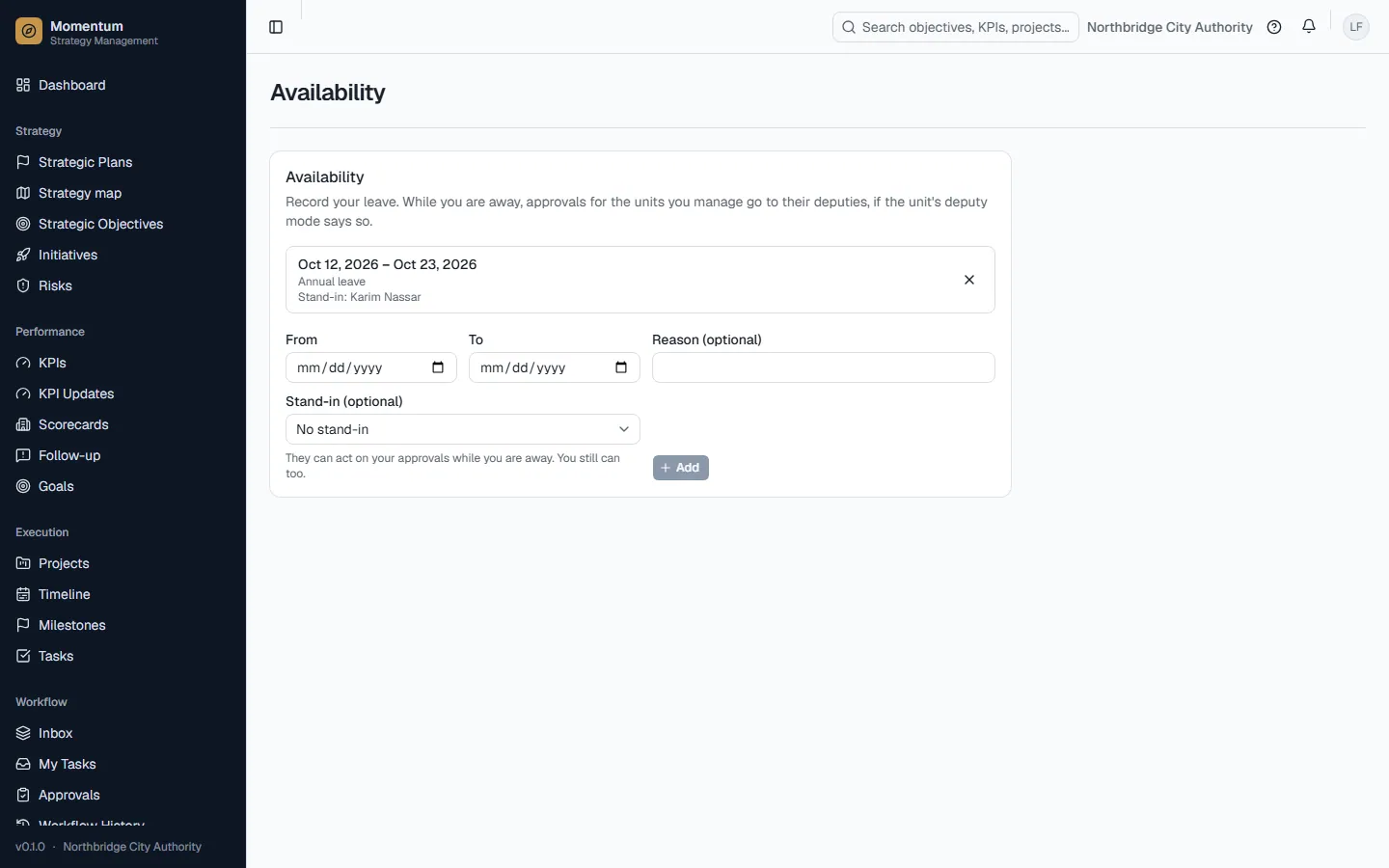
- 5Your user menu (your initials, top corner) holds language, theme, password, two-step sign-in, availability (leave) and notification settings.
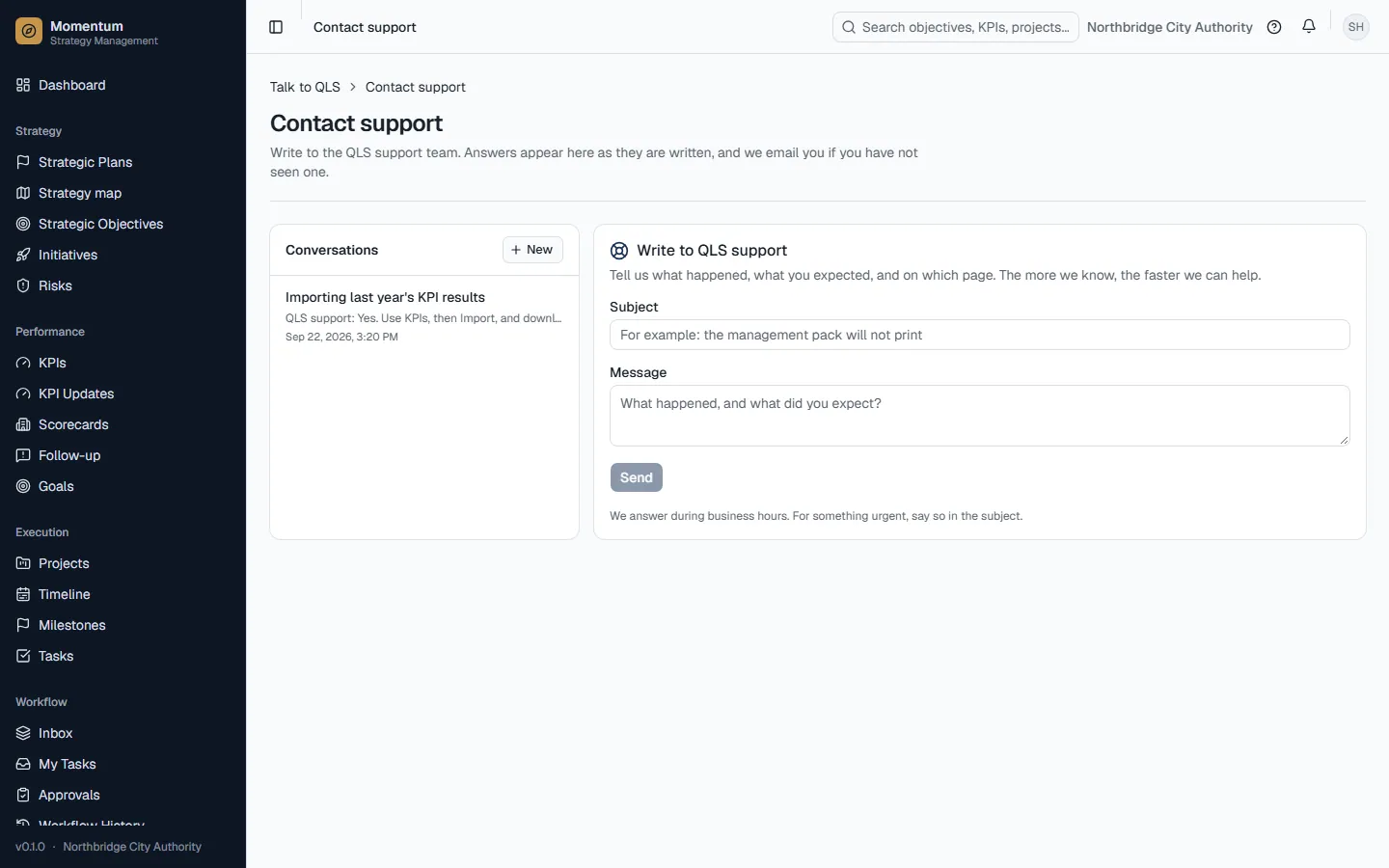
- 6The ? button opens this guide, help for the page you are on, and the guided tour.
Rules and details
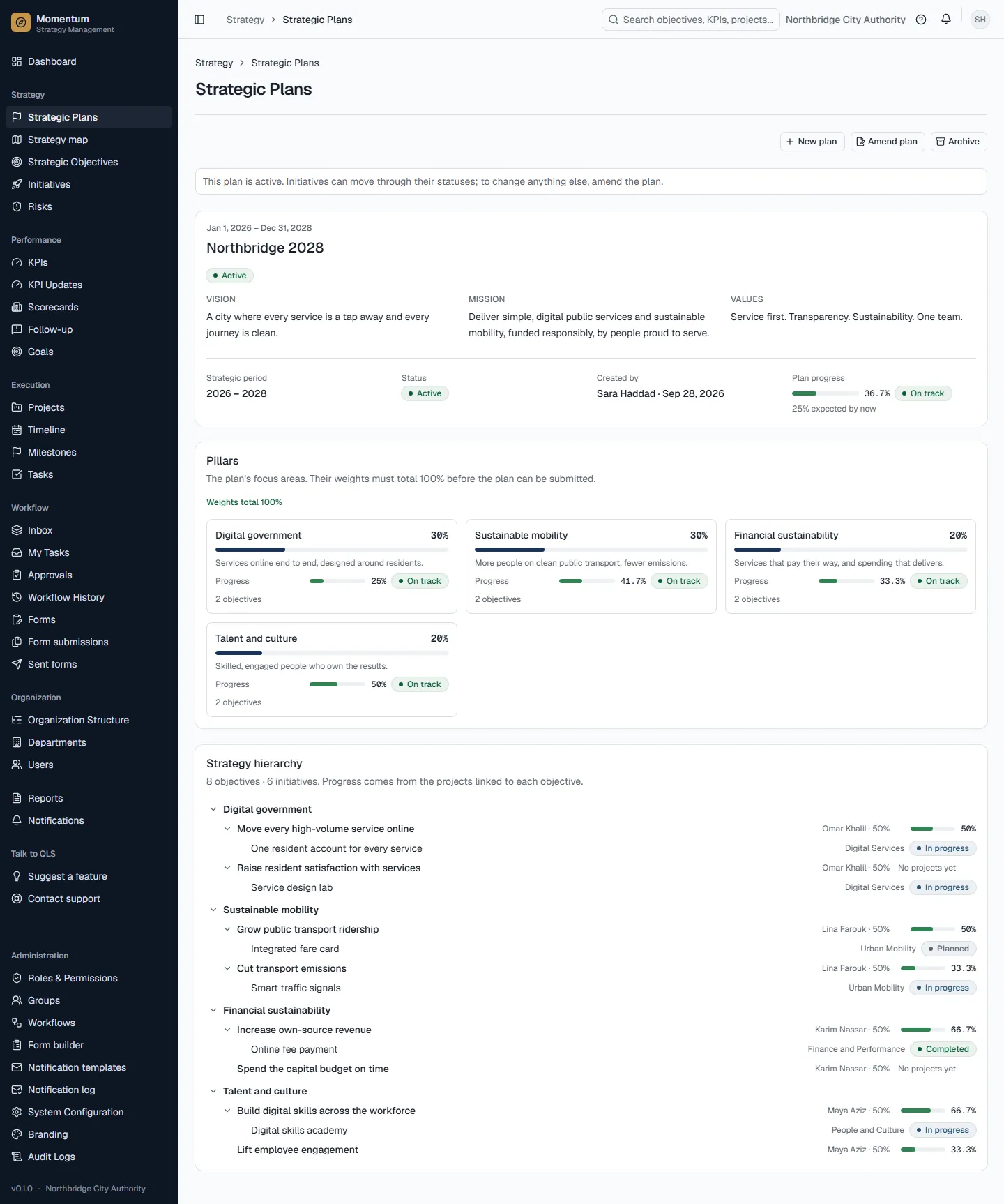
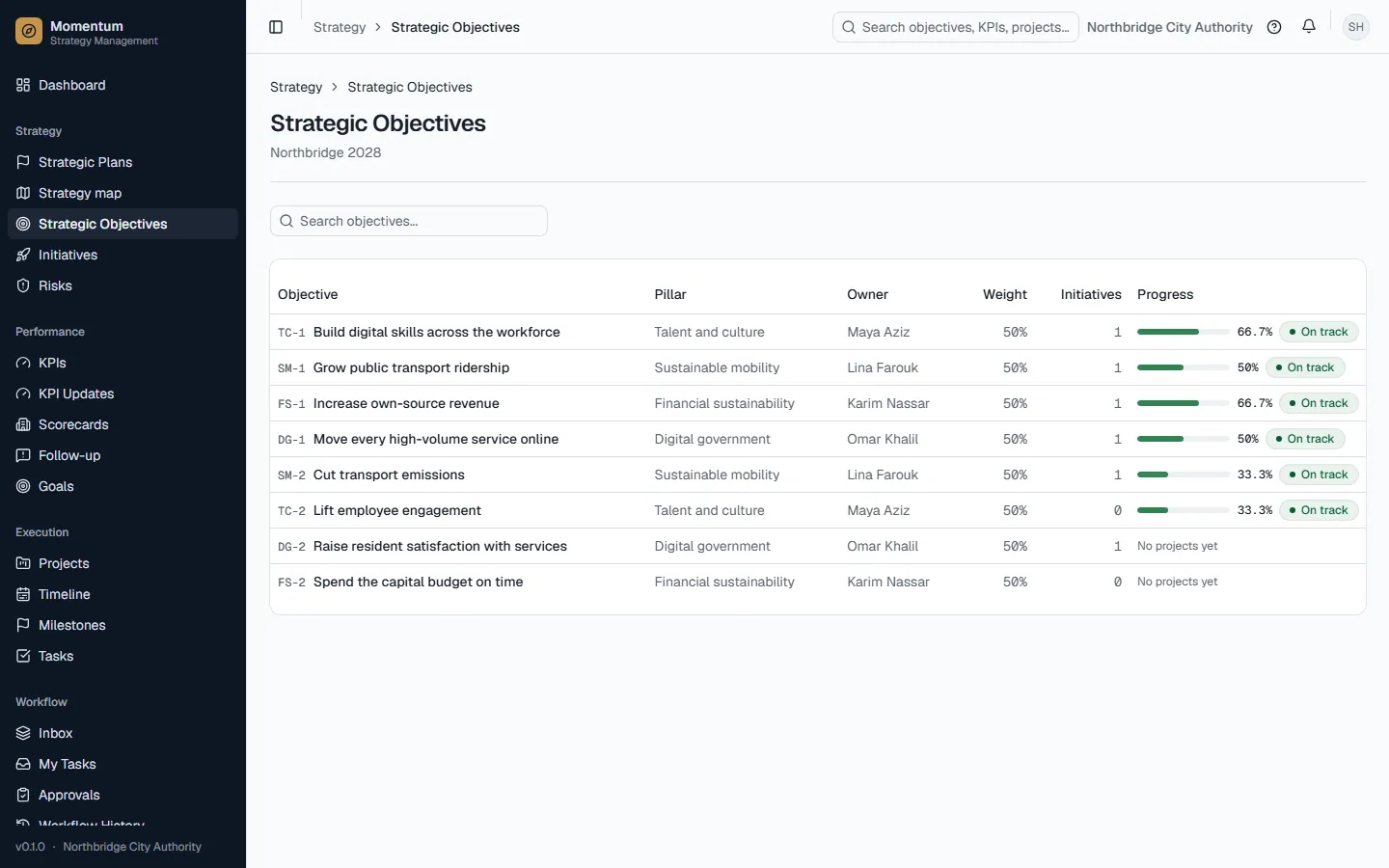
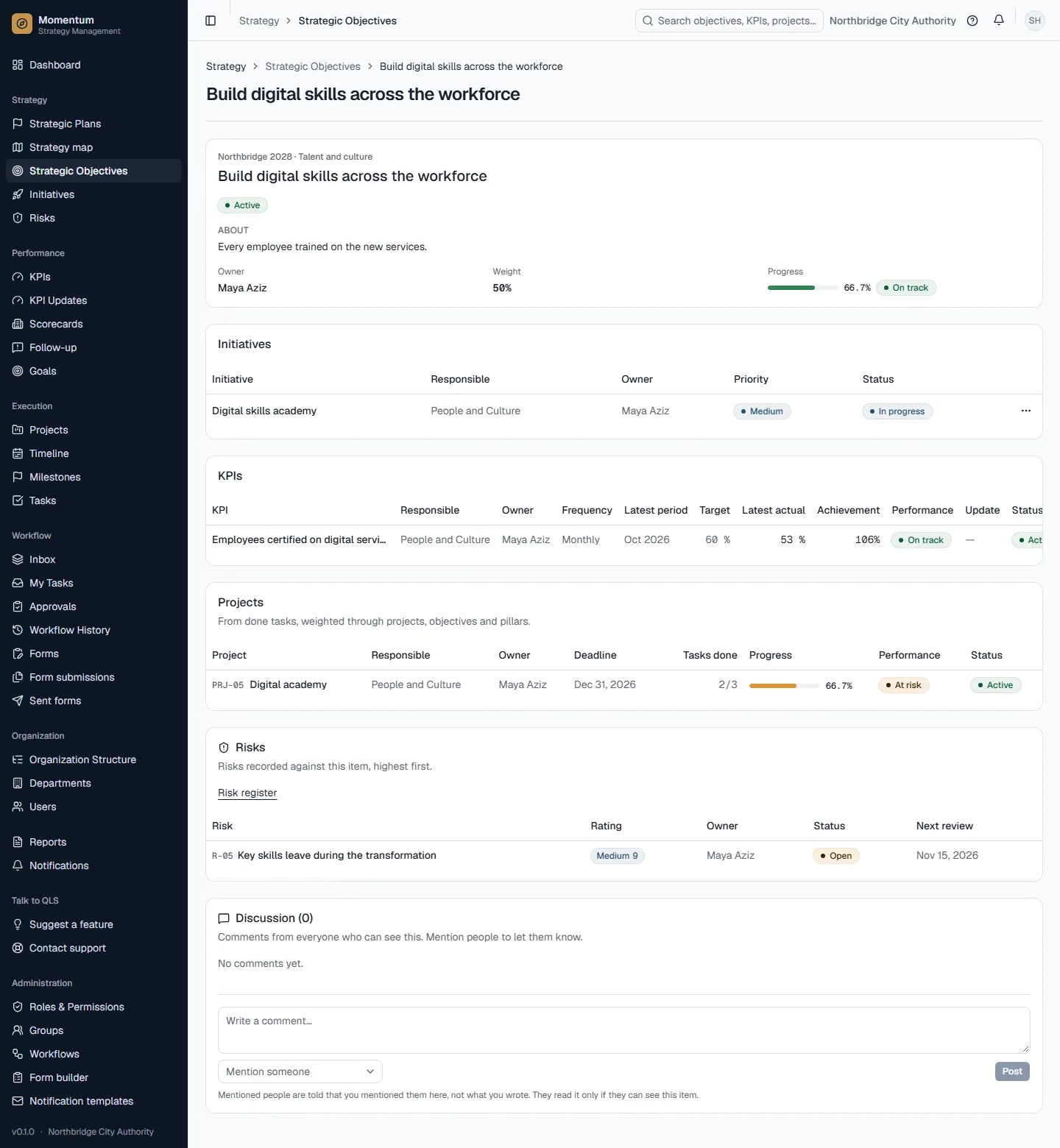
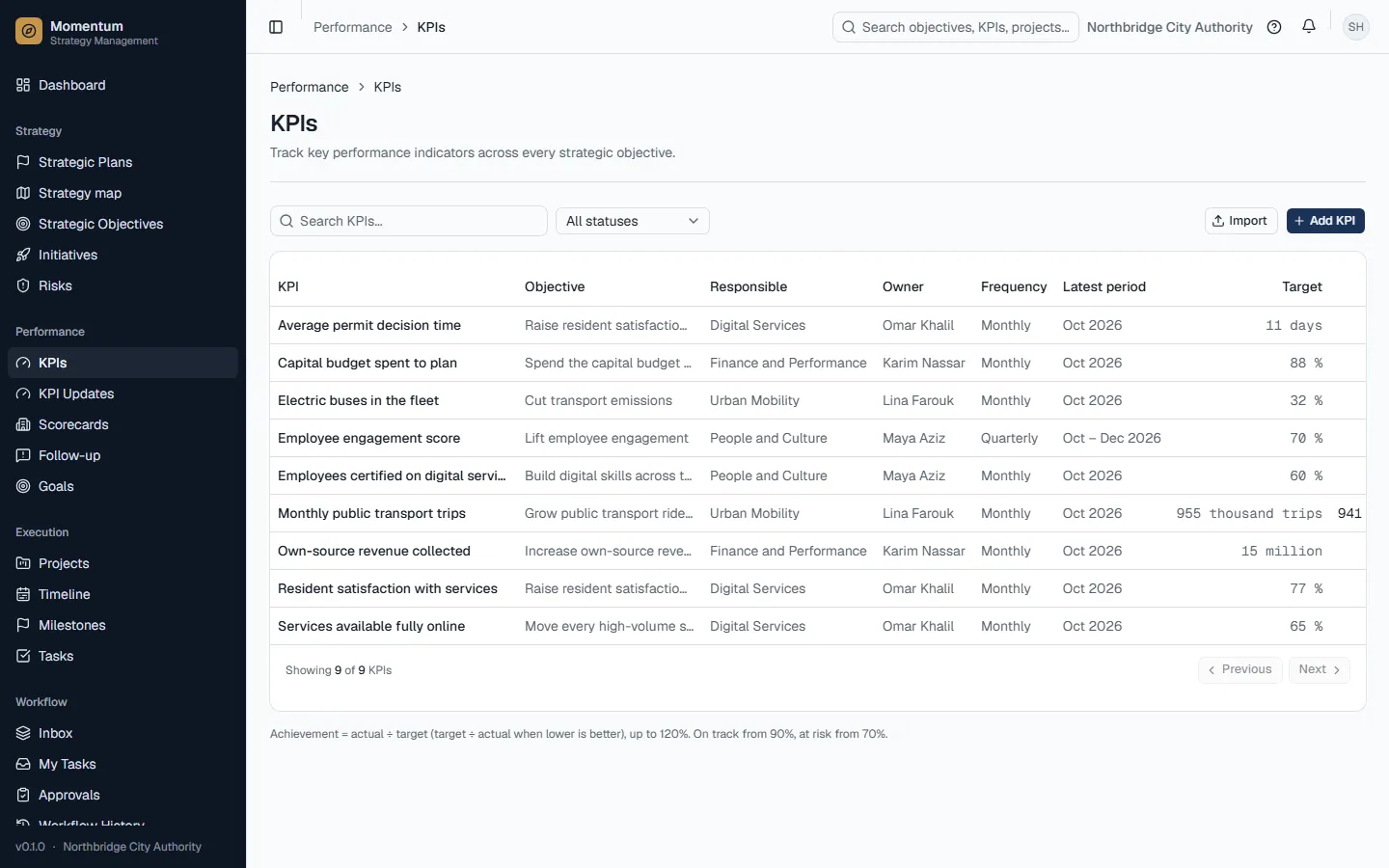
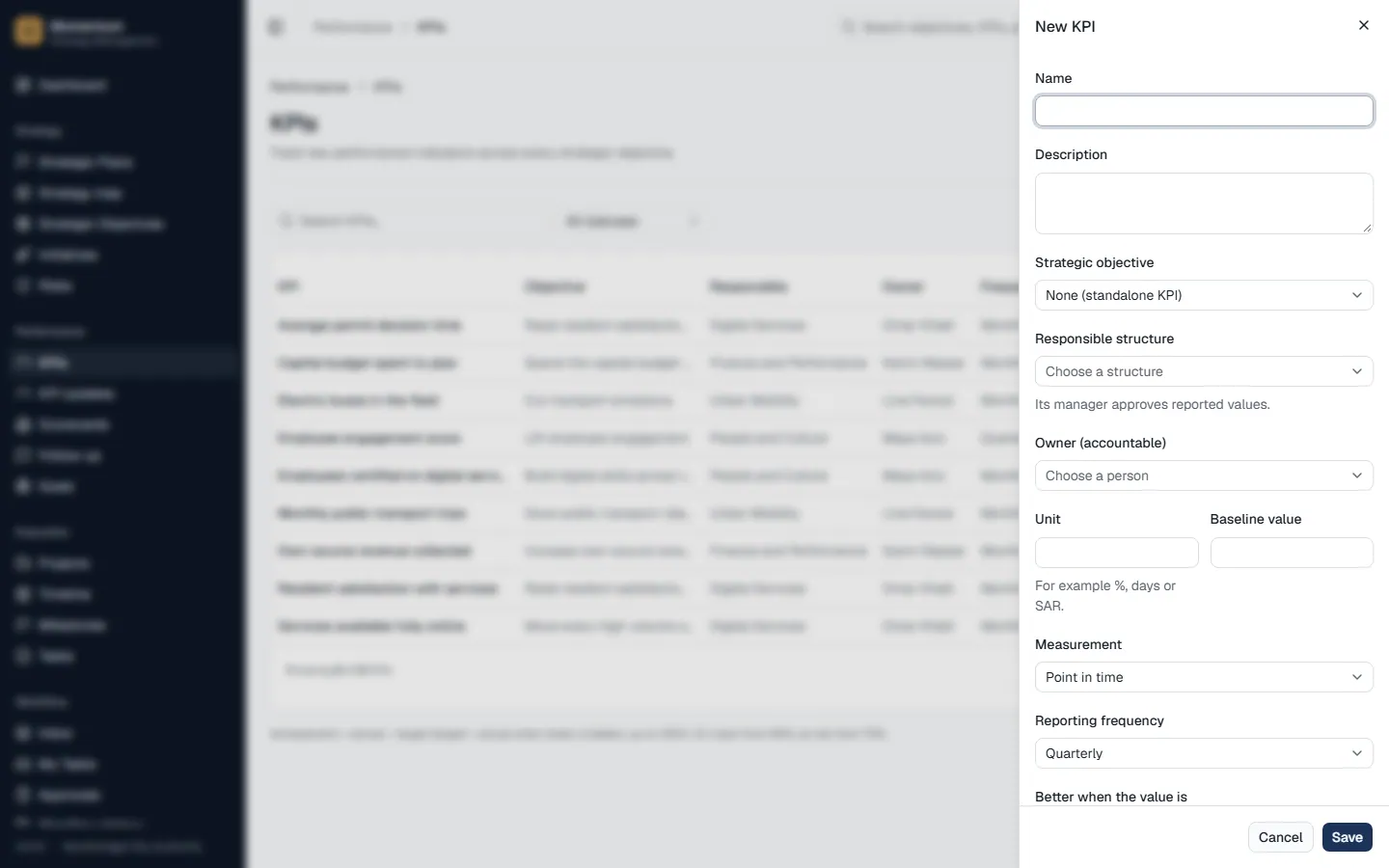
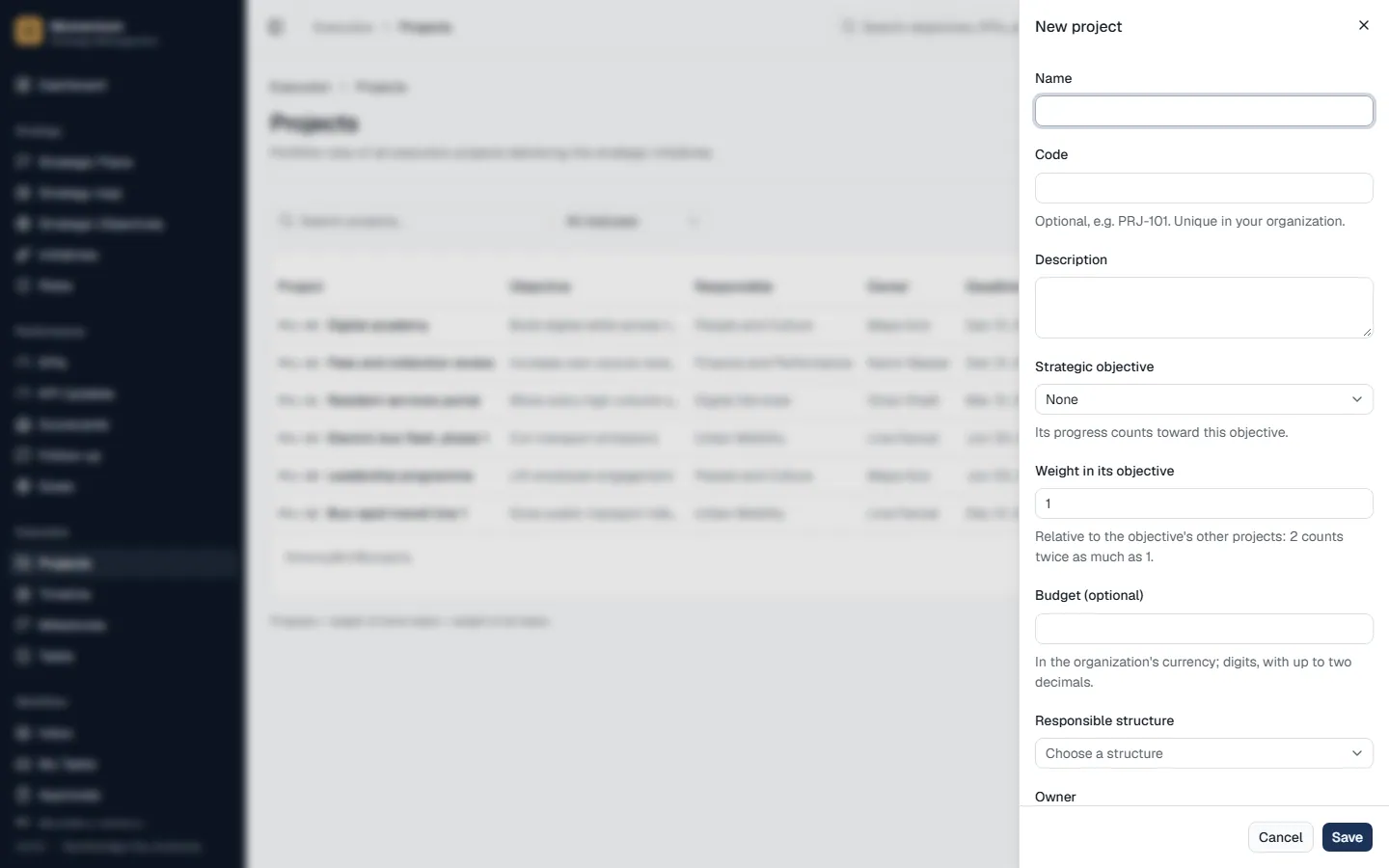
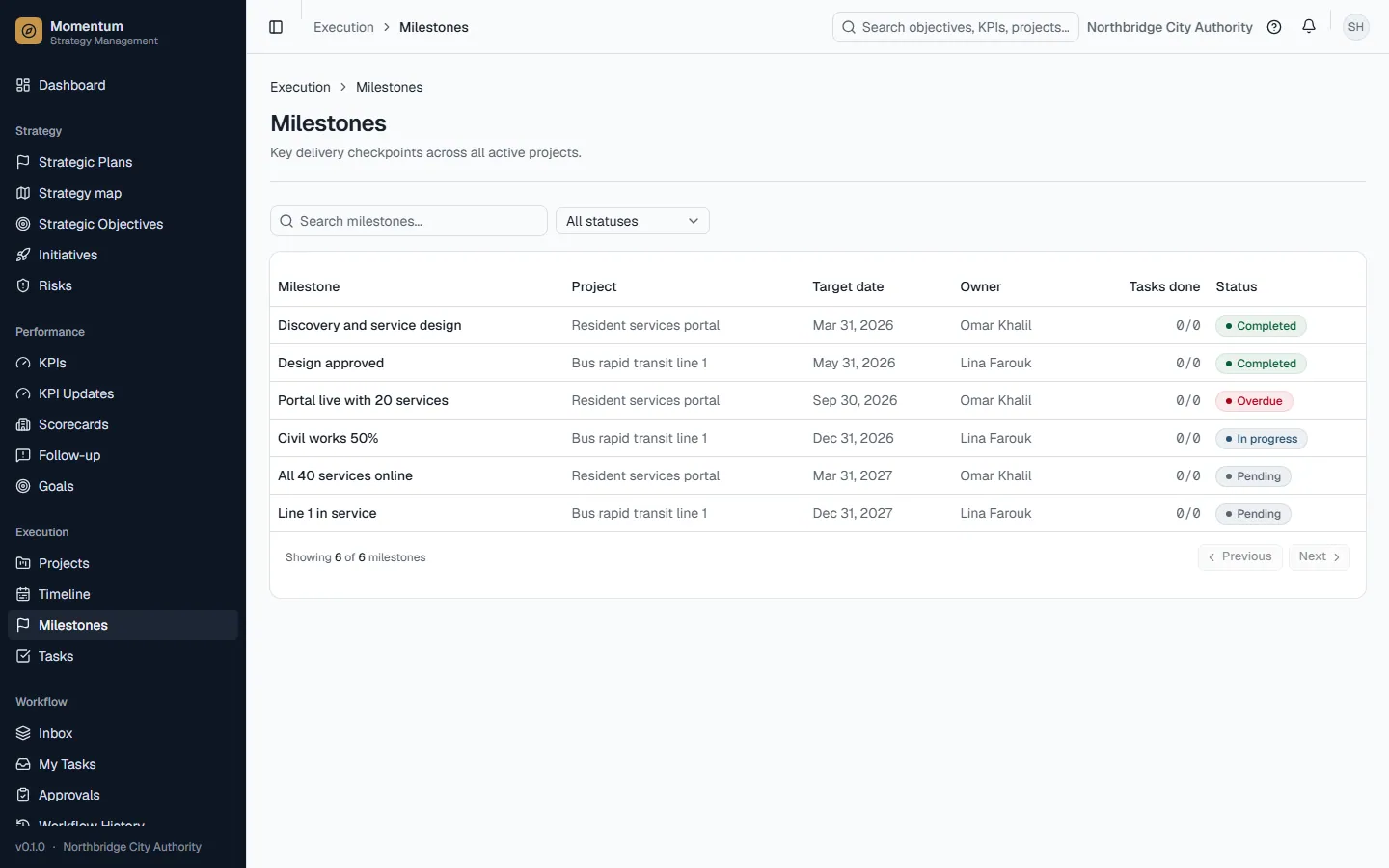
- The chain is: Strategic plan → pillars (with weights that total 100%) → strategic objectives → projects → tasks. KPIs hang off objectives and measure results.
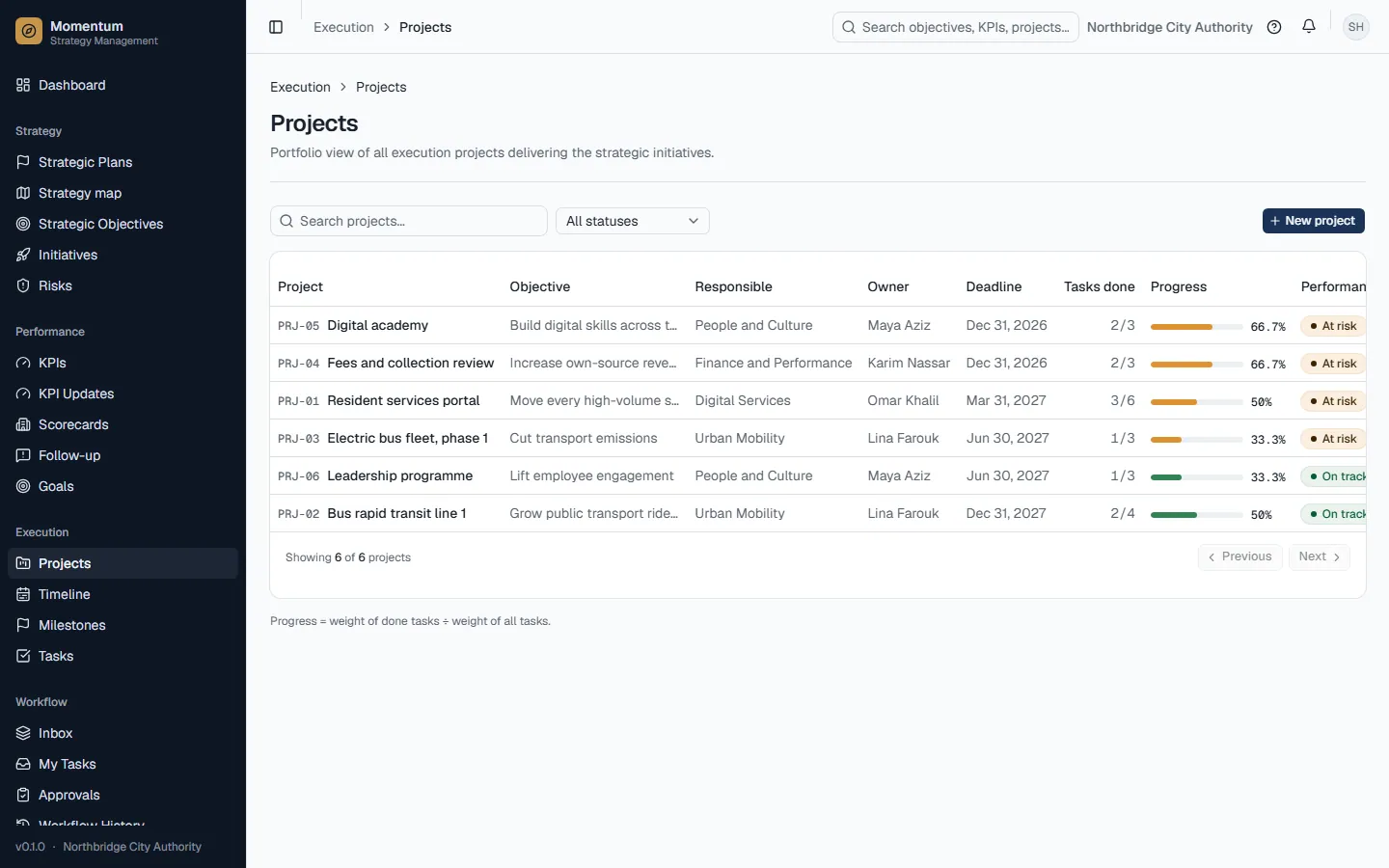
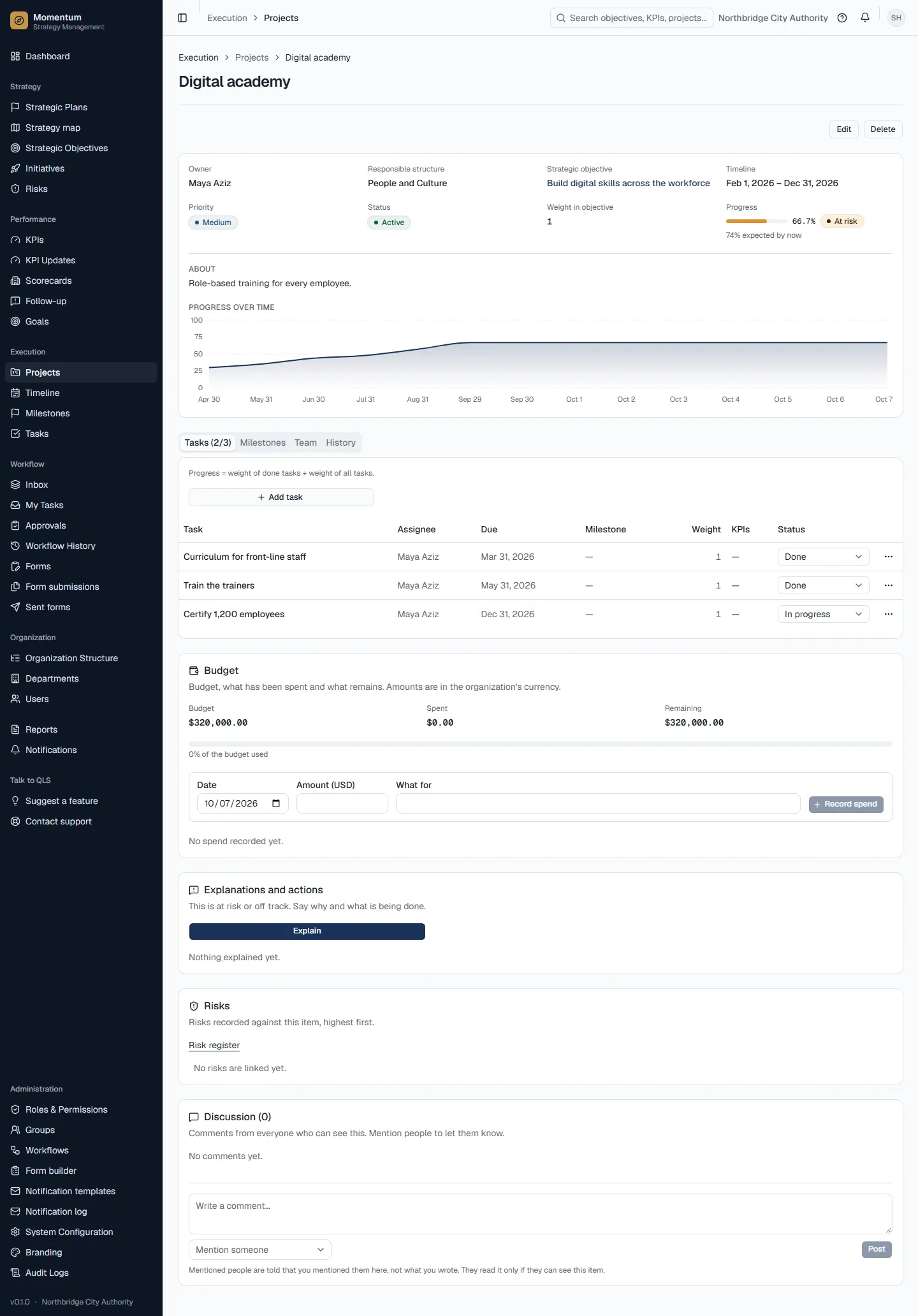
- Progress comes from execution: only tasks marked Done count. Task weights decide a project's progress, project weights an objective's, objective weights a pillar's, and pillar weights the plan's.
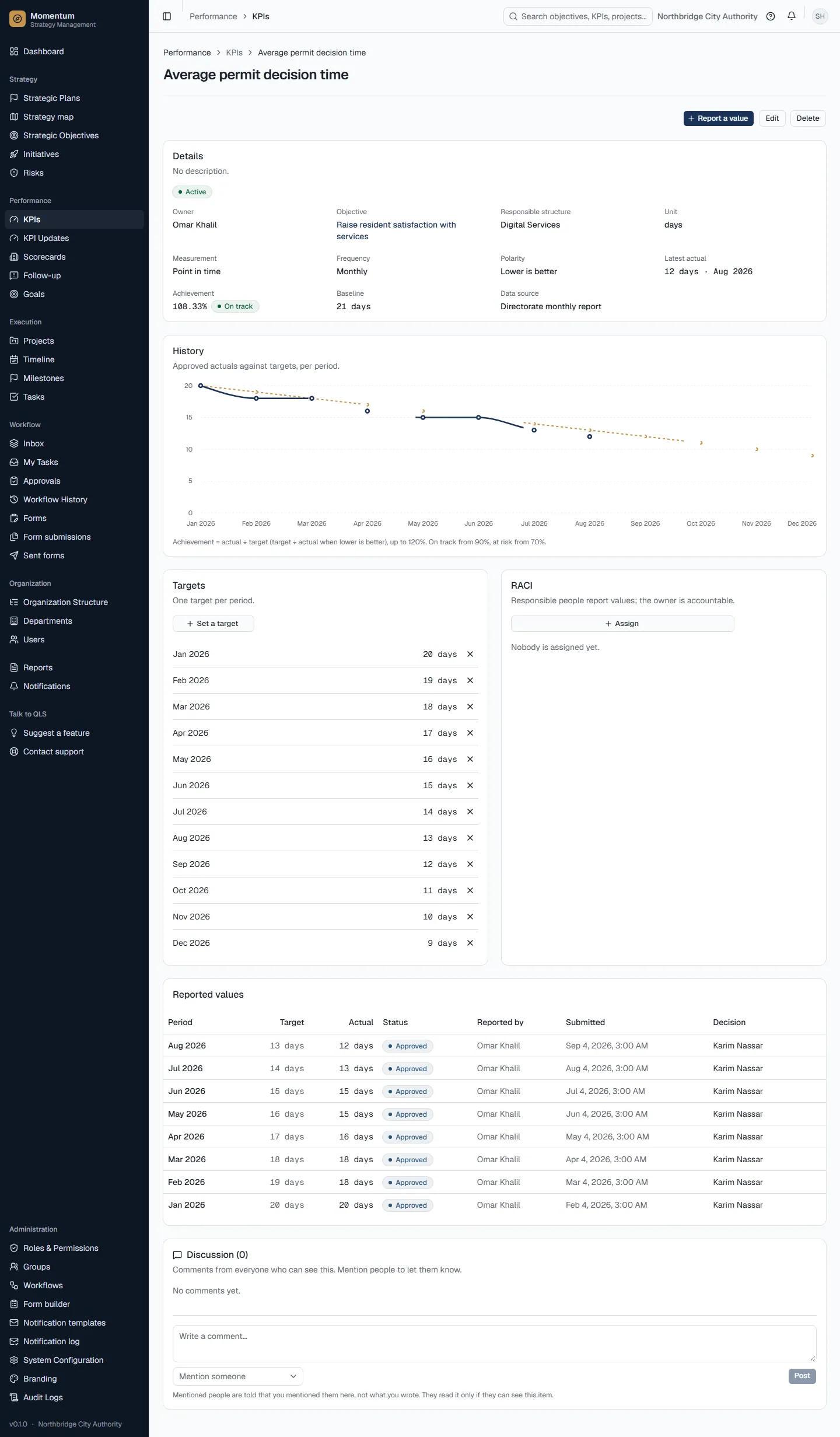
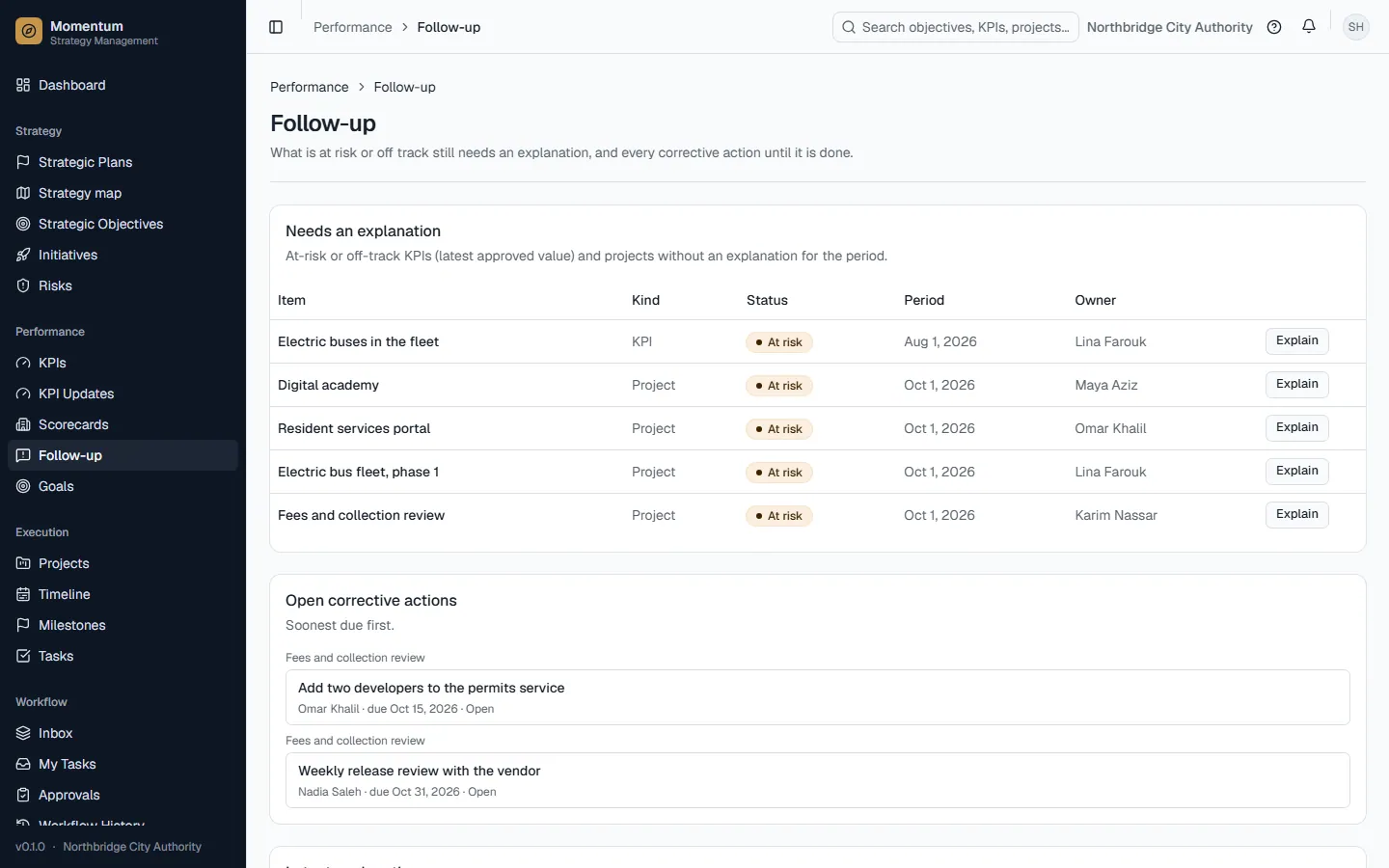
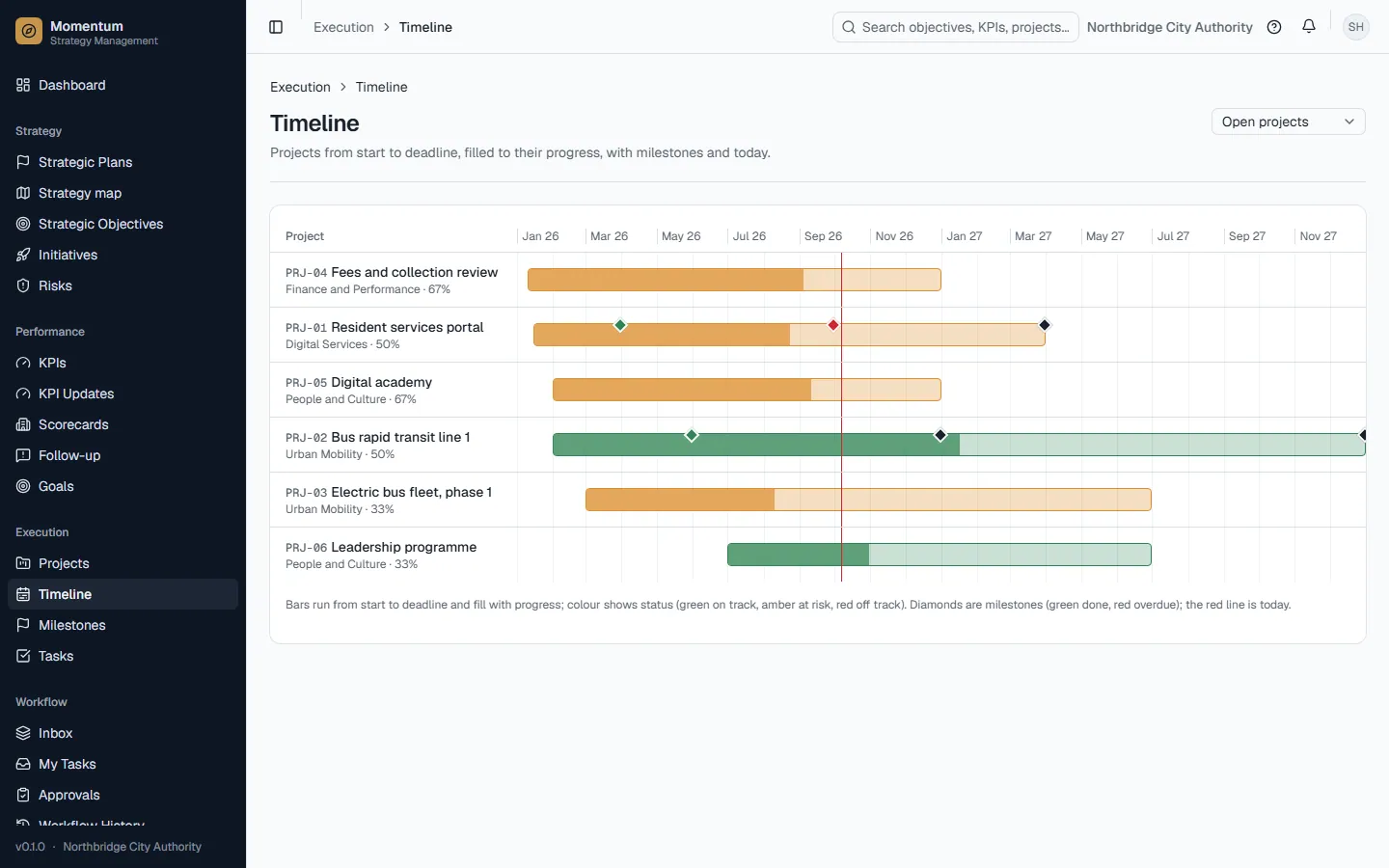
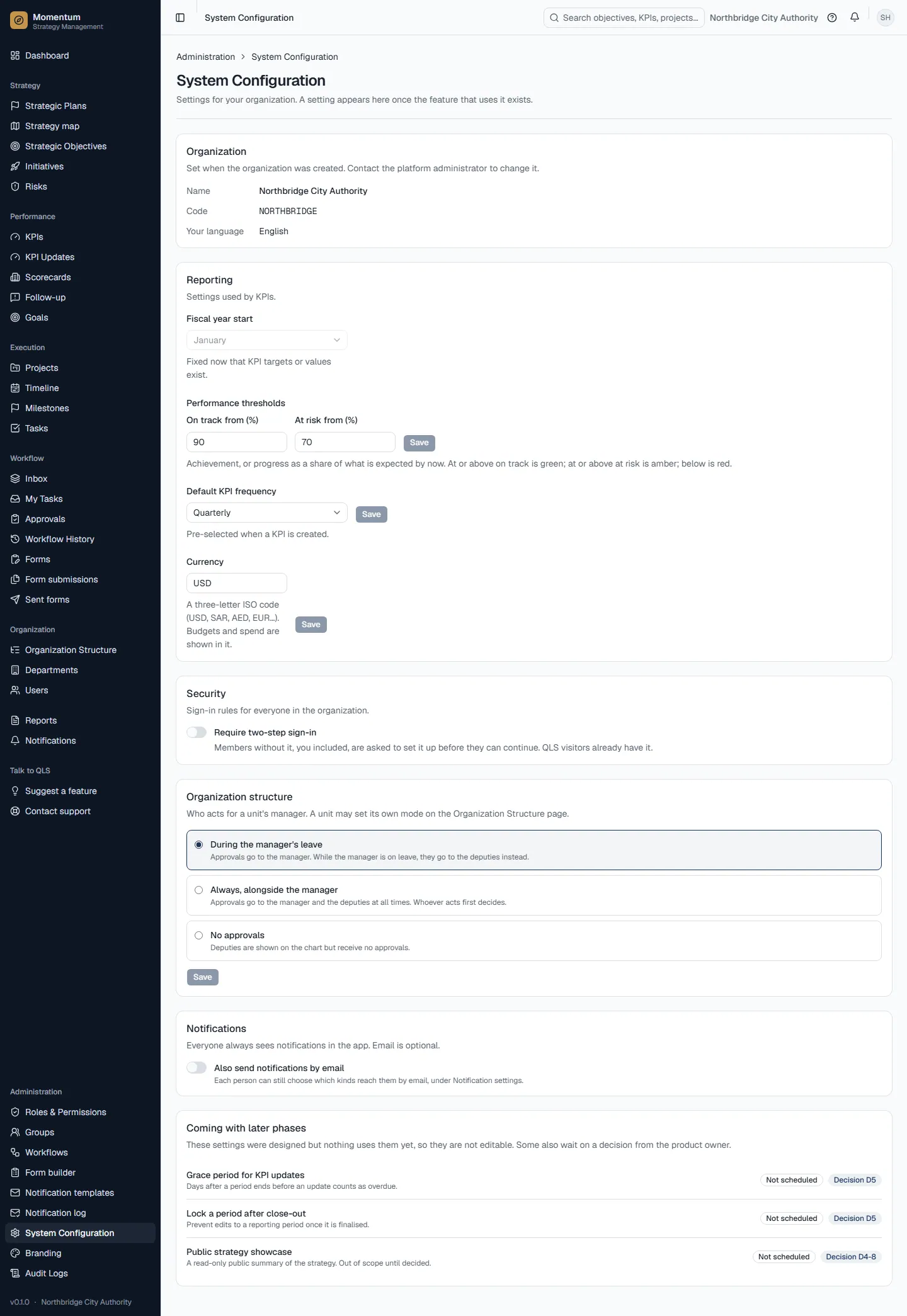
- Status (on track, at risk, off track) compares progress with how much of the time has passed. By default, on track means at least 90% of the progress expected by now, at risk at least 70%, otherwise off track. An organization can change these thresholds.
- Only an active plan, active projects and active KPIs get a status. Drafts, submitted or archived plans, and anything with nothing to measure, show no status.
- Nothing to measure shows as "—", never as 0%.
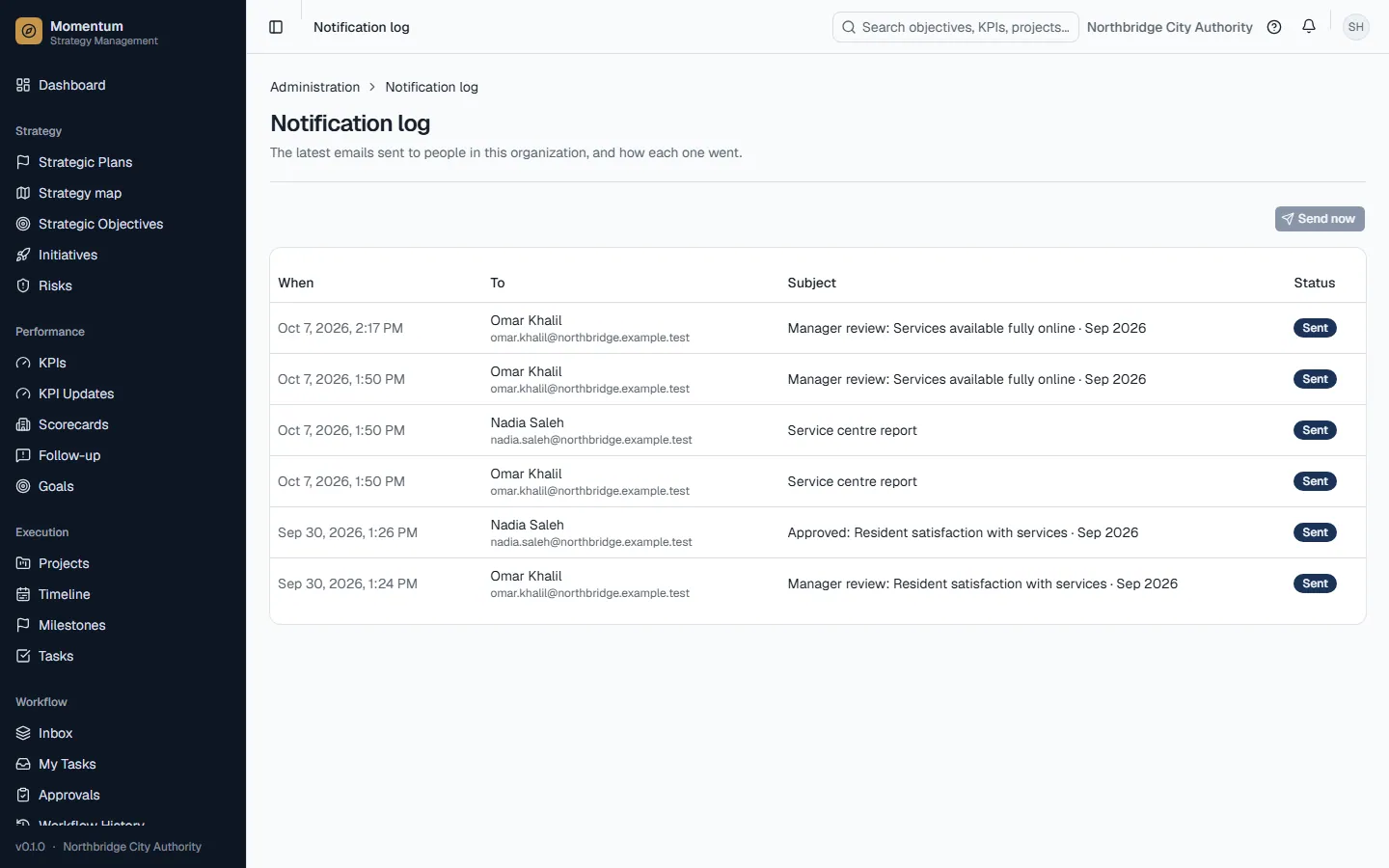
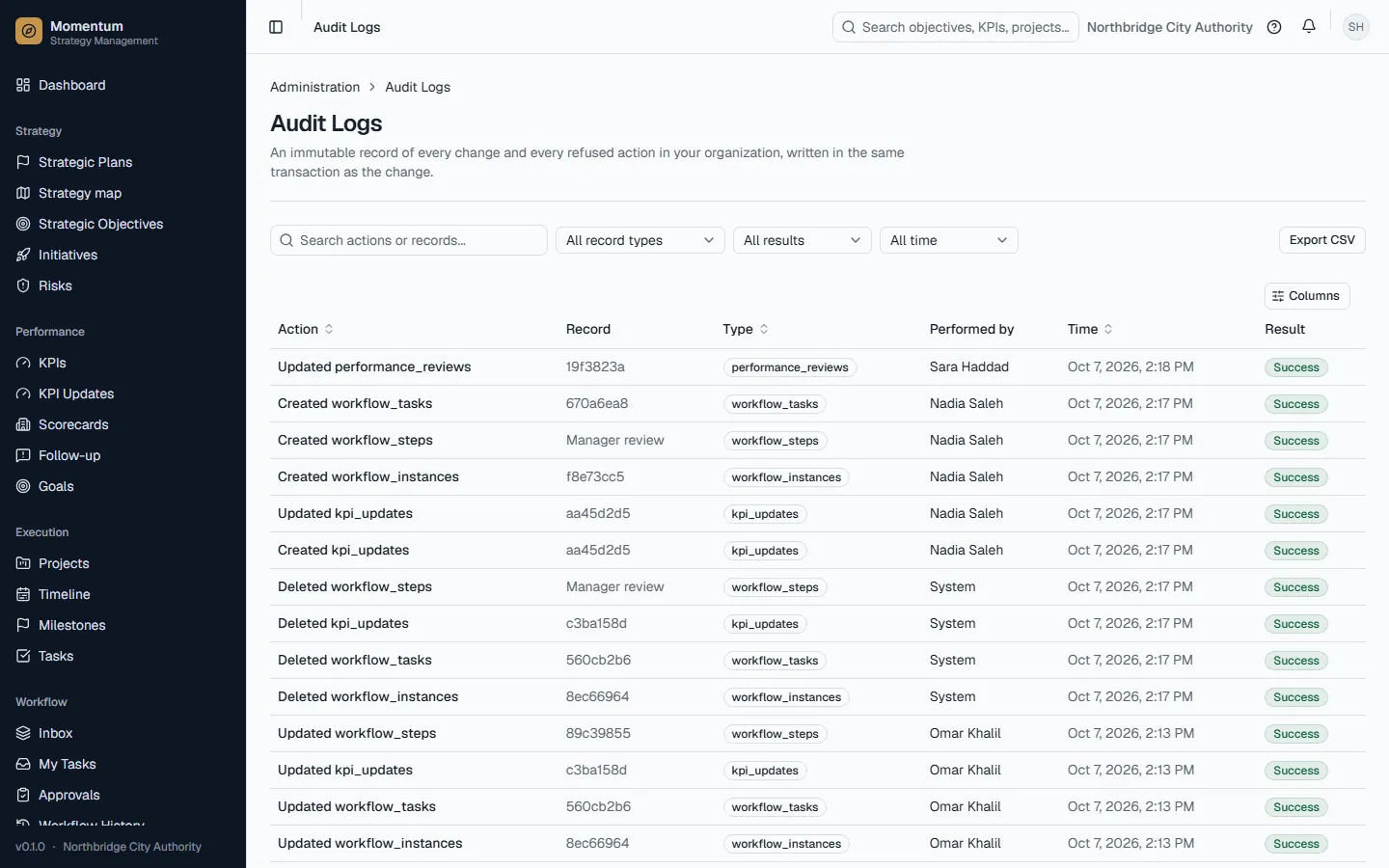
- Every change is recorded in the audit trail: who, what and when.
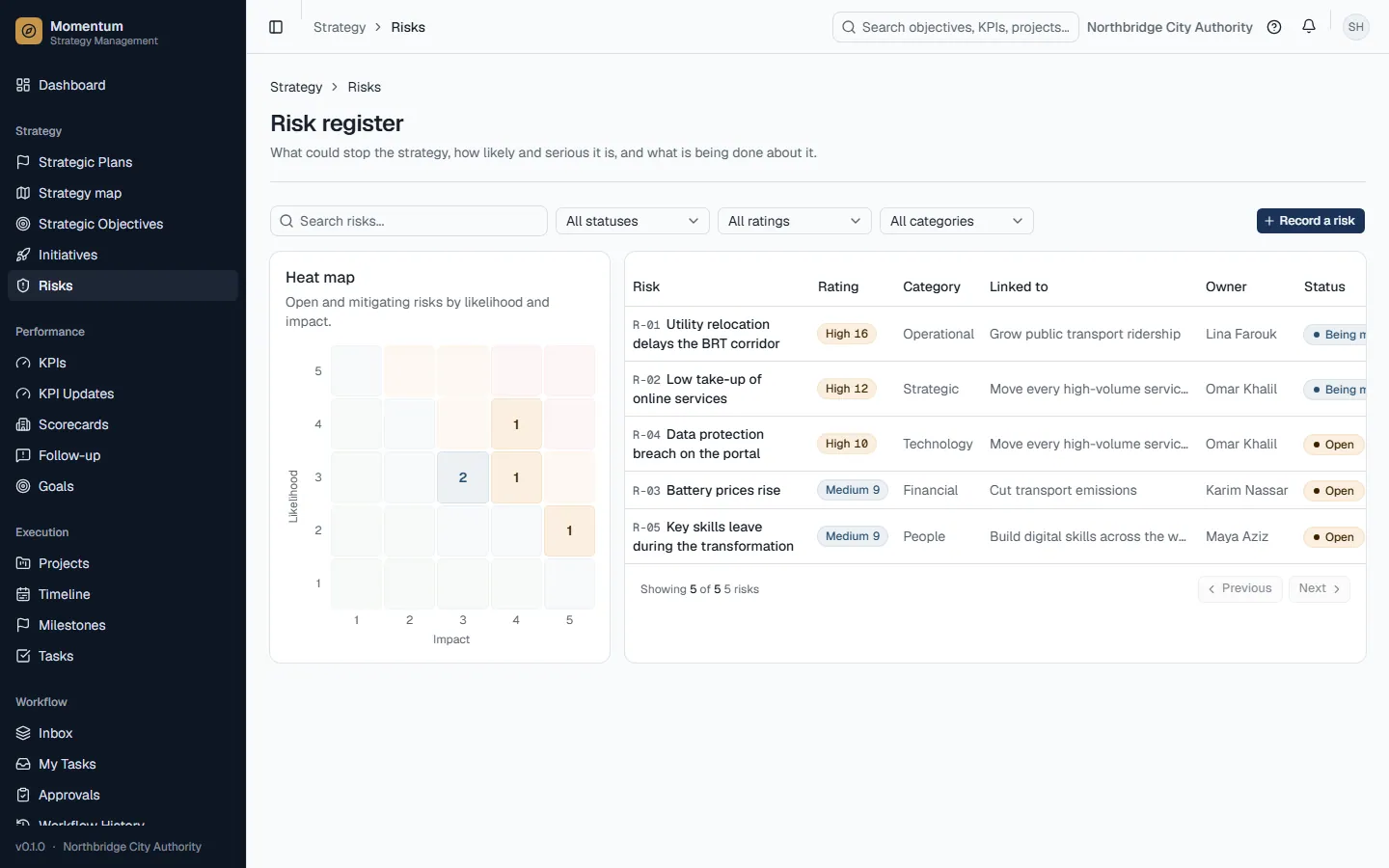
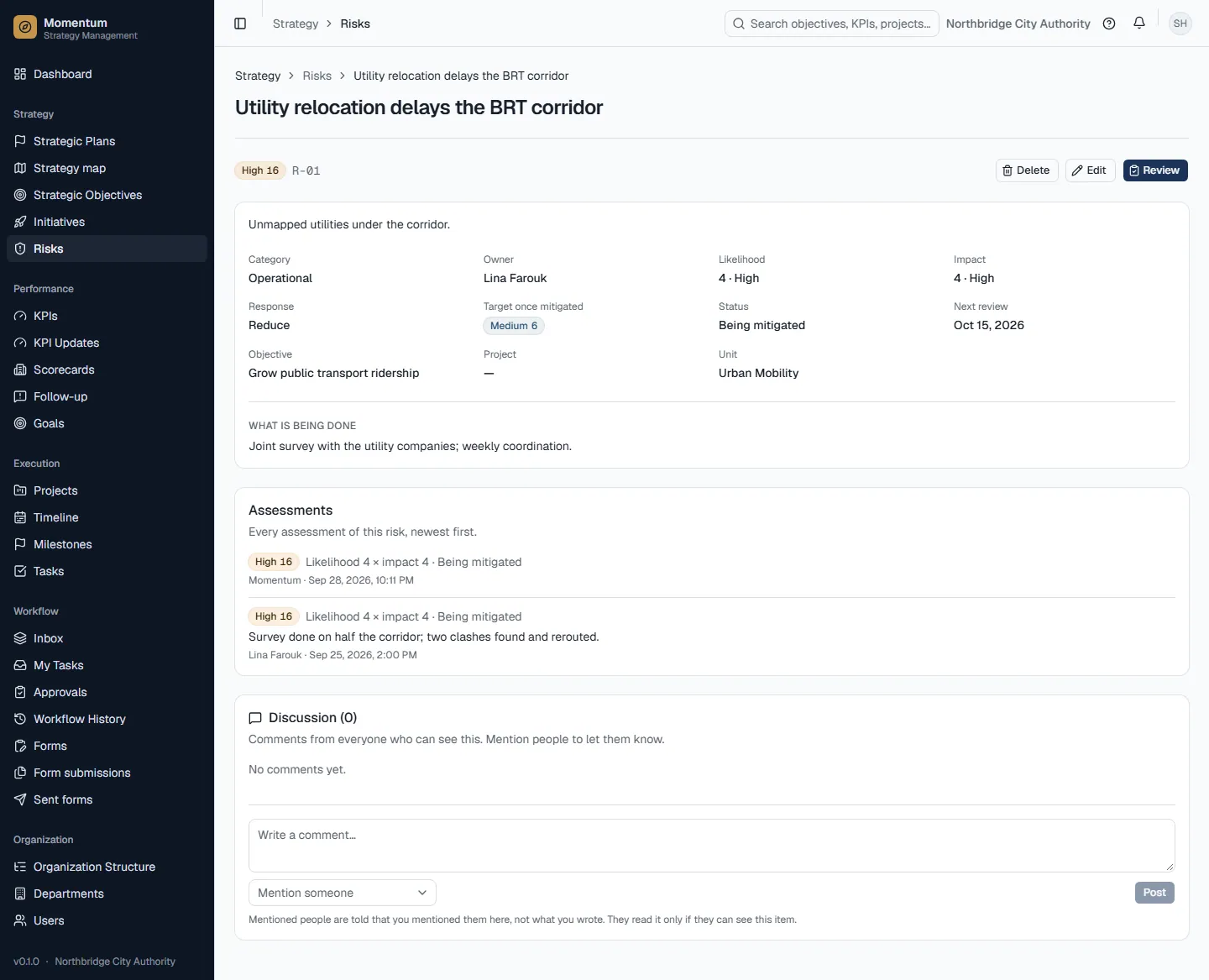
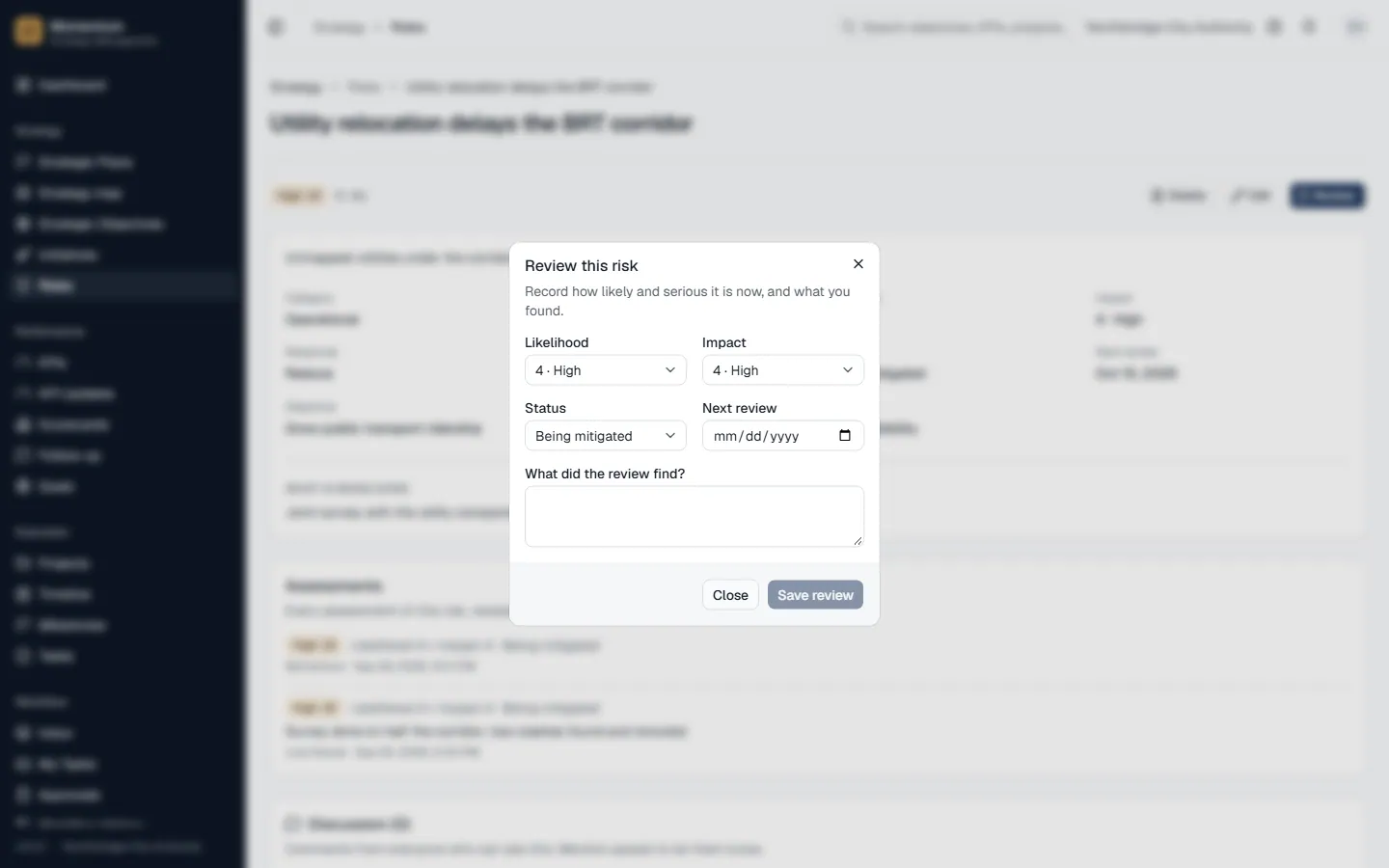
- Discussion: objectives, KPIs, projects and risks have a comments card. Mention colleagues to notify them; the notification links to the item but never repeats the text.
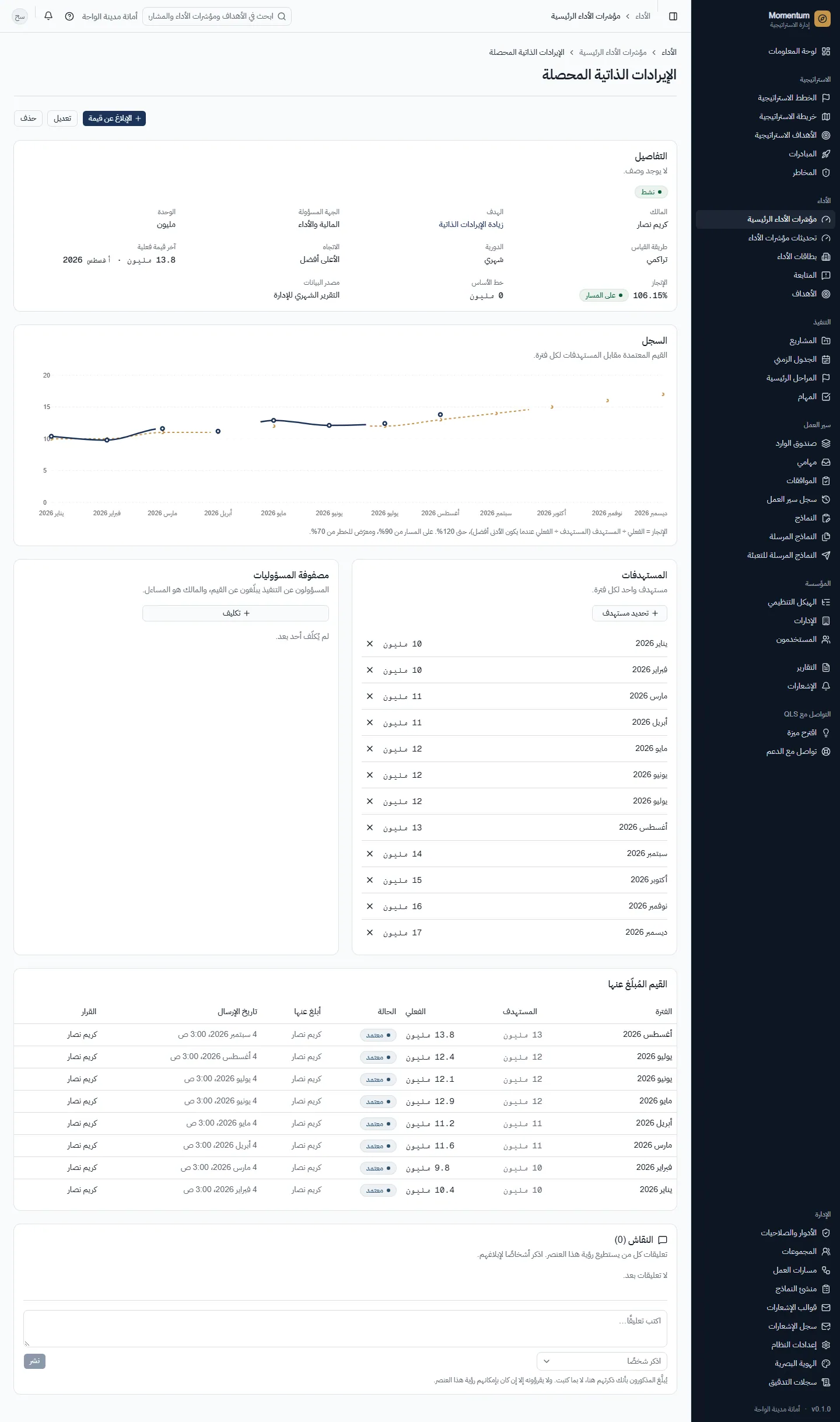
- Momentum works in English and Arabic; switch in your user menu. Names you type (plans, KPIs, units) stay as you typed them.
Questions
- Why can't I see a screen a colleague can see?
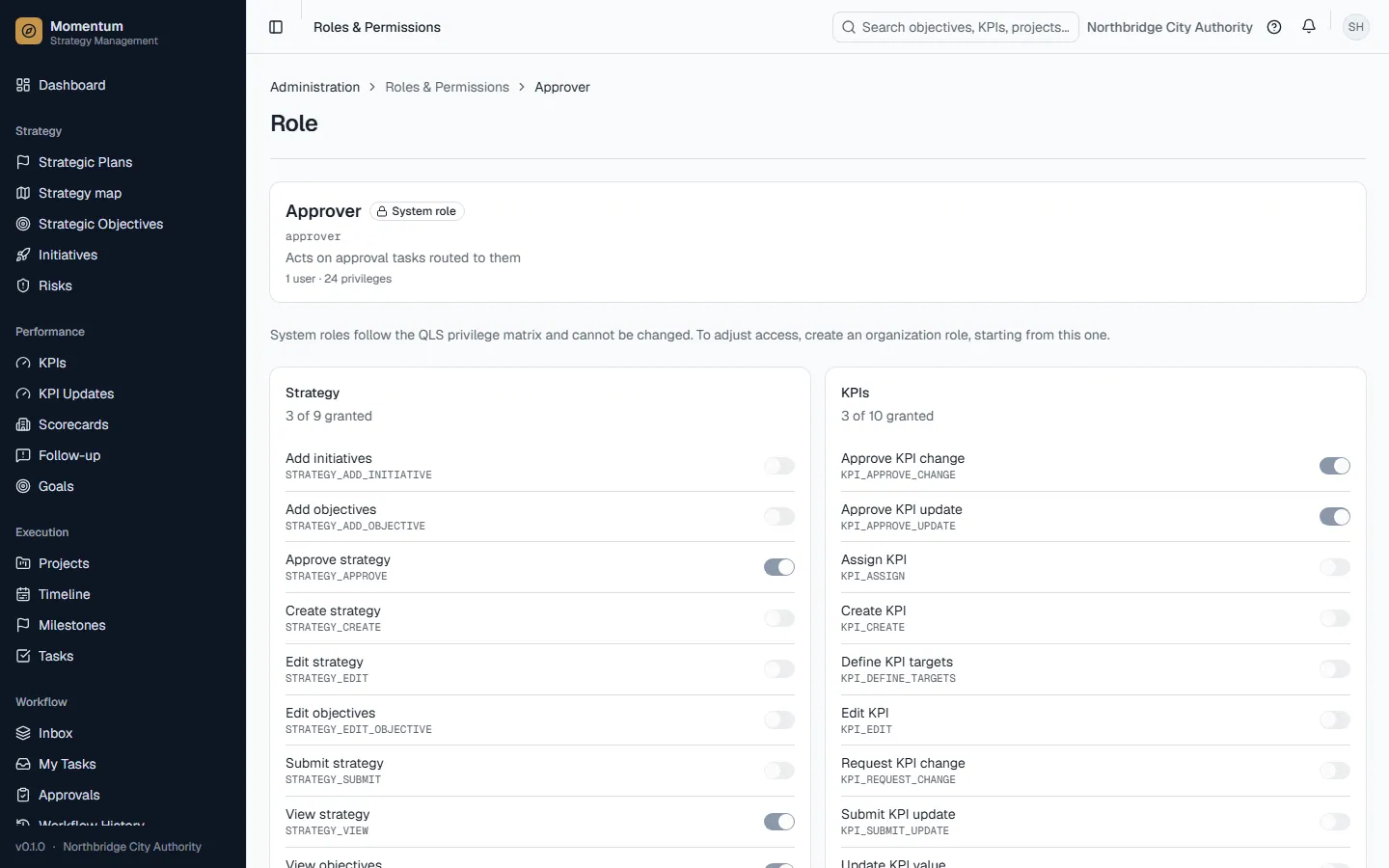
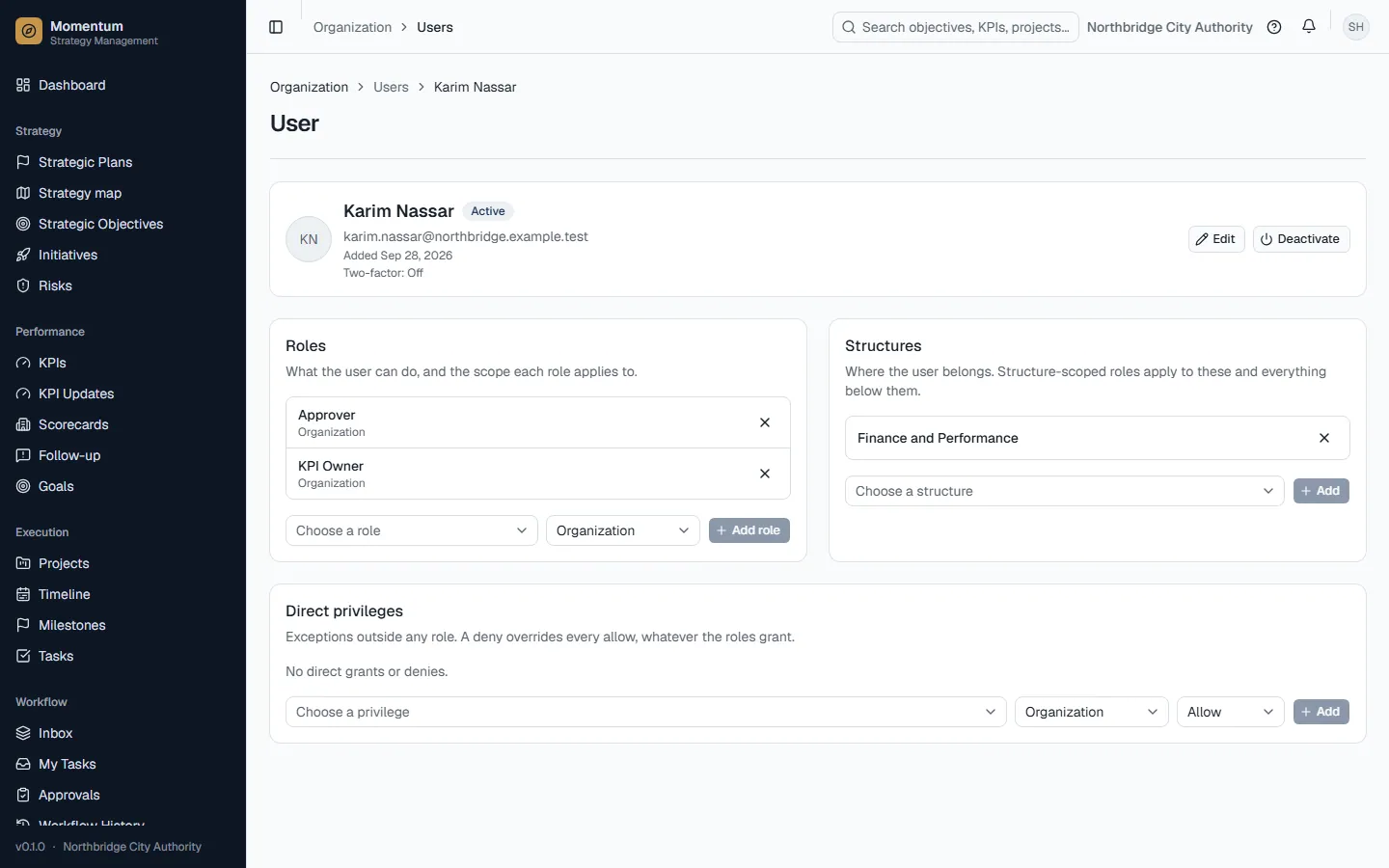
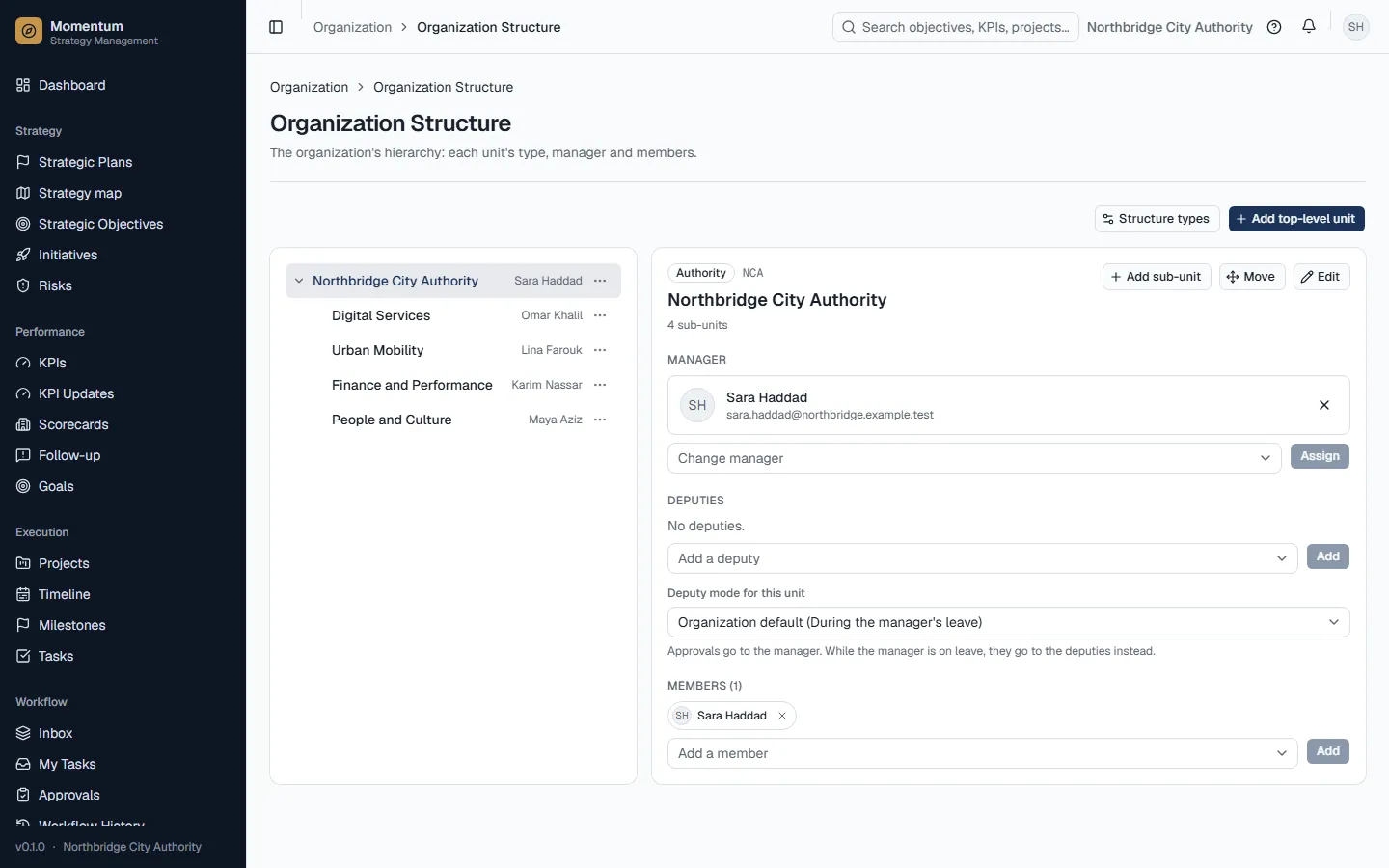
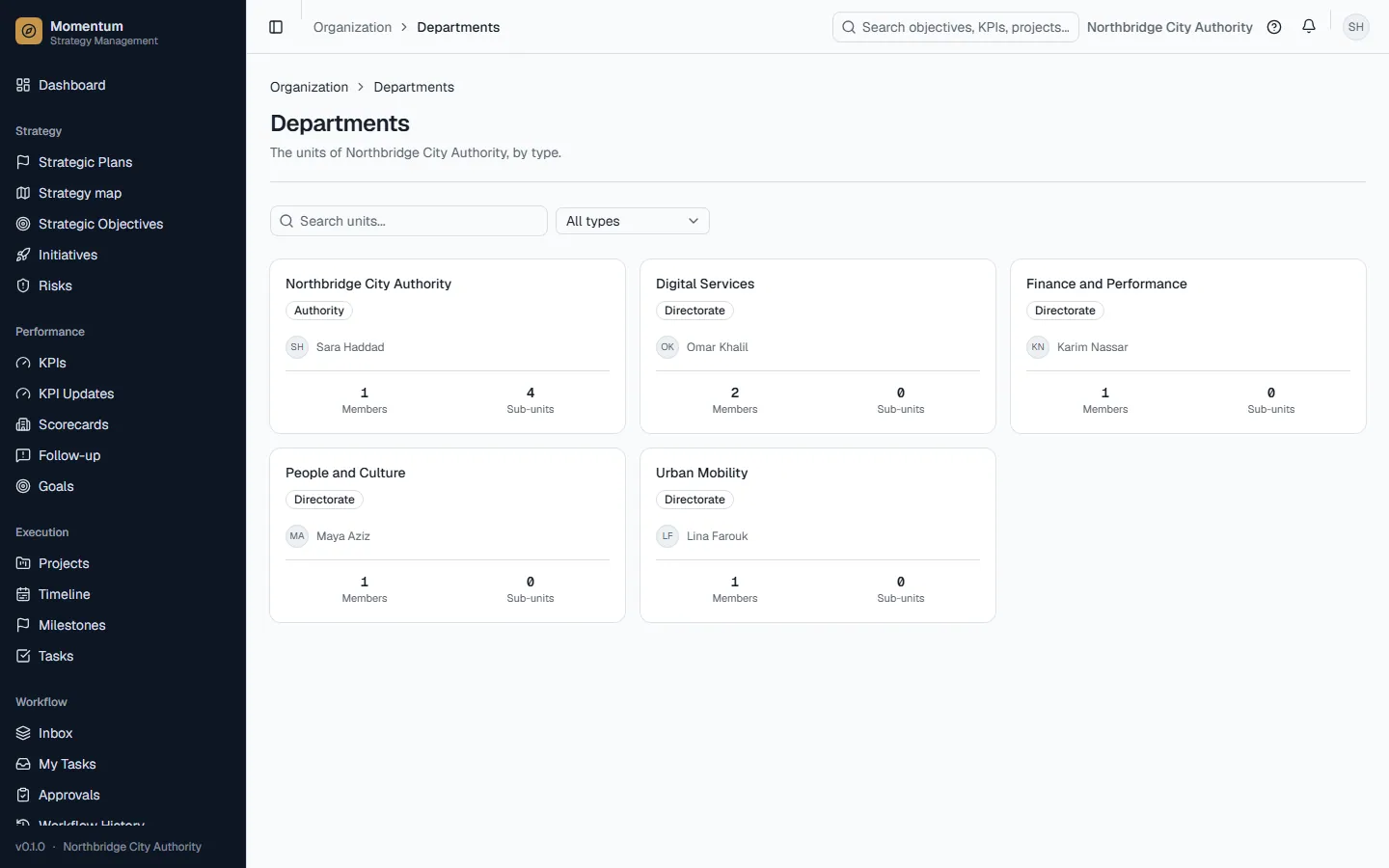
- Screens follow your roles and their scope. Organization scope sees everything, department scope sees your units and those below them, own scope sees what you own or are assigned to. Ask your organization admin if you need more access.
- Why does the dashboard say the plan has no status?
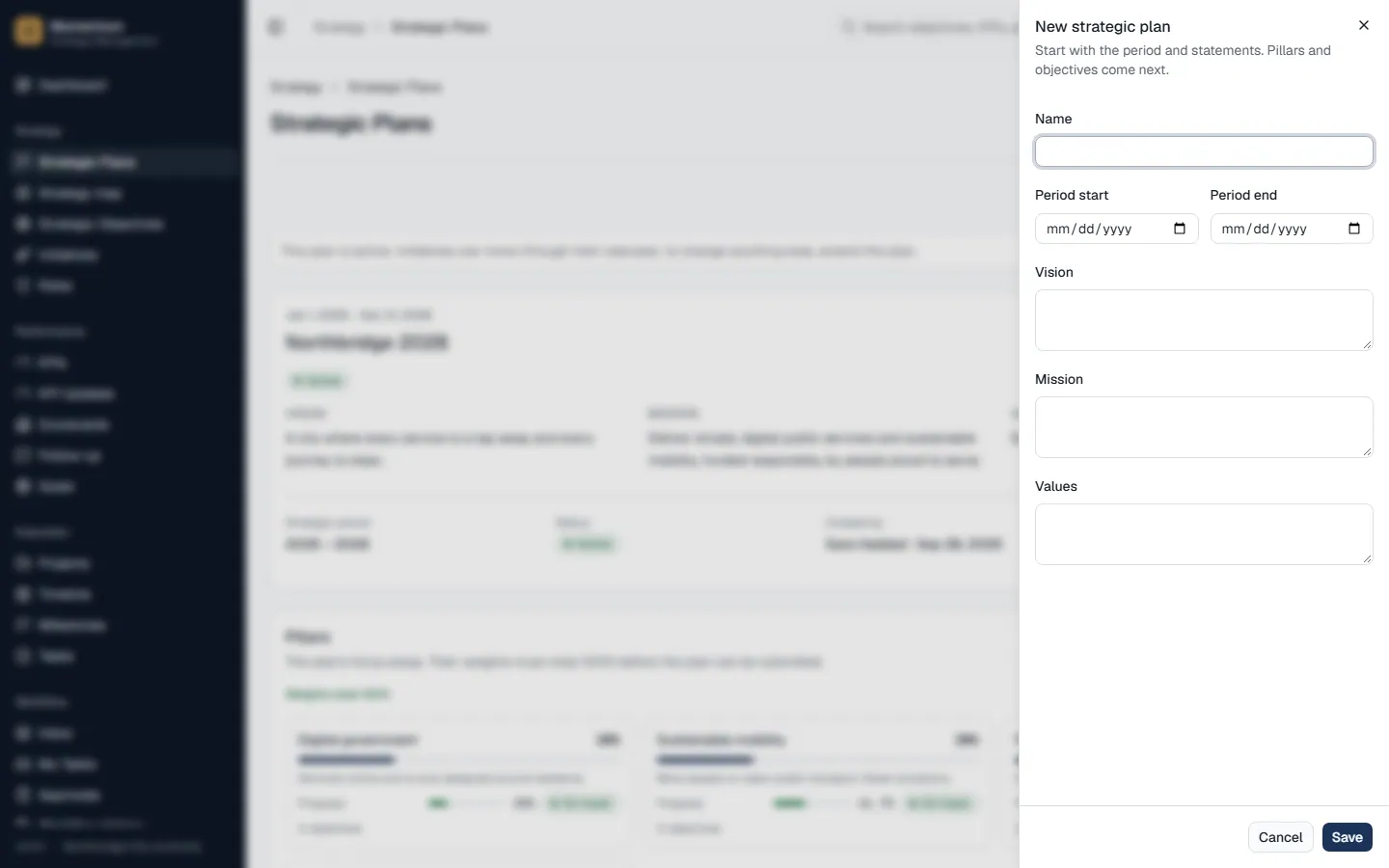
- Status is only computed for an active plan. A plan that is still a draft, submitted or approved-but-not-activated shows progress at most, not on track or off track. Activating the plan is a separate, manual step after approval.
- Why does something show "—" instead of 0%?
- "—" means there is nothing to measure yet: a project with no tasks, or an objective with no projects. It becomes a percentage once there is work to count. In its parent's average it counts as 0.